Iridium Text Messaging
600-00078-001 Rev 05 -107- Avidyne EX500/EX600 MFD
10.6 Iridium Text Messaging
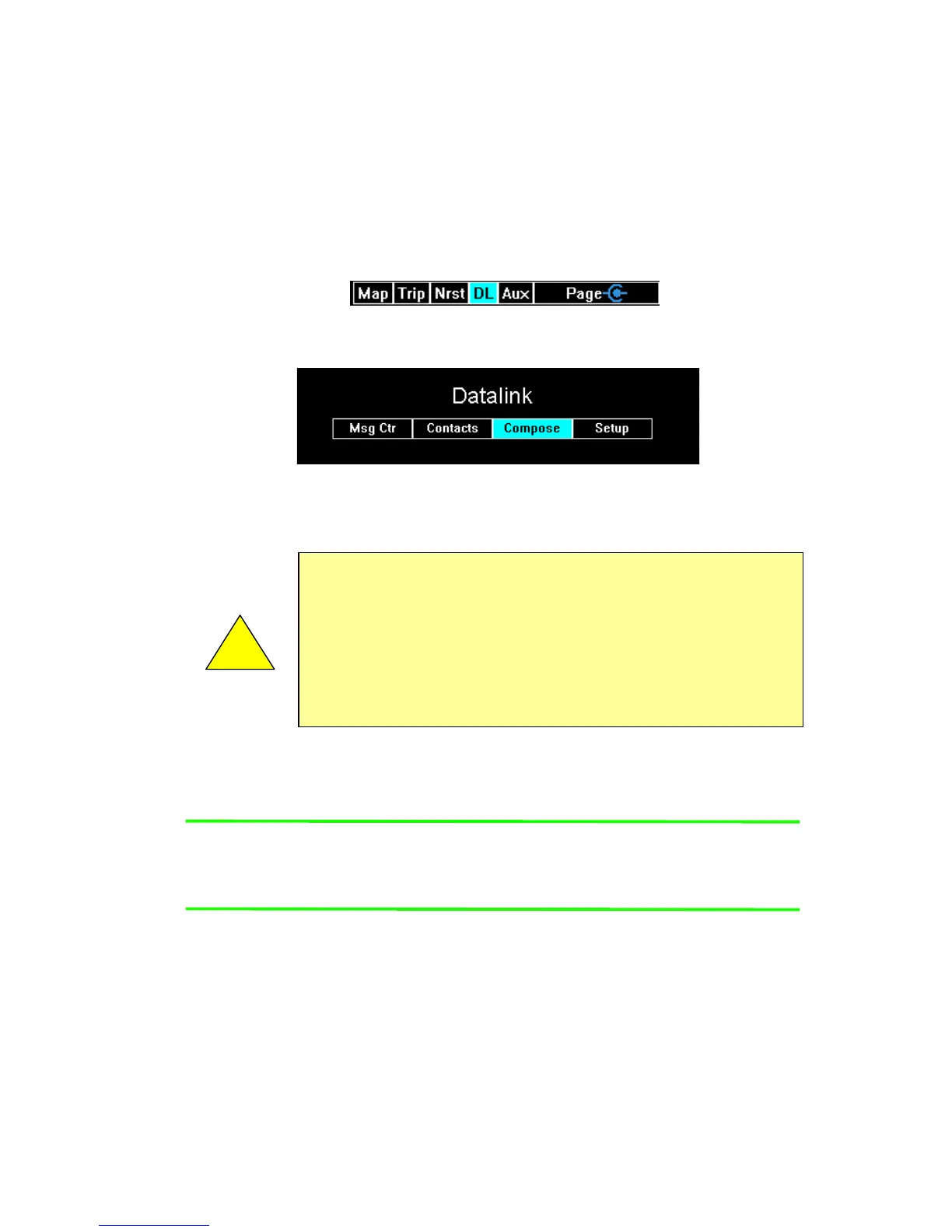
With an MLX770 transceiver installed in the aircraft, Iridium provides
a text messaging interface that enables you to conduct two way text
messaging. A DL (Datalink) tab appears between the Nrst and AUX
tabs. The DL tab controls all of the text messaging functions.
Figure 10.8 Two-Way Datalink DL tab
Figure 10.9 Two-Way Datalink Option menu
The DL tab has four options as shown in Figure 10.9.
You can address messages to either a phone number that supports
text messaging or to an e-mail address.
Note: Avidyne strongly recommends using e-mail addresses since
text messages over Iridium are much more reliable when
sent to e-mail addresses as opposed to phone numbers.
You can also receive messages. In order for a ground based device
to contact the aircraft, only the MLX770 device identification number
needs to be known and then the text message is routed by Iridium to
the aircraft.
!
Due to the unpredictable nature of the speed of delivery, do
not rely on Datalink Messaging for delivering critical
messages.
Only use Datalink Messaging during low workload situations.
Do not use Datalink Messaging in terminal or high traffic
areas.



 To Next Page