Map Page Controls
600-00078-001 Rev 05 -15- Avidyne EX500/EX600 MFD
◆ Sat IR - If installed and available, displays
2-Way Datalink Infrared Satellite cloud
information on the map, using shades of
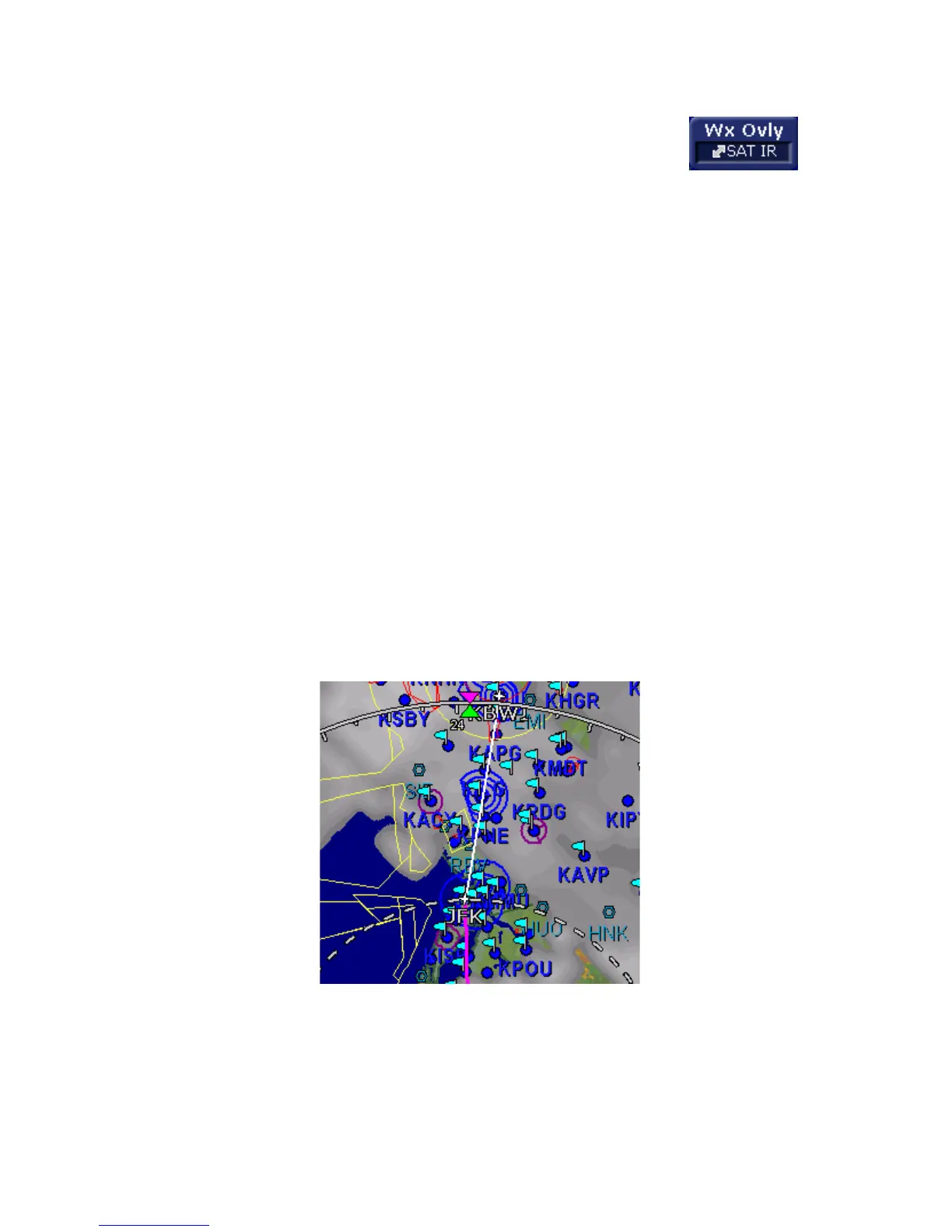
gray. The SatIR depiction uses a series of grayscale
values to represent cloud tops of different temperatures,
ranging from approximately 0 deg C (dark gray) to -110
deg C (white). Colder cloud tops are generally higher
than warmer clouds. Occasionally, warm clouds may
not be visible on the display. Additionally, very cold
terrain may be displayed as clouds when no clouds
actually exist.
The Sat IR images are delivered with variable resolution
of between approximately 10 km near the ownship to 30
km 100+ nm along the flight path. The EX500/EX600
smooths the edges of the SatIR images so that the
images are not distracting at smaller zoom ranges. Like
DL RDR, the 2-way Datalink Sat IR uses two-way
messaging to send your present position and flight plan
to the Avidyne Network Operations Center (NOC), which
then sends you only the Sat IR data for your position or
flight plan, depending on your Datalink Setup
preferences.
Figure 2.4 Sat IR Display
◆ DSPLY OFF - Removes all onboard and datalink radar
data from the map display.



 To Next Page