Datalink (Optional)
Avidyne EX500/EX600 MFD -116- 600-00078-001 Rev 05
Note: Do not rely on the EX500 as your sole source for TFRs. The status
of TFRs may change or may be unavailable. Before conducting a
flight, always confirm the state of TFRs with FAA Flight Service.
8) Save - Saves any changes made and return to the Aux page.
9) Cancel - Returns to the Main page without accepting changes.
10.8 Optimizing MultiLink for ORBCOMM
(Release 4.0 and earlier)
Your MultiLink setup can be fine-tuned to provide the MultiLink
features you desire. In general, 2-Way Datalink provides the best
performance when you request the smallest necessary amount of
data. Also, remember that your 2-Way Datalink account is charged
for all weather data sent, even if it is redundant data that has already
been received via the Broadcast system.
Note: Be sure to select the appropriate Coverage Area.
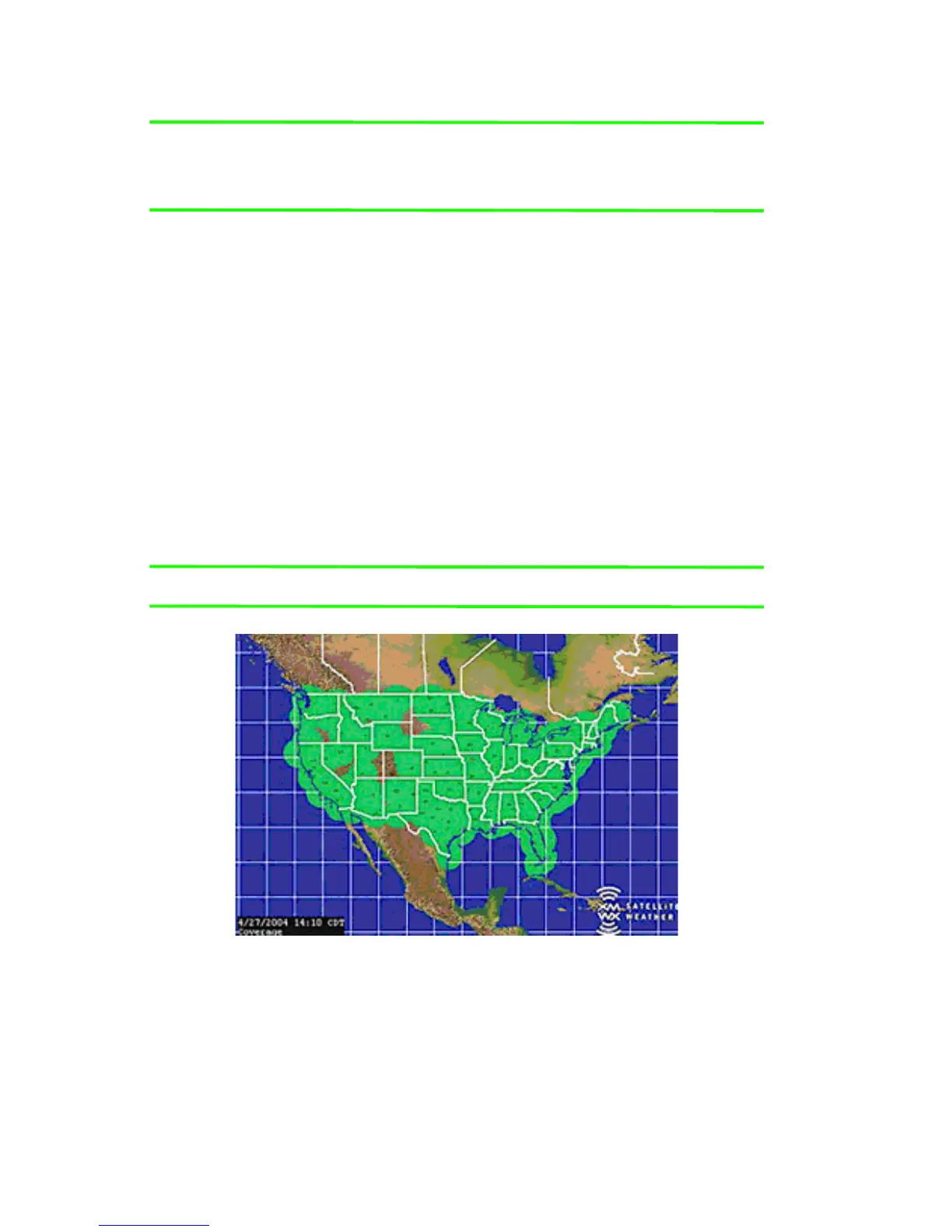
Figure 10.14 Coverage area for Broadcast weather
Canadian radar stations can include parts of CONUS. If you are in
flight, and the coverage area you have selected intersects with a
Canadian station, you will be charged for this data. For example,
consider a flight from Norfolk, VA to Frederick, MD. If the Coverage
Area settings are “Flight Plan” and “400 nm” with all weather types



 To Next Page