Chart NOTAMs Page
600-00078-001 Rev 05 -67- Avidyne EX500/EX600 MFD
6.6 Chart NOTAMs Page
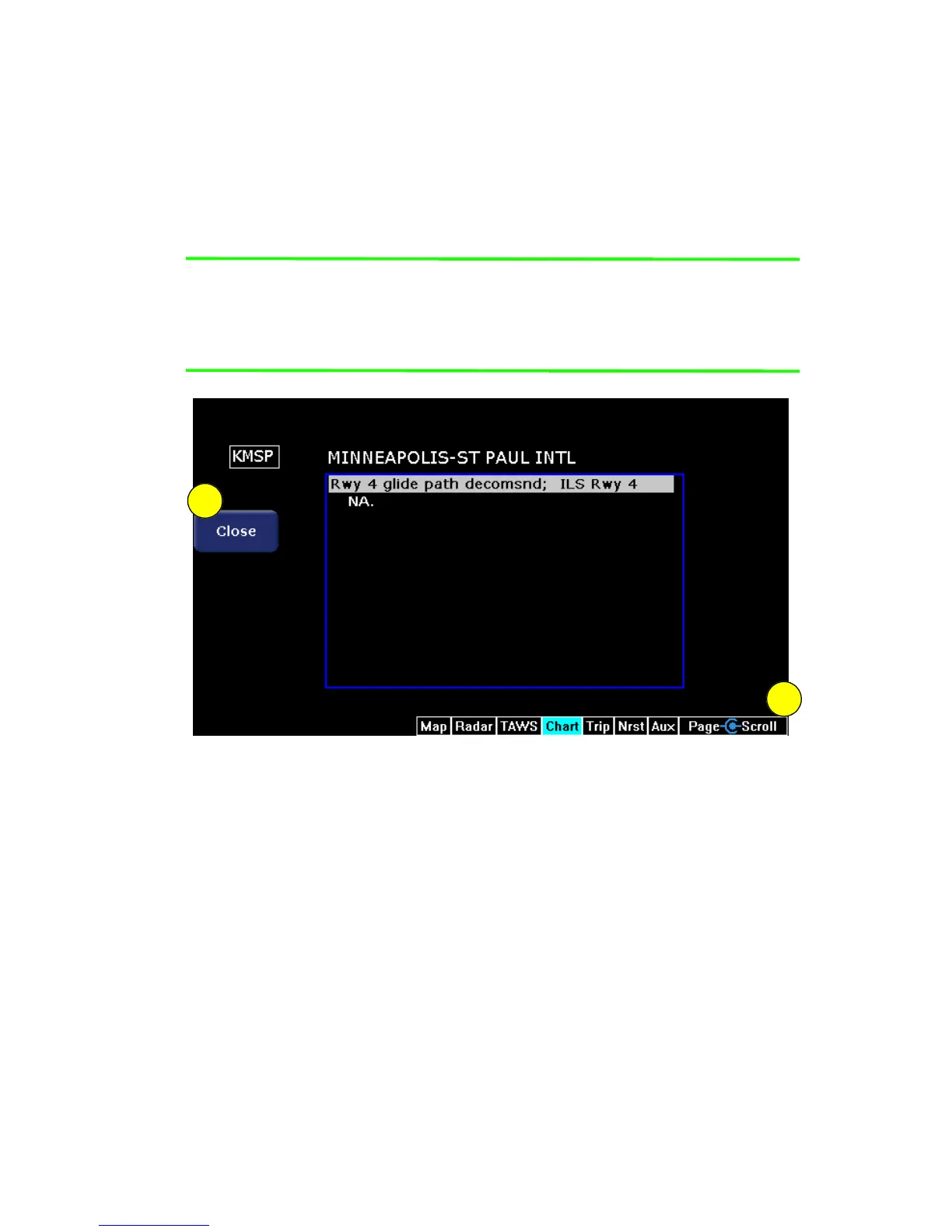
The Chart NOTAMs key on the Selection page displays any chart
NOTAMs associated with that airport. Chart NOTAMs specific to that
airport are listed first, followed by any general chart NOTAMs.
Note: Chart NOTAMs address changes to information contained on
the charts, and do not include local or regional operational
NOTAMs. Always obtain local and regional NOTAMS before
any flight.
Figure 6.8 Chart NOTAMs
1) Close key - Press Close to close the Chart NOTAMs window and
return to the Chart Selection page.
2) Scroll knob - The Scroll knob scrolls the list of NOTAMs. If the
list is longer than the screen area, scroll down to bring the
remaining items into view.
1
2



 To Next Page