Datalink (Optional)
Avidyne EX500/EX600 MFD -122- 600-00078-001 Rev 05
10.9.2 Receiving a Message
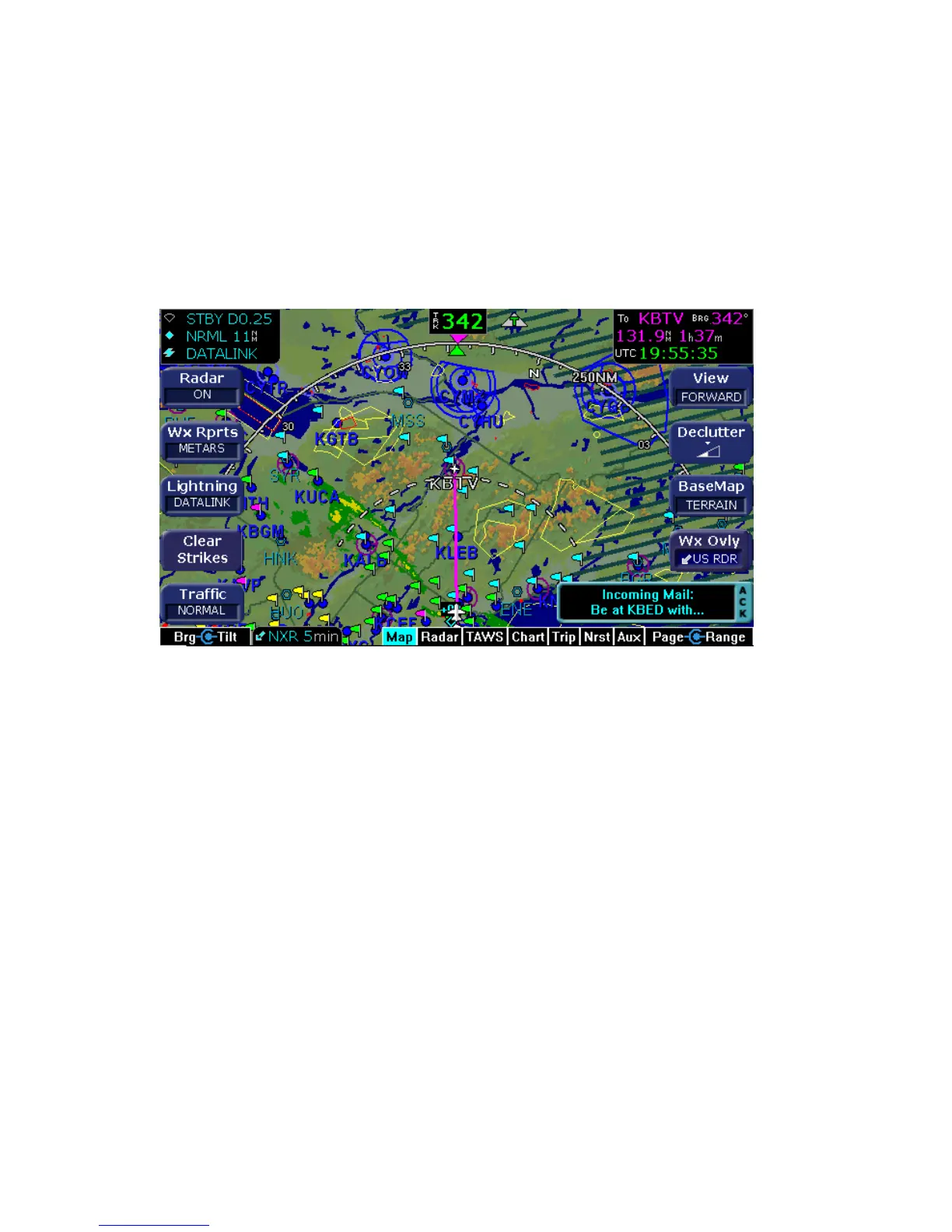
An “Incoming Mail” message pops up at the lower right corner of the
screen when an incoming Datalink Message has been received. The
message includes the first few words of the new message.
1) Press the bottom right bezel key to acknowledge this message.
The current page selection does not change.
Figure 10.16 Incoming Message Alert
2) To view the new message, turn to the Aux page and select
Datalink. The full text of the new message is displayed in the
message display area.



 To Next Page