Datalink (Optional)
Avidyne EX500/EX600 MFD -110- 600-00078-001 Rev 05
10.6.2 Managing Contacts
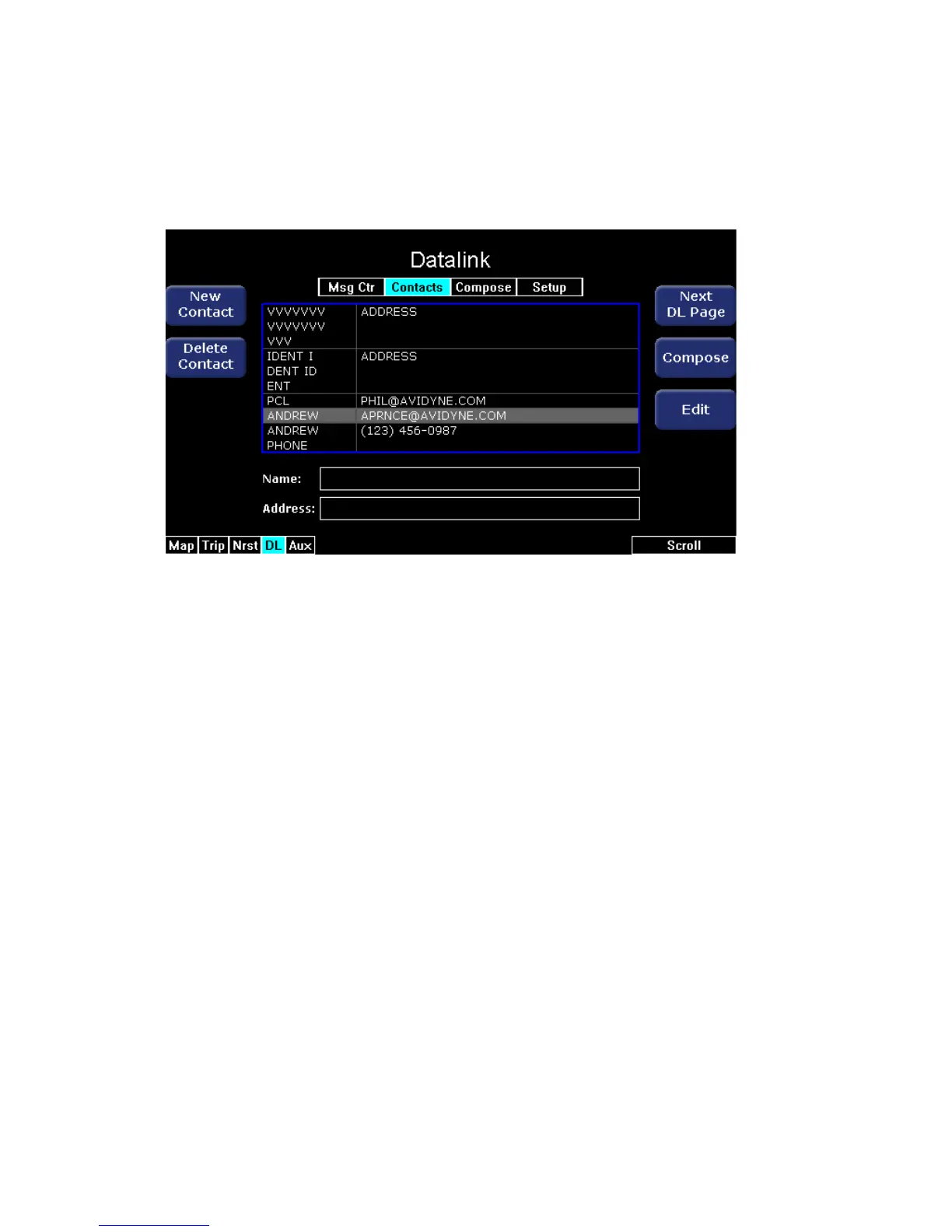
This page enables you to create, edit, and delete contacts. Valid
contact info is retained even after turning the power off.
Figure 10.11 Contacts Page
The Contacts page contains the following keys:
● New Contact - Adds a new contact to the Contacts list. You can
add an unlimited number of contacts as memory permits.
● Delete Contact - Deletes the currently-selected contact. You will
not be prompted to confirm the deletion; once deleted, this action
cannot be undone.
● Next DL Page - Opens the Compose page.
● Compose - Goes to the Compose page with the contact’s
address inserted in the To: field, and the message body ready to
enter a message.
● Edit - Opens a selected contact so that you can make changes to
the contact information.



 To Next Page