Airport Filter Setup
600-00078-001 Rev 05 -85- Avidyne EX500/EX600 MFD
9.2 Airport Filter Setup
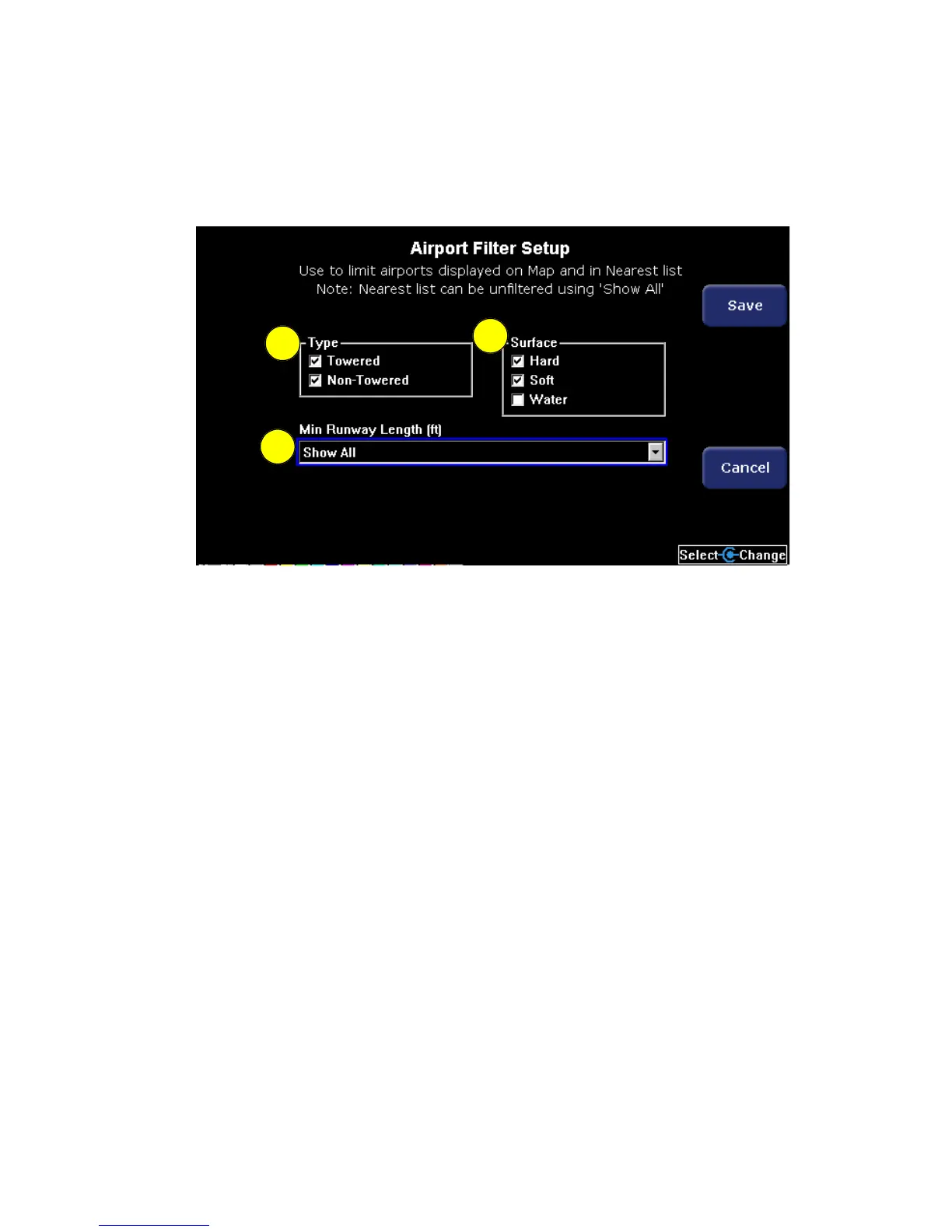
The Airport Filter page allows you to set the criteria for limiting the
airports that are displayed on the Map page and Nearest page.
Figure 9.2 EX500 Airport Filter Setup
1) Airport Type - Selects the display of Towered, Non-Towered, or
both.
2) Surface - Selects the display of hard, soft and/or water surfaces.
3) Minimum Runway Length - Selects the minimum runway length
in hundreds of feet (from 2,000 to 7,000) or selects all runway
lengths.
3
2
1



 To Next Page