R5900102 /11 ClickShare CX-20106
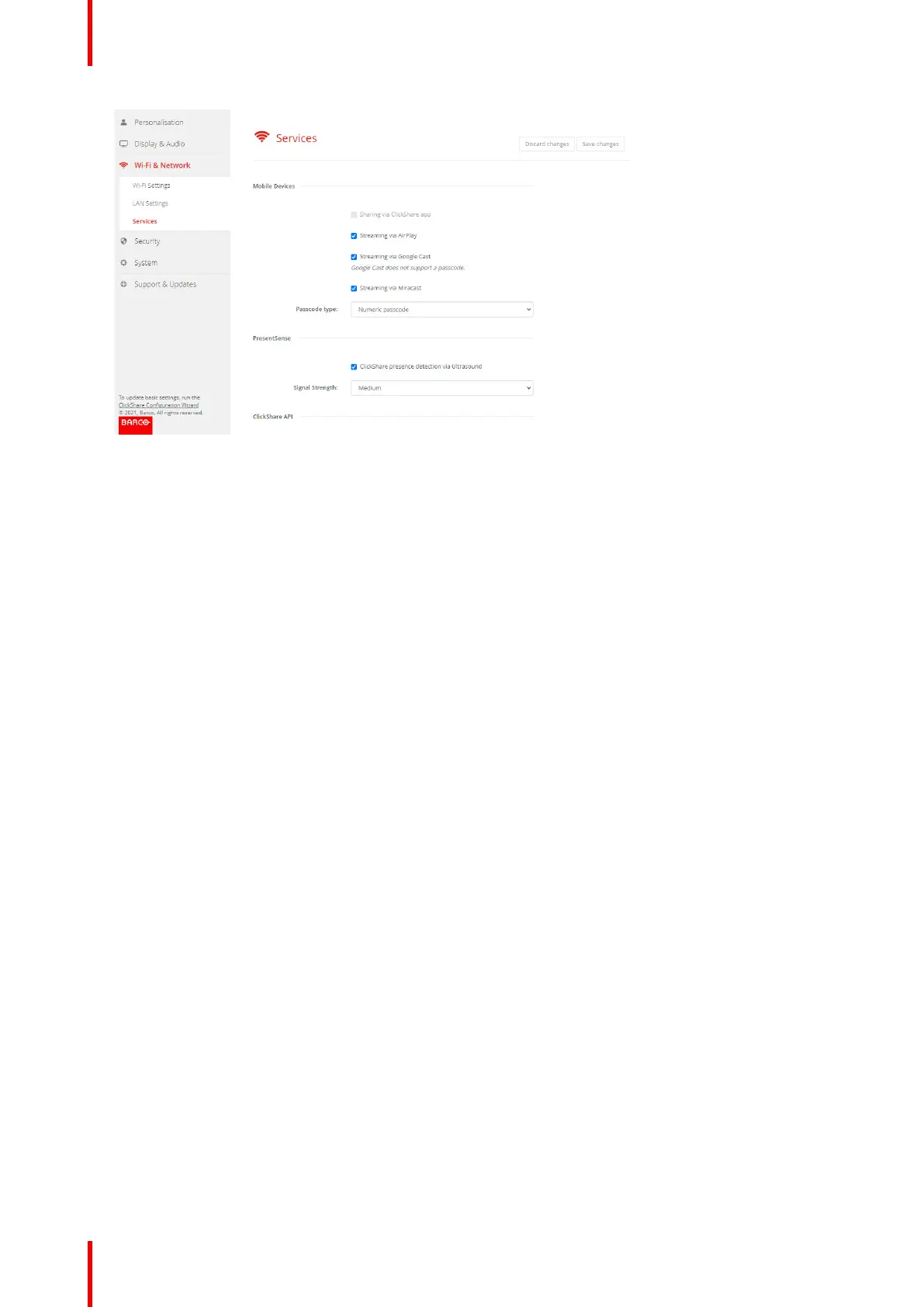
Image 5–33 Services, mobile devices
3. To allow sharing content via ClickShare app, Sharing via ClickShare app is activated by default and cannot
be changed.
To allow streaming via AirPlay, check the check box in front of Streaming via AirPlay.
To allow streaming (mirroring) via Google Cast, check the check box in front of Streaming via Google Cast.
Google cast does not support a passcode.
To allow streaming via Miracast, check the check box in front of Streaming via Miracast.
Note: from firmware version 2.12, after a factory reset, AirPlay, Google Cast and Miracast are deactivated.
4. Click on the drop down box and select the desired passcode type.
• No passcode
• Numeric passcode
Passcode applies to all BYOD screen sharing except Google Cast.
CX-20 Configurator


 To Next Page
 Loading...










