R5900102 /11 ClickShare CX-2050
Available Base Unit(s) will automatically be scanned and prepped for registration.
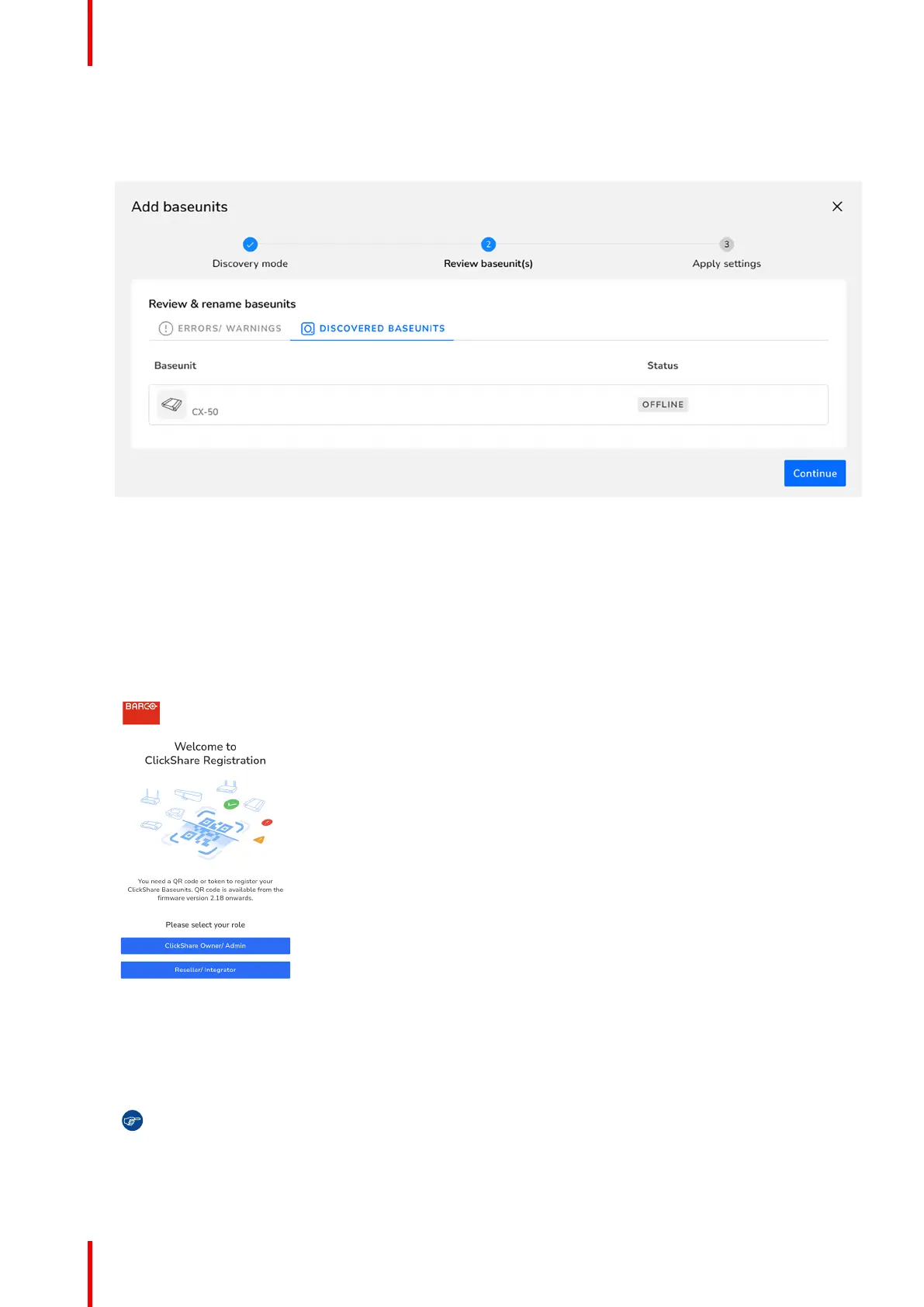
3. Review the information to ensure the correct Base Unit(s) will be added to the correct organisation. If the
information is correct, click “Continue”.
Image 3–23 Example of linked Base Unit(s)
Connect the Base Unit to the network to finalise the onboarding.
4. For more information on how to manage the added Base Unit(s) or use XMS Cloud, see the XMS Cloud
user guide.
3.20.2 Mobile onboarding
How to register on mobile
1. Scan the QR code on either the SmartCare page of the configurator or the card in the box.
Image 3–24 Example landing page after scanning the QR code.
2. Are the unit(s) being installed for a client?
► If yes, click “Reseller/Integrator”.
► If no, click “ClickShare Owner/Admin”.
Tip: A Base Unit can only be registered to one organisation at a time! If a Base Unit must be
changed to a different organisation, then the Base Unit must be unlinked first!
The registration page will be shown.
CX-20 Installation


 To Next Page
 Loading...










