Operation
4-2
HYGROPHIL® F 5673 Operating manual, Software version 1.8.x, 387896MDHEN(14.06.2013)
4.3 Display modes
After the automatic sensor adjustment has been completed, the unit is ready
for operation.
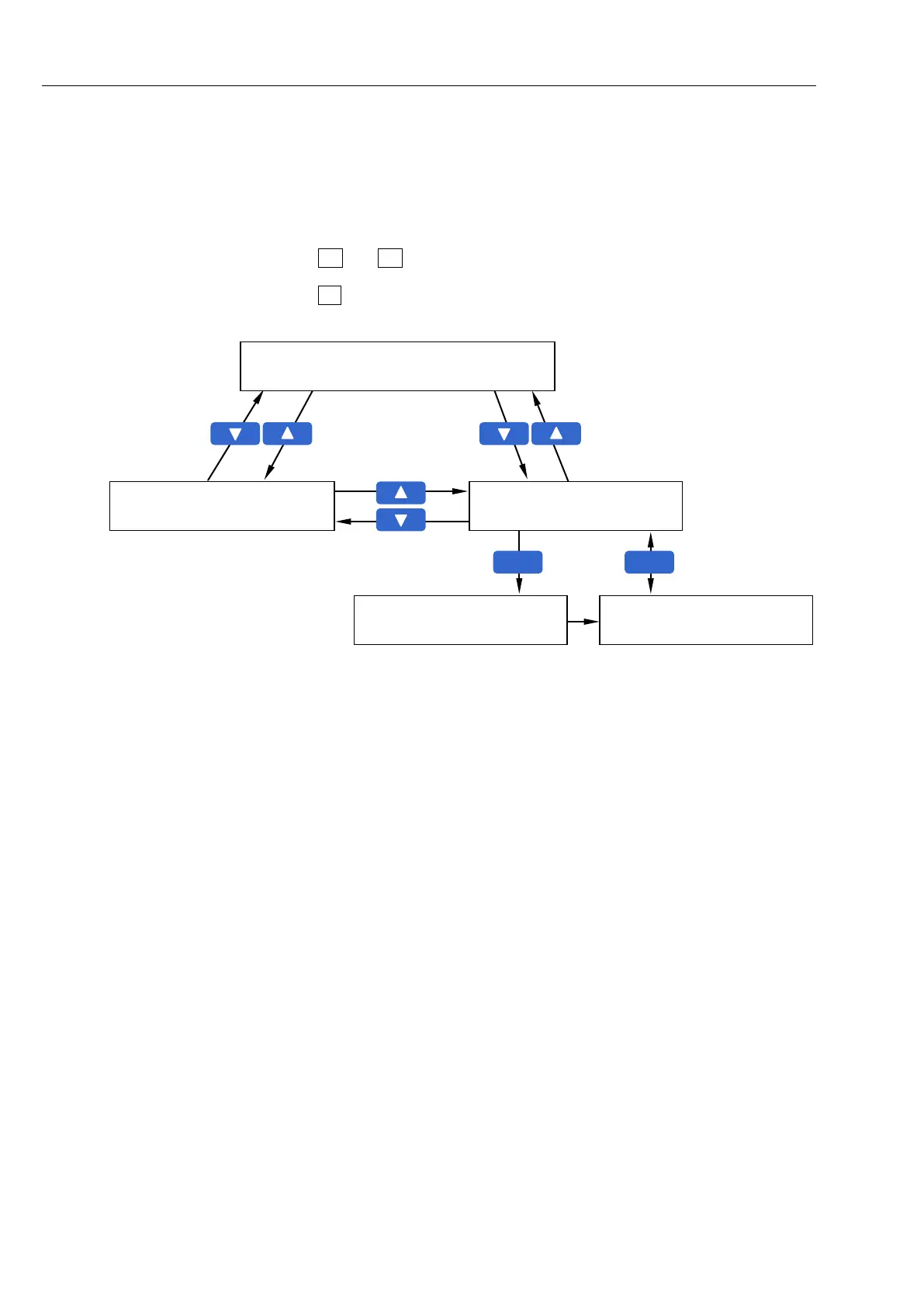
The display can take place in three different online modes and one history
graphic mode.
Use and to switch between the three online display modes.
Use F2 to switch between the online graphic display and the history graphic
display (see page 4-13).
Combined display
(3 measurement value lines plus graphic)
Measurement value display
(6 measurement value lines)
History graphic display
(see page 4-13)
History-Setup
(see section 4.3.5.1)


 To Next Page
 Loading...


