Operation
4-4
HYGROPHIL® F 5673 Operating manual, Software version 1.8.x, 387896MDHEN(14.06.2013)
4.3.1.2 Assigning a channel
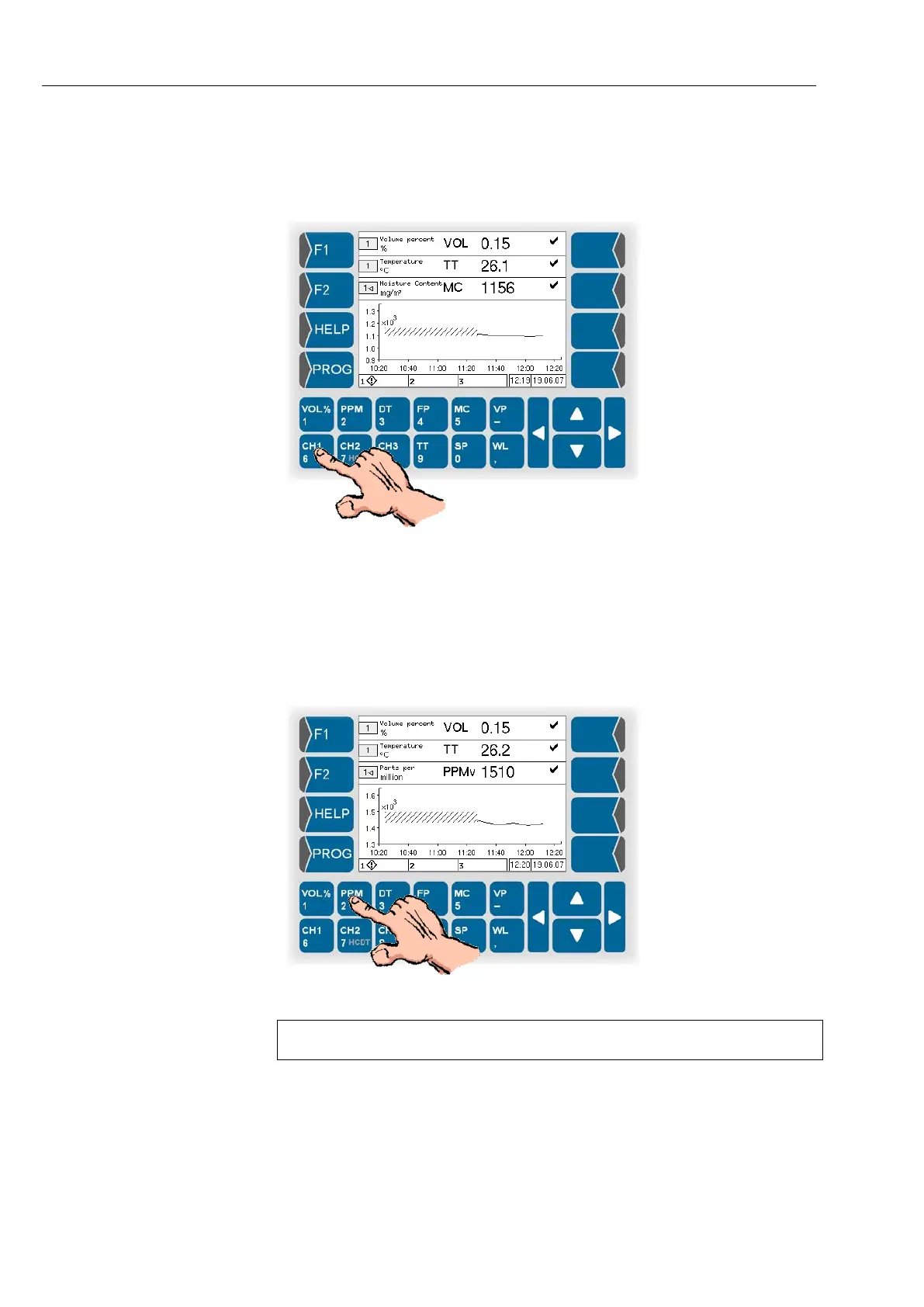
In order to assign a channel to the selected display line, touch the key with
the appropriate channel designation (CH1, CH2 or CH3).
In the field for the channel number, the appropriate numeric character ap-
pears.
4.3.1.3 Assigning a measurement variable
In order to assign the measurement variable to be displayed to the selected
line, touch the key with the appropriate measurement variable.
The selected measurement variable is indicated.
With the key for vapour content [Vol%]
, you can toggle the display between
vapour content and relative humidity.



 To Next Page
 Loading...

