Programming
5-30
HYGROPHIL® F 5673 Operating manual, Software version 1.8.x, 387896MDHEN(14.06.2013)
5.6.8 Date and time
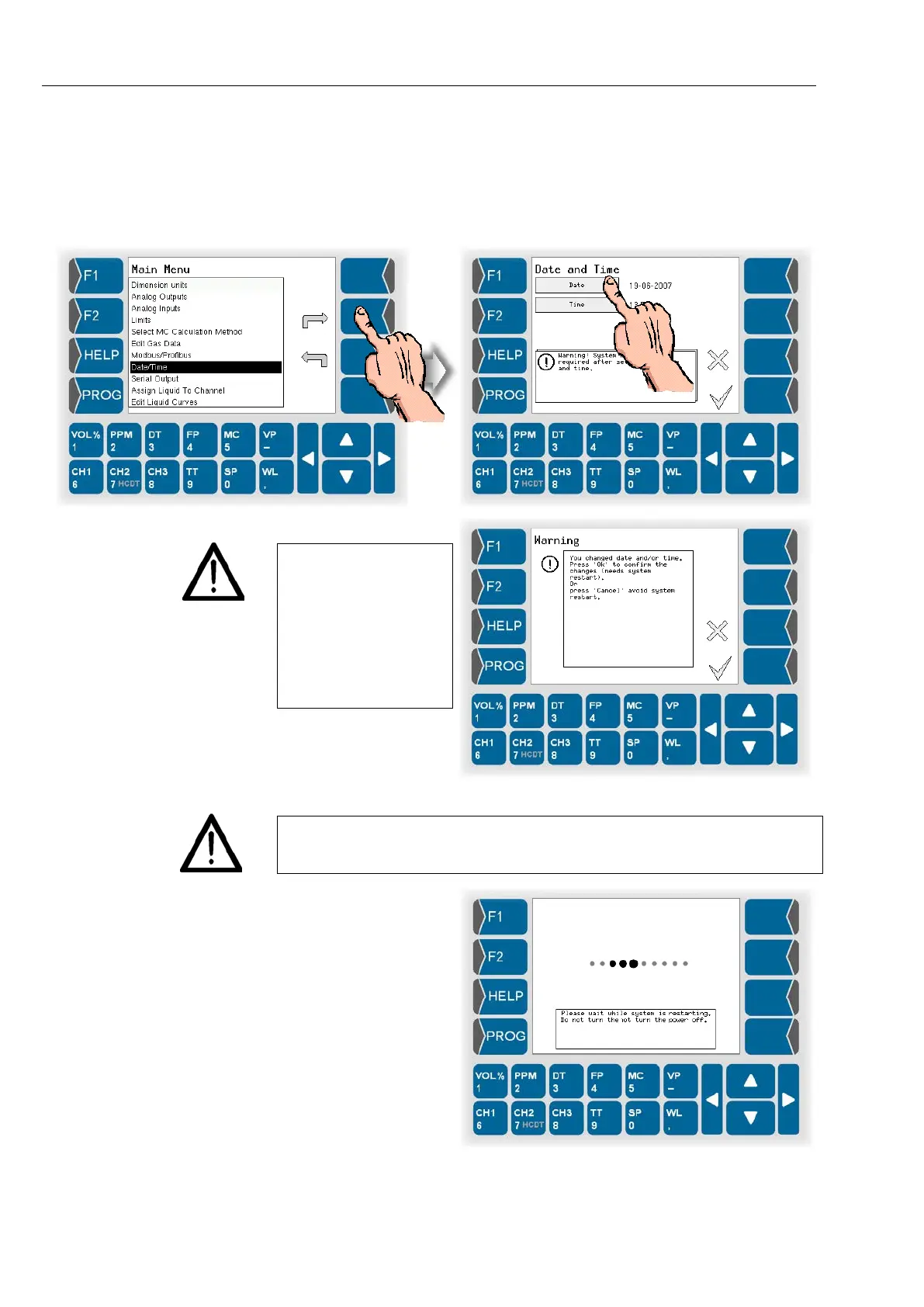
● Open the menu „Date/Time“.
● Set the current date and time.
Please mind that the
device will be rebooted
if you save these set-
tings.
Do not implement
these settings if the
ongoing measurement
process must not be
interrupted!
If you change the date or the time, the operating voltage has to be applied
until the device is back in the measuring operation mode. Disconnection of
the voltage will cause a data loss.
This message appears
during the restarting
process:


 To Next Page
 Loading...


