Operation
4-9
HYGROPHIL® F 5673 Operating manual, Software version 1.8.x, 387896MDHEN(14.06.2013)
Defining the presentation period
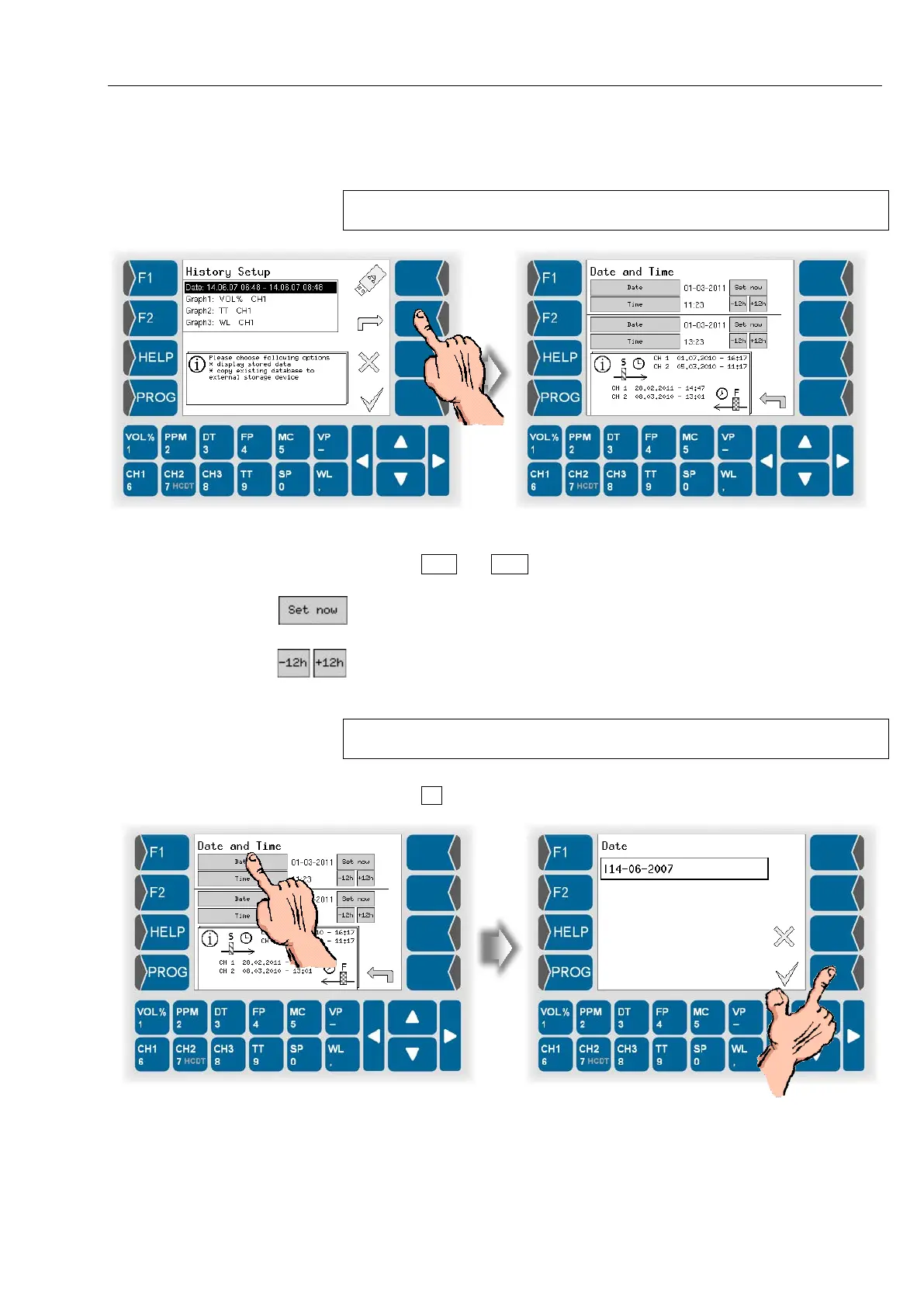
● Open the dialog for editing the presentation period.
You can see the period containing data in the database in the display.
The point in time of the first and last value for the channel is displayed.
Now you can define the presentation period.
● Touch Date and Time for the start and the end of the presentation period
and enter the required values.
Use this button to set the current time and date.
Use this buttons to change the time in 12 hour steps.
You can enter each othe time and date into the according field.
The time between the start and the end of the presentation period has to be
at least 2 hours.
● Touch to confirm the entries.


 To Next Page
 Loading...


