Operation
4-13
HYGROPHIL® F 5673 Operating manual, Software version 1.8.x, 387896MDHEN(14.06.2013)
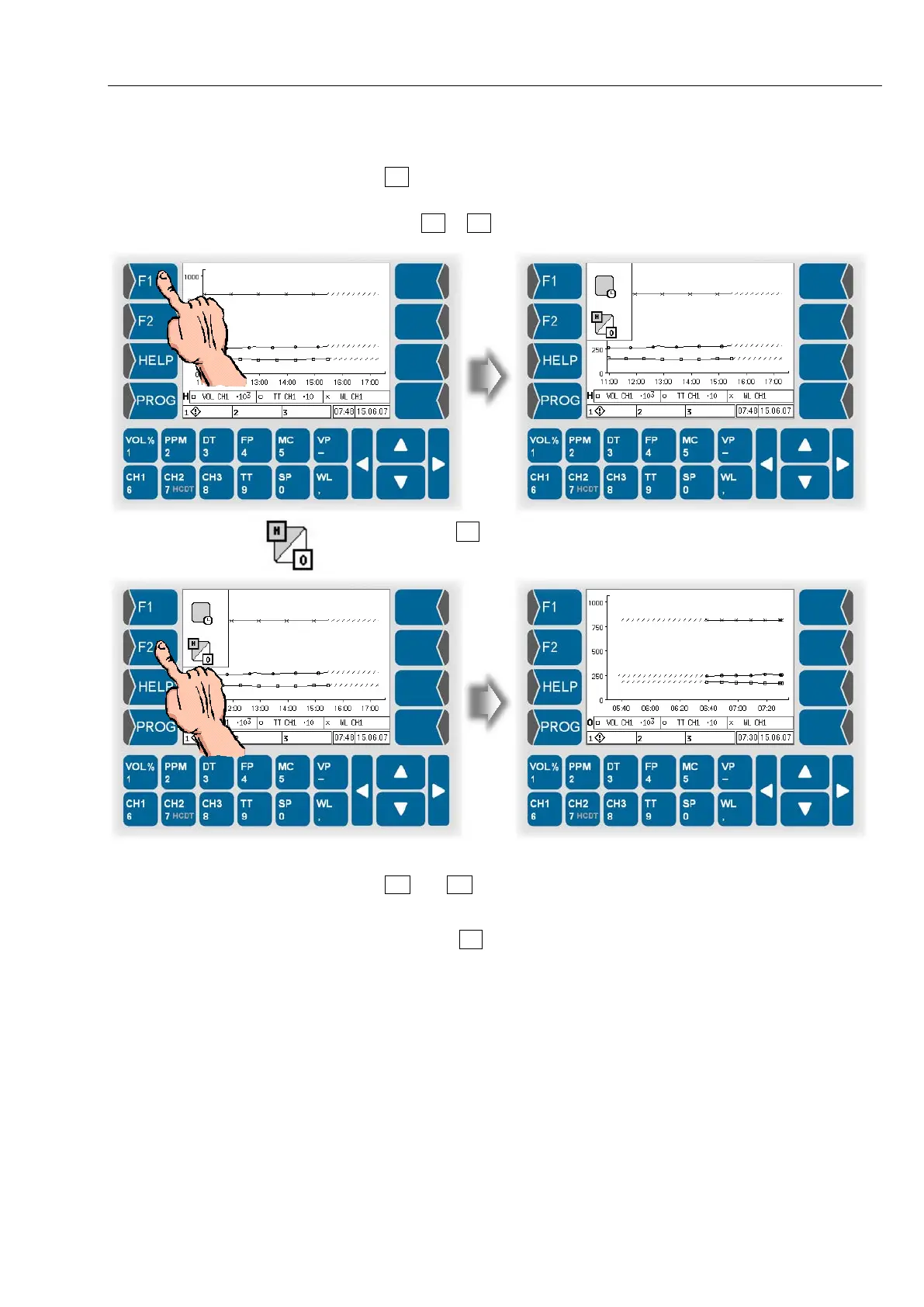
Changing the display mode
Use F2 to switch between the history graphic mode and the online graphic
mode.
● Touch F1 or F2 key. The current functions of theese keys are displayed.
● Then touch F2 key, to switch from online graphic mode to history graphic
mode or reverse.
Use and to leave the history graphic mode and switch to an online
indication mode.
To call up the history graphic mode again, switch to the online graphic mode
and then touch F2 twice.


 To Next Page
 Loading...


