Operation
4-10
HYGROPHIL® F 5673 Operating manual, Software version 1.8.x, 387896MDHEN(14.06.2013)
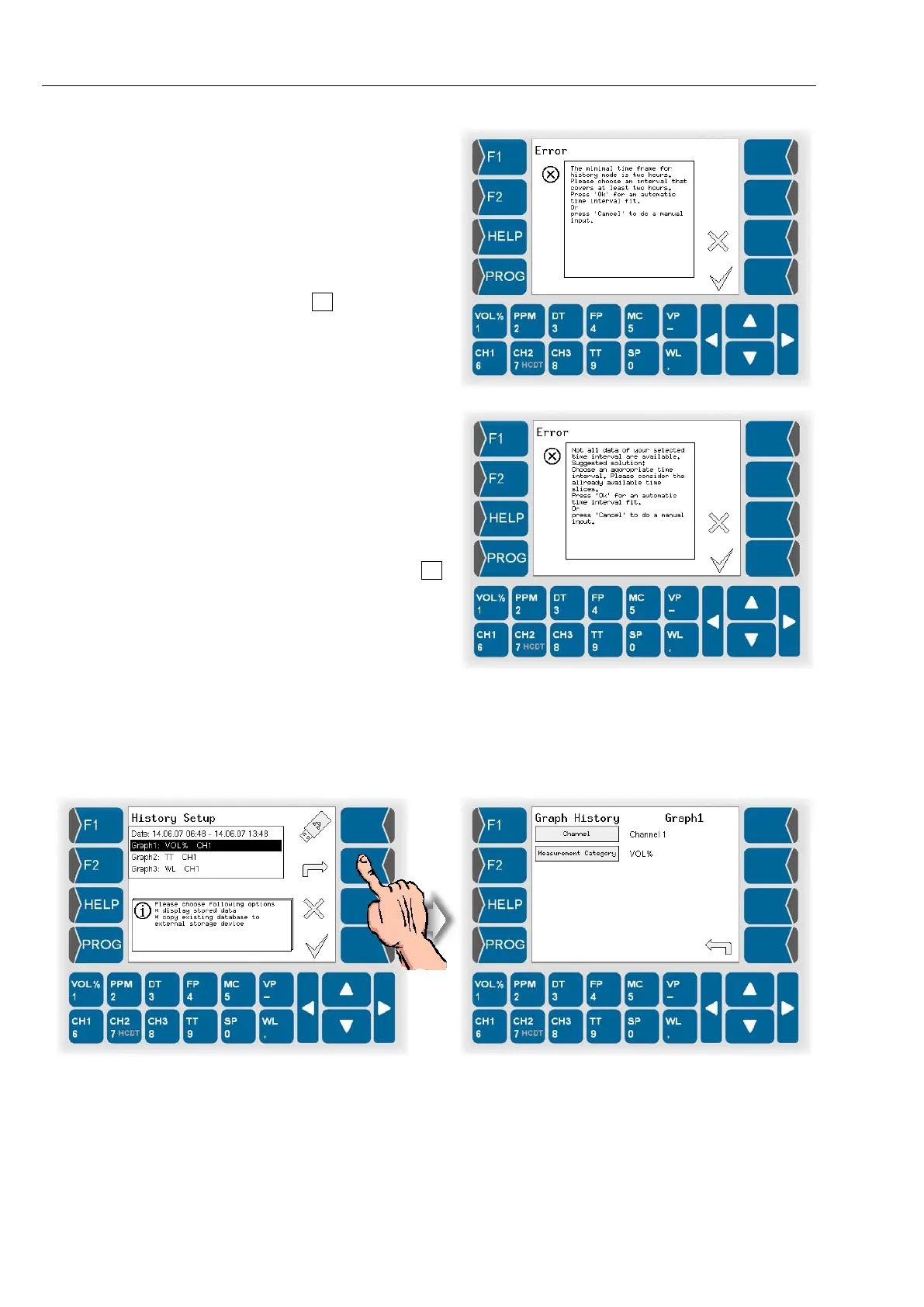
If the presentation pe-
riod you have defined
is too short, a mes-
sage appears when
you leave the history
setup.
If you confirm the
message by
ing , the period of 2
hours is automatically
selected.
If the selected presen-
tation period includes a
period for which no da-
ta is available, the fol-
lowing message ap-
pears.
If you confirm the mes-
sage by pressing ,
the period is automati-
cally corrected.
Defining the presentation of the graph
● Select a line for the graph (graph 1 in the example below) and open the
dialog for editing the graph.


 To Next Page
 Loading...


