Programming
5-34
HYGROPHIL® F 5673 Operating manual, Software version 1.8.x, 387896MDHEN(14.06.2013)
5.6.10.2 User specific curves
User specific curves are not present when delivering the device.
To use such a curve you must create at least one curve (see page 5-35).
Assigning of a user specific curve is to do in the same way as assigning a
default curve.
5.6.11 Edit Liqiuid Curves
This menu is used to edit resp. to view liquid curves.
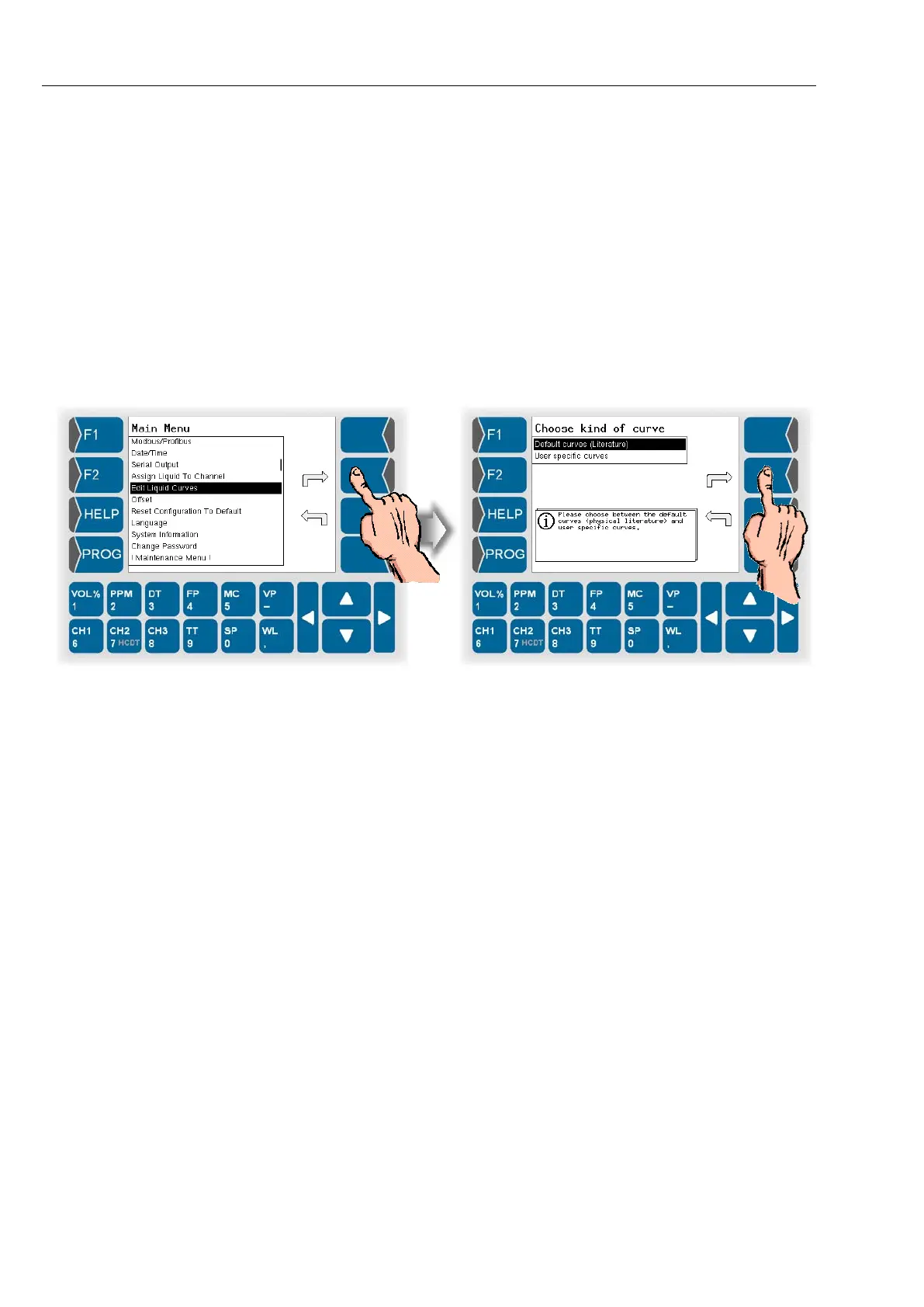
● Open the menu „Edit Liqiuid Curves“.
● Then choose if you want to view the default curves or edit user specific
curves.
5.6.11.1 Default curves
With the menu „Default curves“ you can only view data of the default curves.
Data of that curves cannot be changed.



 To Next Page
 Loading...

