Operation
4-3
HYGROPHIL® F 5673 Operating manual, Software version 1.8.x, 387896MDHEN(14.06.2013)
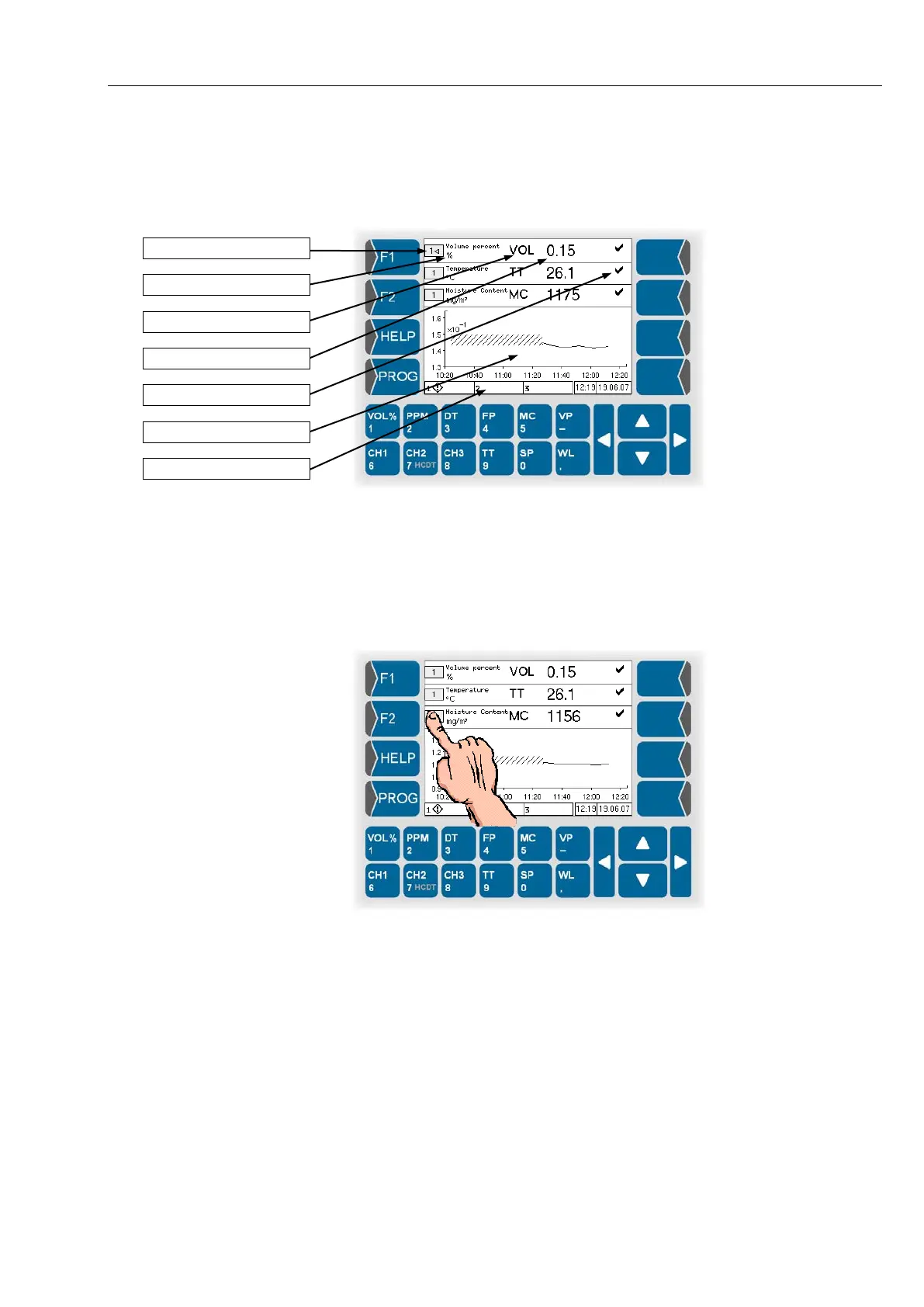
4.3.1 Combined display
The display shows three lines which can indicate different measurement var-
iables at the same time.
You can assign an available channel to each line and select a measurement
variable to be displayed.
4.3.1.1 Selecting a line
Before you can set the indication of a line, you have to select this line.
Touch the field which indicates the channel number.
When the line has been selected, it is marked by an arrowhead after the
channel number.


 To Next Page
 Loading...


