9424200994 Rev N 381
Step 10: (Optional.) Repeat steps 1 through 9 for the B-phase and C-phase voltage inputs.
Step 11: (Optional.) Repeat steps 1 through 10 for settings group 1, 2, and 3.
Step 12: Use BESTCOMSPlus to open the Protection, Voltage, Overexcitation (24) screen and send the
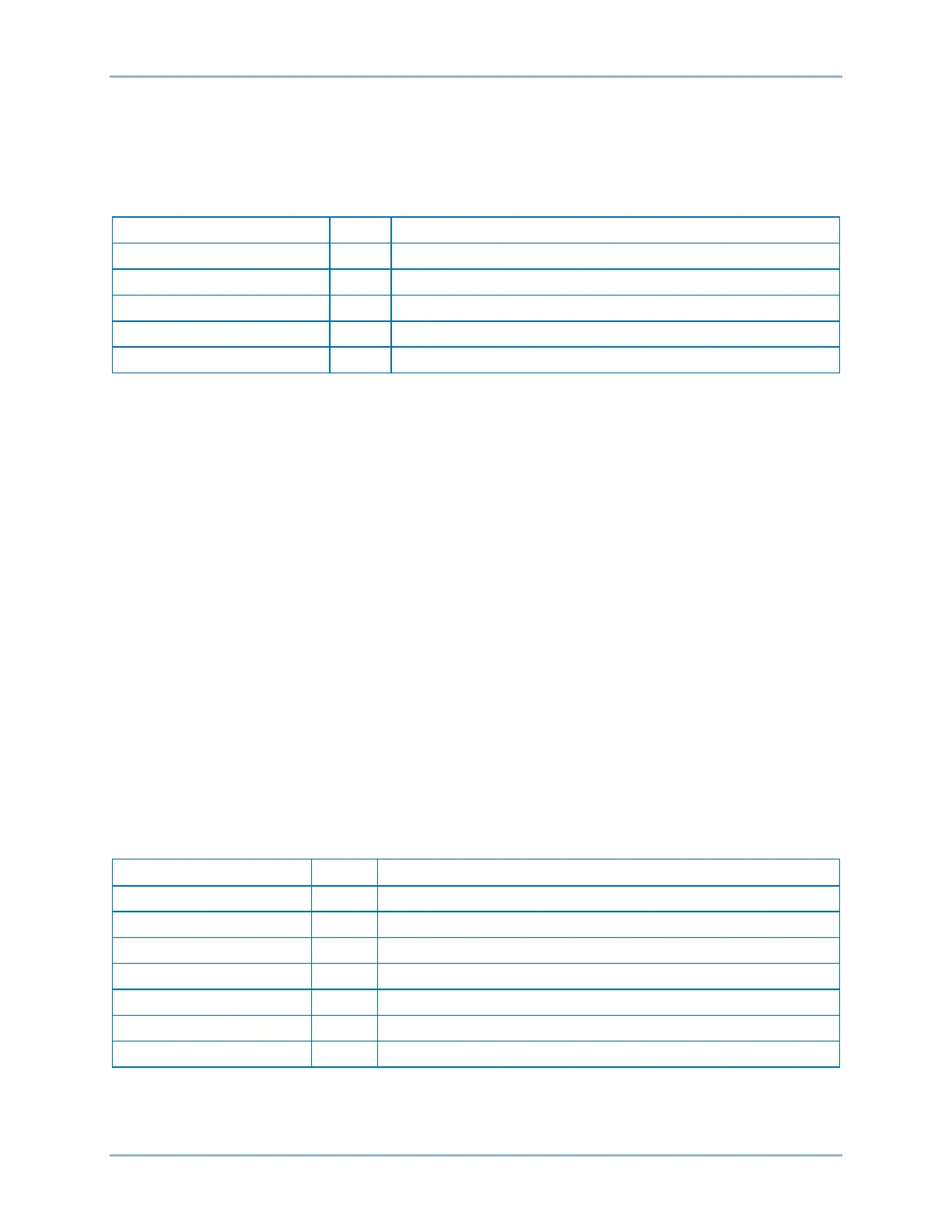
test settings in Table 127 to the BE1-11g.
Table 127. Definite Time Pickup Test Settings
Disables Inverse Time Pickup
Sets Definite Timer 1 Pickup at 118% of nominal (2.36 V/Hz)
Definite Timer 1 Time Delay
Sets Definite Timer 1 Time Delay at 50 ms (minimum)
Disables Definite Timer 2 Pickup
Step 13: Prepare to monitor the operation of the Definite Timer 1 Pickup. Pickup operation can be
verified by monitoring OUT2. Operation of the Definite Timer 1 Trip can be verified by
monitoring OUT1.
Step 14: Connect a three-phase, 100 Vac/50-Hz or 120 Vac/60-hertz voltage source (depending on
user's nominal frequency) to Terminals C13 (A-phase), C14 (B-phase), C15 (C-phase), and
C16 (neutral).
Step 15: Apply A-phase voltage at nominal frequency and slowly increase until OUT2 closes (V/H Trip x
Freq = PU) and record the pickup. Verify that there is a 24 target on the front-panel display.
Slowly decrease the A-phase voltage until OUT2 opens and record the dropout.
Step 16: (Optional.) Repeat steps 12 through 15 for higher and lower pickup settings.
Step 17: (Optional.) Repeat steps 12 through 16 for frequencies other than nominal.
Step 18: (Optional.) Repeat steps 12 through 17 for the B-phase and C-phase voltage inputs.
Step 19: (Optional.) Repeat steps 12 through 18 for settings group 1, 2, and 3.
Step 20: (Optional.) Set Definite Timer 1 Pickup to 0 and Definite Timer 2 Pickup to 2.36 V/Hz and repeat
steps 12 through 19 for Definite Timer 2 Pickup.
Inverse Time Verification
The following test uses the (M-1)^2 time curve.
Step 1: Use BESTCOMSPlus to open the Protection, Voltage, Overexcitation (24) screen and send the
test settings in Table 128 to the BE1-11g.
Table 128. Inverse Time Verification Test Settings
Sets Inverse Time Pickup at 105% of nominal (2.10 V/Hz)
Sets Inverse Time Dial at 0.5
Sets Inverse Reset Dial at minimum
Disables Definite Timer 1 Pickup
Disables Definite Timer 2 Pickup
Step 2: Connect and apply 120 Vac, three-phase, 60-hertz voltage source to Terminals C13 (A-phase),
C14 (B-phase), C15 (C-phase), and C16 (neutral).
BE1-11g Overexcitation (24) Test


 To Next Page