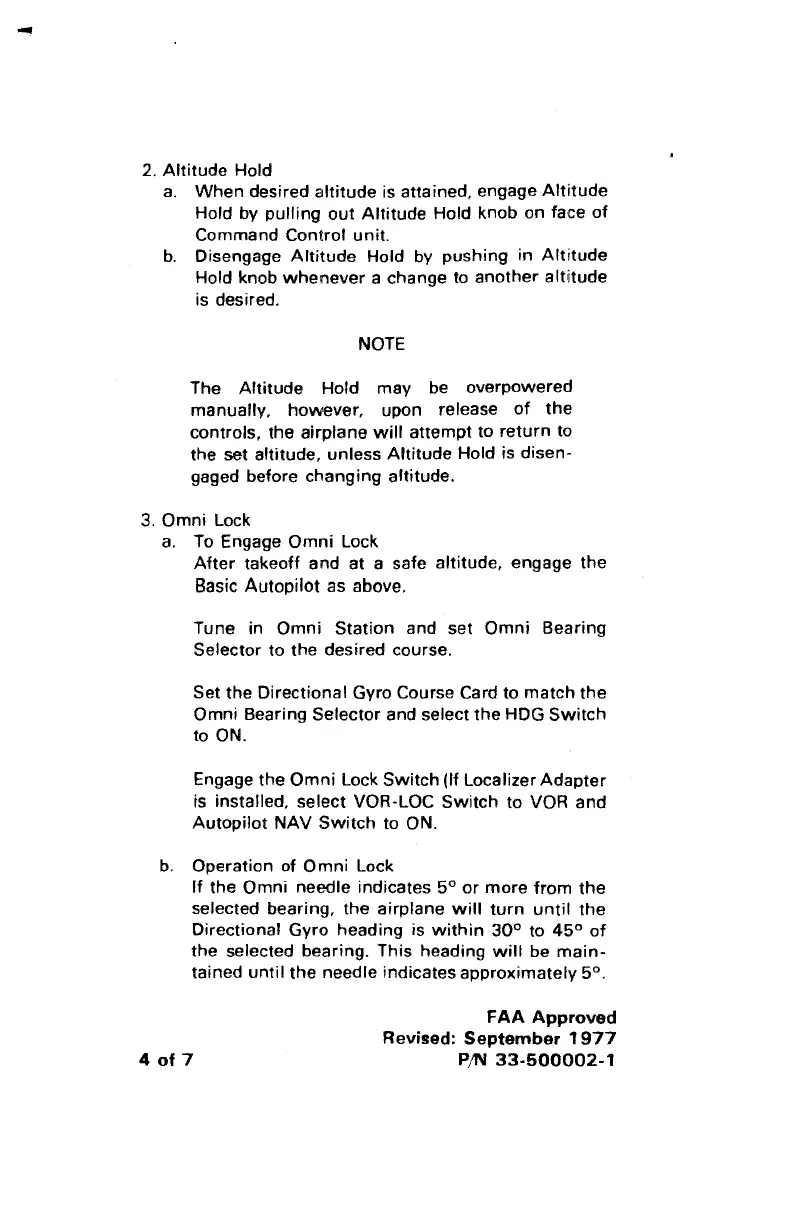
2.
Altitude Hold
a.
When desired altitude is attained, engage Attitude
Hold by pulling
out
Altitude Hold knob on face
of
Command Control unit.
b.
Disengage
Altitude
Hold by pushing
in
Altitude
Hold knob
whenever
a change to another altitude
is desired.
NOTE
The Altitude Hold may be overpowered
manually, however, upon release
of
the
controls, the airplane
will
attempt to return to
the set
altitude, unless Attitude Hold is disen-
gaged before changing altitude.
3.
Omni Lock
a.
To Engage Omni Lock
After
takeoff and
at
a safe altitude, engage the
Basic Autopilot as above.
Tune in Omni Station and set Omni Bearing
Selector to the desired course.
Set the Directional Gyro Course Card to match the
Omni Bearing Selector and select
the
HOG
Switch
to ON.
Engage the
Omni
Lock
Switch
(lf
Localizer Adapter
is installed,
select VOR-LOC
Switch
to VOR and
Autopilot
NAV
Switch
to ON.
b.
Operation of Omni Lock
lf
the Omni needle indicates
5°
or
more from the
selected bearing, the airplane
will
turn
until
the
Directional Gyro heading is
within
30°
to
45°
of
the selected bearing. This heading
will
be
main-
tained until the needle indicates approximately 5°.
4
of
7
FAA
Approved
Revised:
September
1977
P/N
33-500002-1



 To Next Page