Attachment
143
2019-02 EN 5020079.00A.04
Message on the display Cause Repair
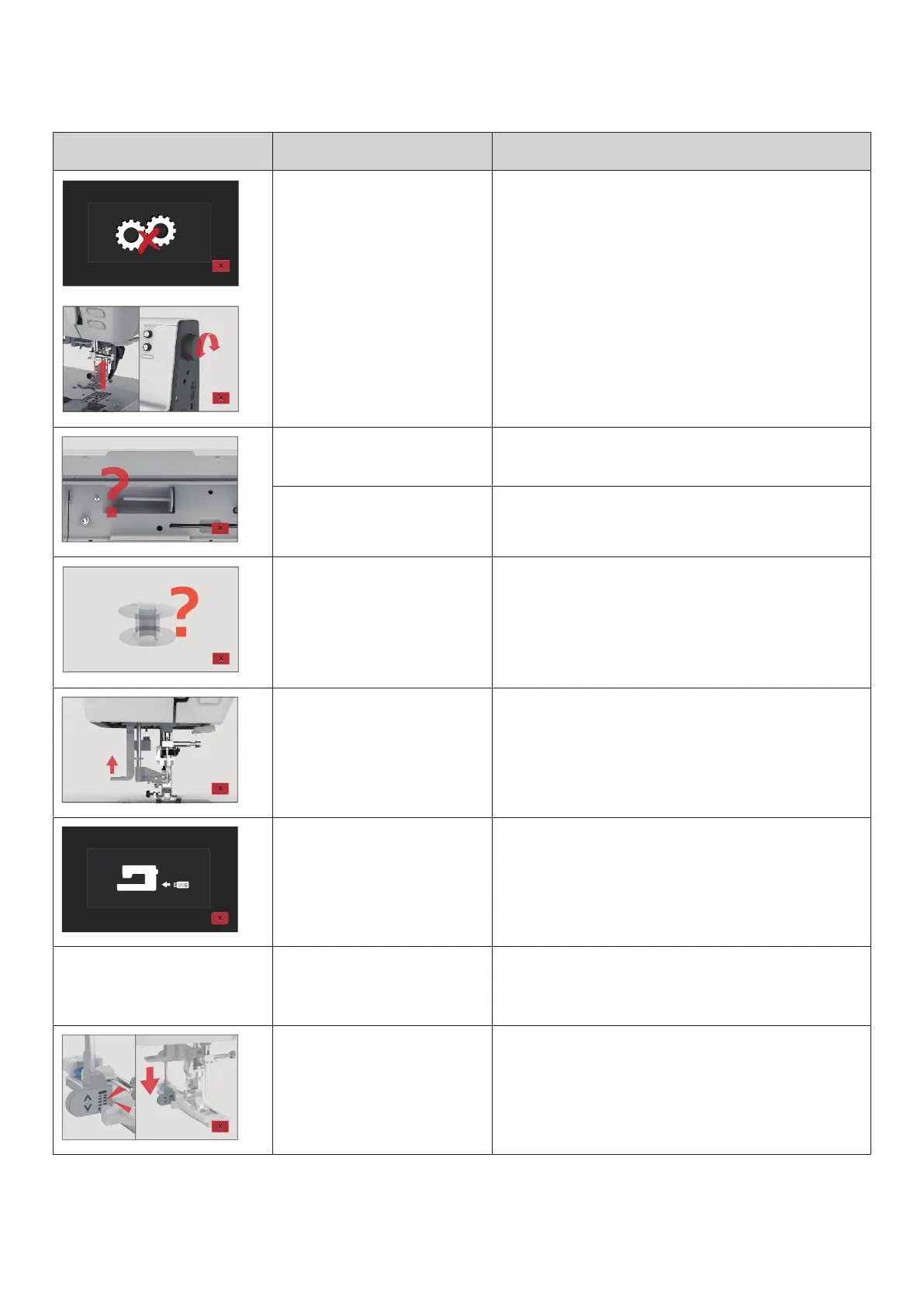
The main motor isn't running. > Turn the handwheel clockwise until the needle is at its
top position.
> Remove the stitch plate.
> Remove the thread remnants.
> Clean the hook.
> Remove the hook and make sure that there are no
pieces of broken needle points on the magnetic back of
the hook.
The upper thread is used up. > Insert a new spool.
> Rethread.
The upper thread has broken. > Rethread.
The bobbin thread is used up. > Remove the empty bobbin, fill it on the winder unit and
thread.
The needle threader lever is not
raised.
> Raise the needle threader lever.
The bernette USB stick (Optional
accessory) is not inserted
> Insert the bernette USB stick (Optional accessory) into
the USB stick socket.
Not enough free space available
on the USB stick (Optional
accessory).
> Delete the date on the USB stick (optional accessory).
> Overwrite the data on the USB stick.
The buttonhole lever doesn't
touch the buttonhole foot with
slide (RJ).
> Pull down the buttonhole lever as far as possible until it
clicks into place.



 To Next Page