Attachment
145
2019-02 EN 5020079.00A.04
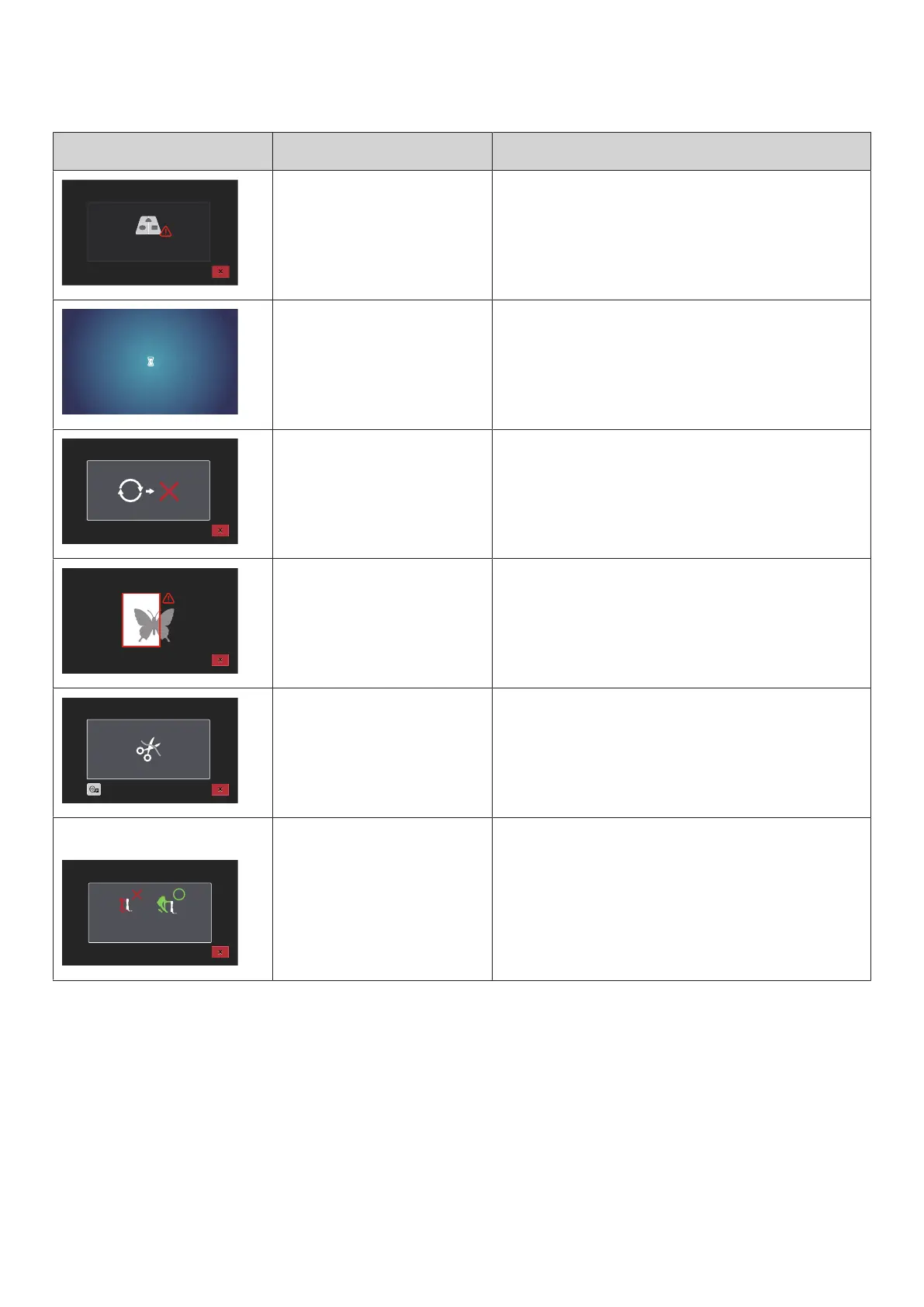
Message on the display Cause Repair
The maximum number of
stitches, which is 120.000, has
been reached.
> Select another pattern with less stitches.
The data is loading. > Wait for processing.
Software version update failed. > Check the update file on the USB stick.
> Touch the icon «Cancel» and try to start the update
again.
The embroidery motif is partly
outside the hoop or too big for
the hoop.
> Reduce the size of the embroidery motif.
> Re-position the embroidery motif.
> Attach a bigger hoop.
This message appears after
activating the thread cutter when
embroidering has been started.
> Cut the thread manually.
This message is displayed after
switching sewing mode to the
embroidery mode.
> Do not lower the dual feed.



 To Next Page