thread (left-hand thread!) of the gas cylinder and fixing
it using a 27 mm wrench.
Installing the Tritium probe on the trolley console
4. Take off the protection cap (cardboard) from the coun-
ter tube.
5. Place the Tritium probe on the right side of the trolley
console into the compartment provided for this purpose,
thus closing the valve switch for the gas flow.
6. Hold the probe at the handle and with the rear end first,
set it onto the console, directly against the black bar.
Then push the front side down along the resilient pivots.
You may also proceed in reverse order: First, put the
front side of the probe against the pivots and then push
the rear panel down against the tapered bar.
Connecting cables and tubing
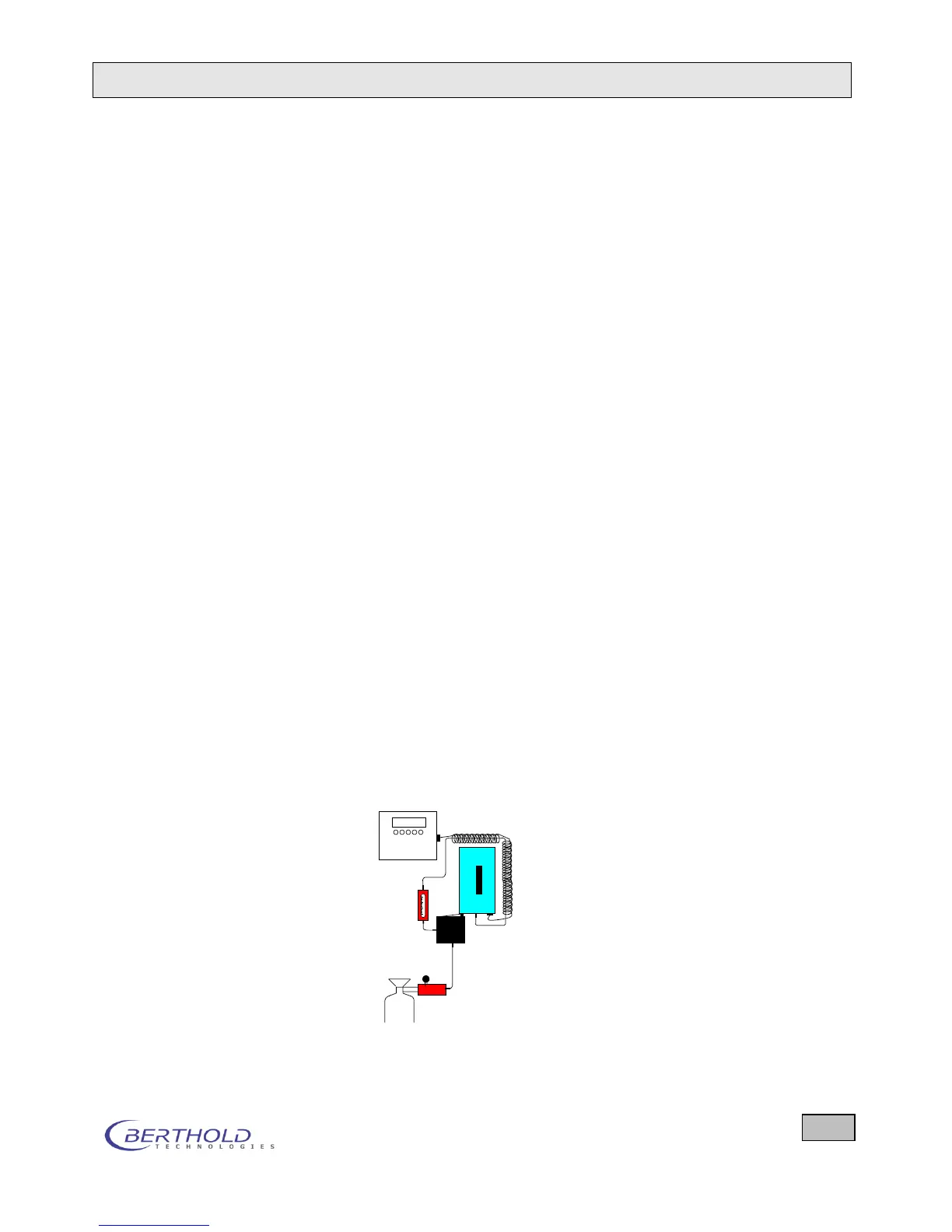
7. Place the transparent PVC-tubing which is already fixed
to the valve inlet onto the double pressure reducer. The
connection valve -> rotameter (bottom nozzle) is al-
ready installed in the factory.
8. Now take the spiral cable containing a gas tubing. Ca-
ble and tubing run nearly parallel, ensuring simple han-
dling.
9. Using the spiral cable, connect the LB 134 and the Trit-
ium probe. The 11-pin socket of LB 134 is located on
the right side of the instrument, that of the probe on the
front side facing the user.
10. Plug one end of the gas tubing connected to the spiral
cable onto the rotameter outlet (at the top of the rota-
meter) and the other onto the probe inlet.
Setting the gas pressure









 To Next Page