6.5 Measurement Mode
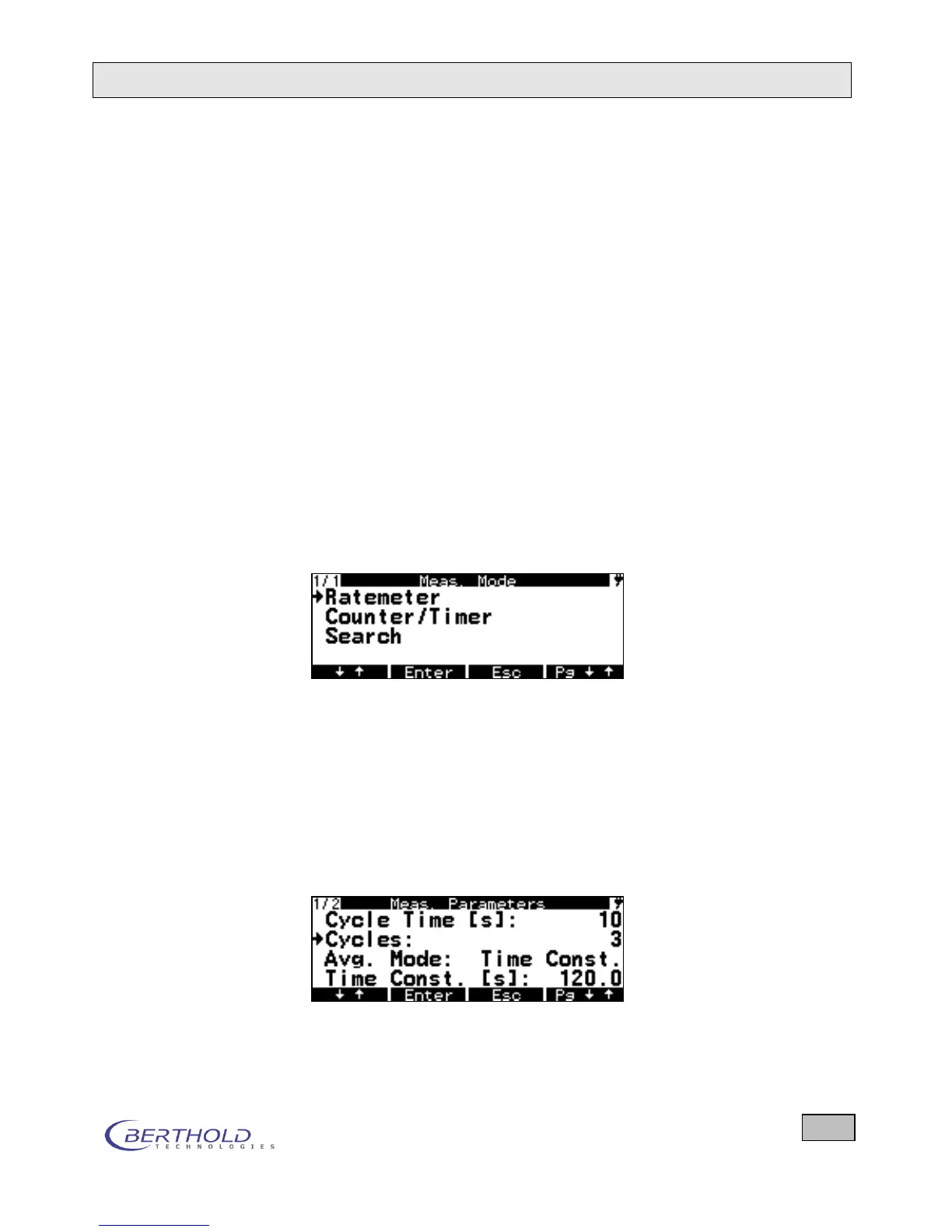
In this menu, you can select three different averaging methods
for the measurement results: Counter/Timer, Ratemeter and
Search Mode. The associated parameters are set in the
Measurement Parameters menu. The selected averaging
mode is retained even after the device has been powered off
and on again. See chapter 1.6 for an explanation of the averag-
ing method.
Proceed as follows On the System Menu the currently set measurement mode is
displayed next to the option Measurement mode.
To change the setting, select the Measurement mode op-
tion (), and press the Enter key. Then, the current setting
is marked by an .
Press the ↓↑ key button repeatedly to scroll through the se-
lectable measurement modes in cyclic order.
Once the desired measurement mode is displayed, press
the Enter key. The selected setting is accepted.
Figure 6.6: Selecting the desired measurement mode
6.6 Measurement Parameters
6.6.1 Ratemeter
If you select the Ratemeter measurement mode, you will see
the following options:









 To Next Page