the power supply is connected directly to the device and the
LB 134 is turned on.
To this end, the Charge Mode must be set to On (X). The menu
item Charge Time allows you to limit the duration of the charg-
ing process to 12 hours max. to prevent overcharging. Taking
the device out of the wall bracket and replacing it later, or
switching the device off and then on again results in a restart of
the charging process, provided the charge mode is active. No
charge process is started if the charge is at 80% or higher.
Caution!
The charge function is active only when the device is
turned on!
Charge Mode Here you can set the charge mode (X). Only with setting Accu.
Charge Time Enter the duration of the charge process. Only with setting Ac-
cu. Maximum 12 hours.
Line Voltage The current line voltage in volts is displayed. This value is de-
termined and output by the device.
Battery Voltage Here the current battery voltage in volts (or rechargeable bat-
tery voltage) is displayed. Please take into account that the bat-
tery voltage indication is not correct as long as line voltage is
being supplied, as the battery is not in use during this time.
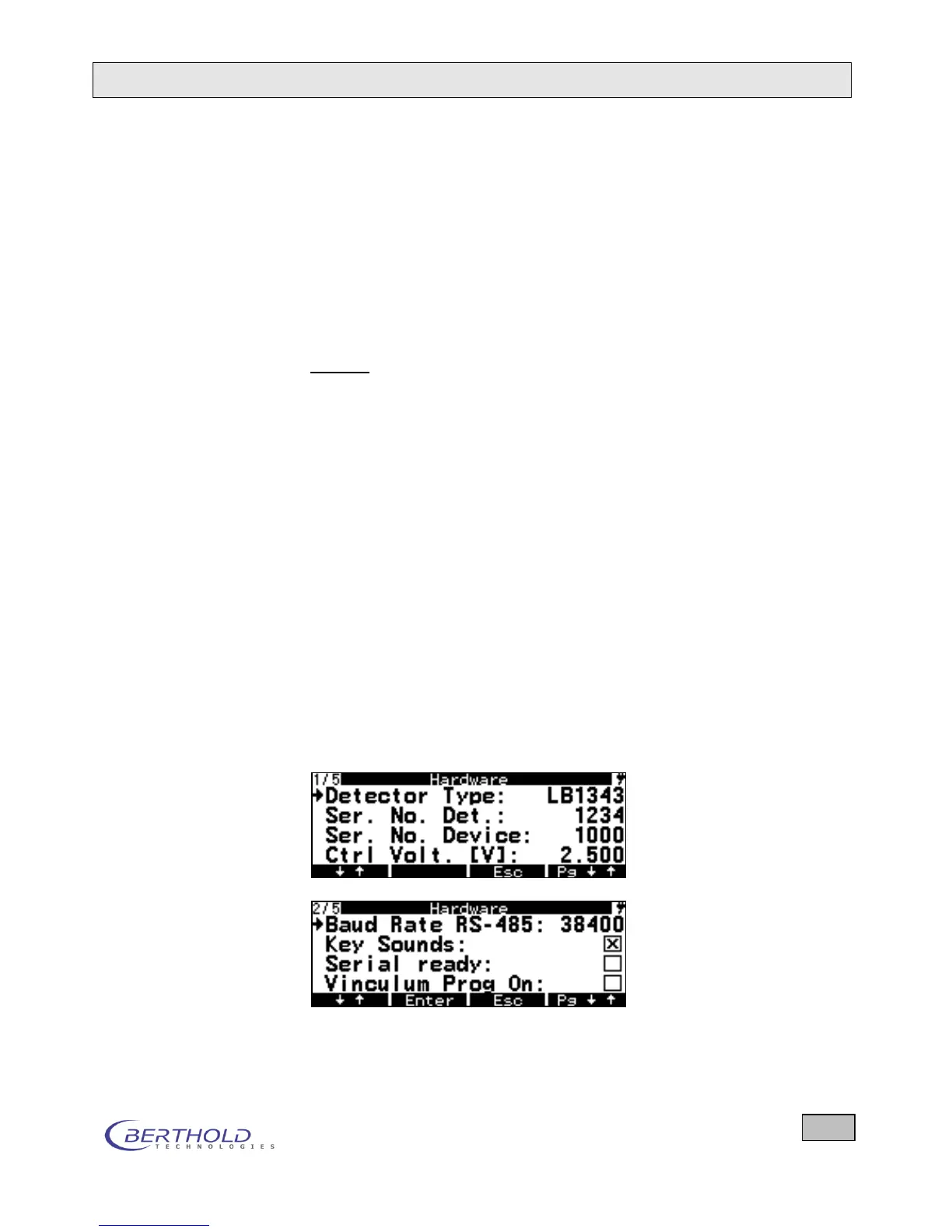
6.11.9 Hardware
The Hardware menu includes the following parameters:









 To Next Page