copied to a memory stick and transferred to a PC. The current
saving process is displayed in the upper left corner of the dis-
play.
Auto Send Enable (X) or disable ( ) the automatic transfer function via USB
to the PC. When enabled, the results are automatically trans-
mitted every cycle time.
6.6.3 Search
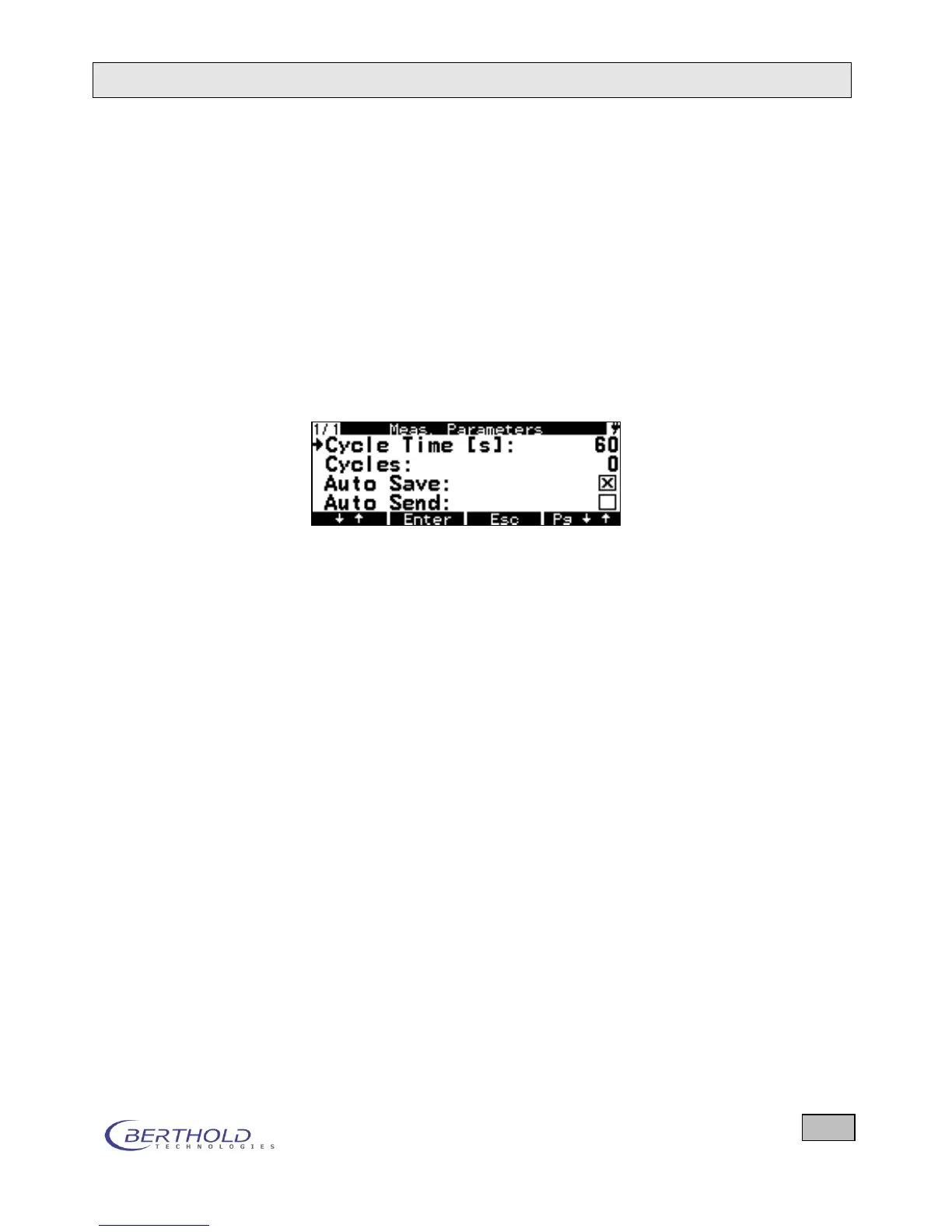
If you select the measurement mode Search, you will see the
following options:
Figure 6.9: Parameters for Search mode
Cycle Time (s) Same function as in Ratemeter
Cycles Same function as in Ratemeter
Auto Save Same function as in Ratemeter
Auto send Same function as in Ratemeter
6.7 Nuclides/Measurement Types
Display of the Nuclides/Measurement Types Table with edit-
ing option.
After selecting this menu option, the first 4 nu-
clides/measurement types of the nuclide/measurement type ta-
ble are displayed. The cursor is at the top position. Briefly press
the ↓↑ key to move the cursor down; to move the cursor up, you
have to press this key longer.
Briefly press the Pg up/Pg down key to scroll one page forward
in the nuclide table; to scroll back one page, you have to press
this key longer. In this way, you can scroll through the entire
nuclide table.
Press the key to view new function keys: New, Edit and
Delete, to define new nuclides, edit or delete existing nuclides.
In an alpha beta probe, however, the first six entries cannot be
deleted, in a doserate probe, the first two entries cannot be de-









 To Next Page