4.2 Measurement Menu Display
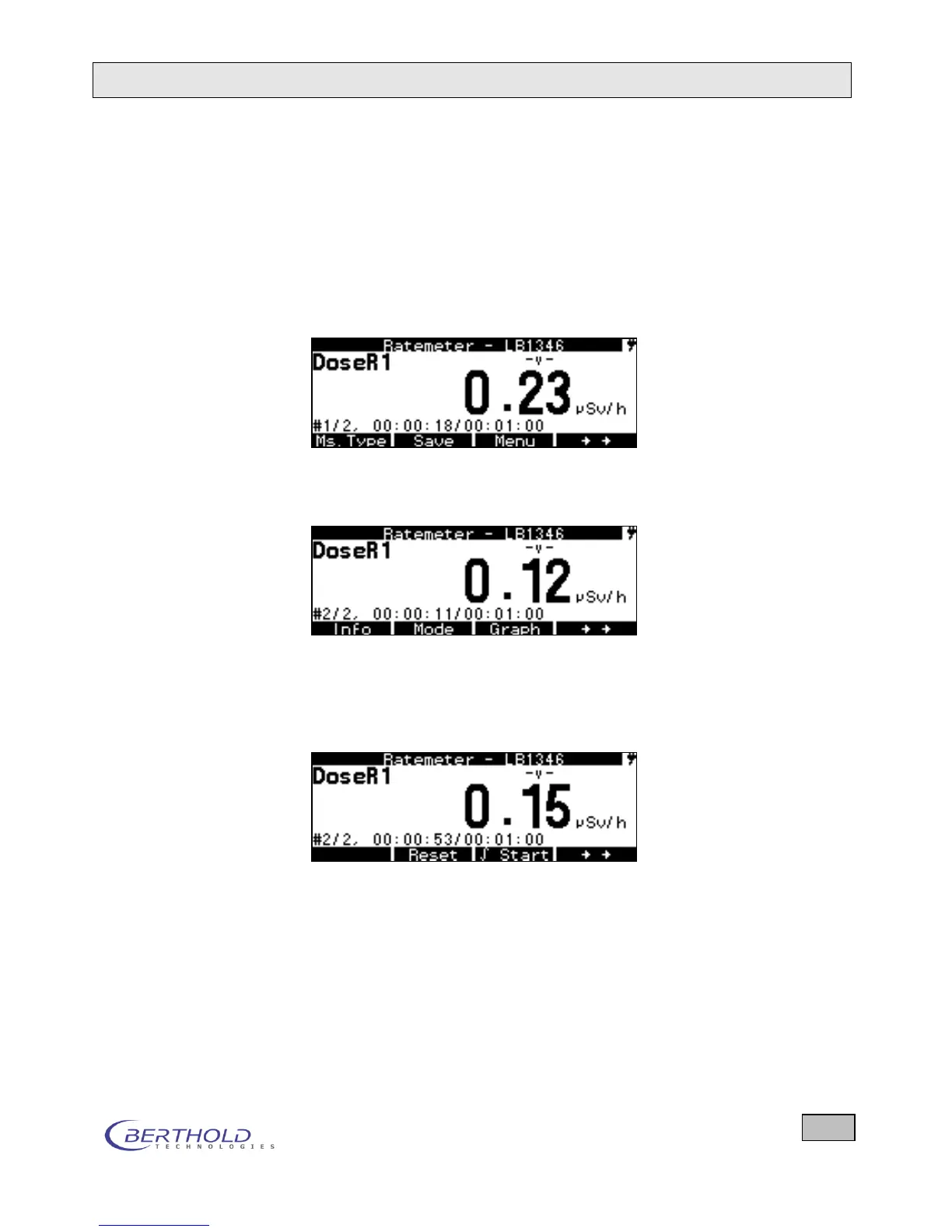
The Measurement menu appears
a) immediately after switching on the device or
b) by pressing ESC on the System menu.
We have chosen a dose rate measurement as an example.
If you press the double arrow key () on the right, further
functions appear in the bottom line.
If you press the double arrow key on the right once more, fur-
ther functions appear in the bottom line. If you press this key
once more, the first functions appear again (see first picture).
The functions are explained in detail.
Figure 4.2: Measurement menu of a doserate probe
In the measurement menu, the type of radiation is displayed
first that was set on leaving the measurement menu. In an al-
pha-beta contamination probe, you can then choose whether
both types of radiation are to be displayed at the same time or
what type of radiation (measuring channel) is to appear as the
main display. The other measuring channel is then displayed in
the info bar.









 To Next Page