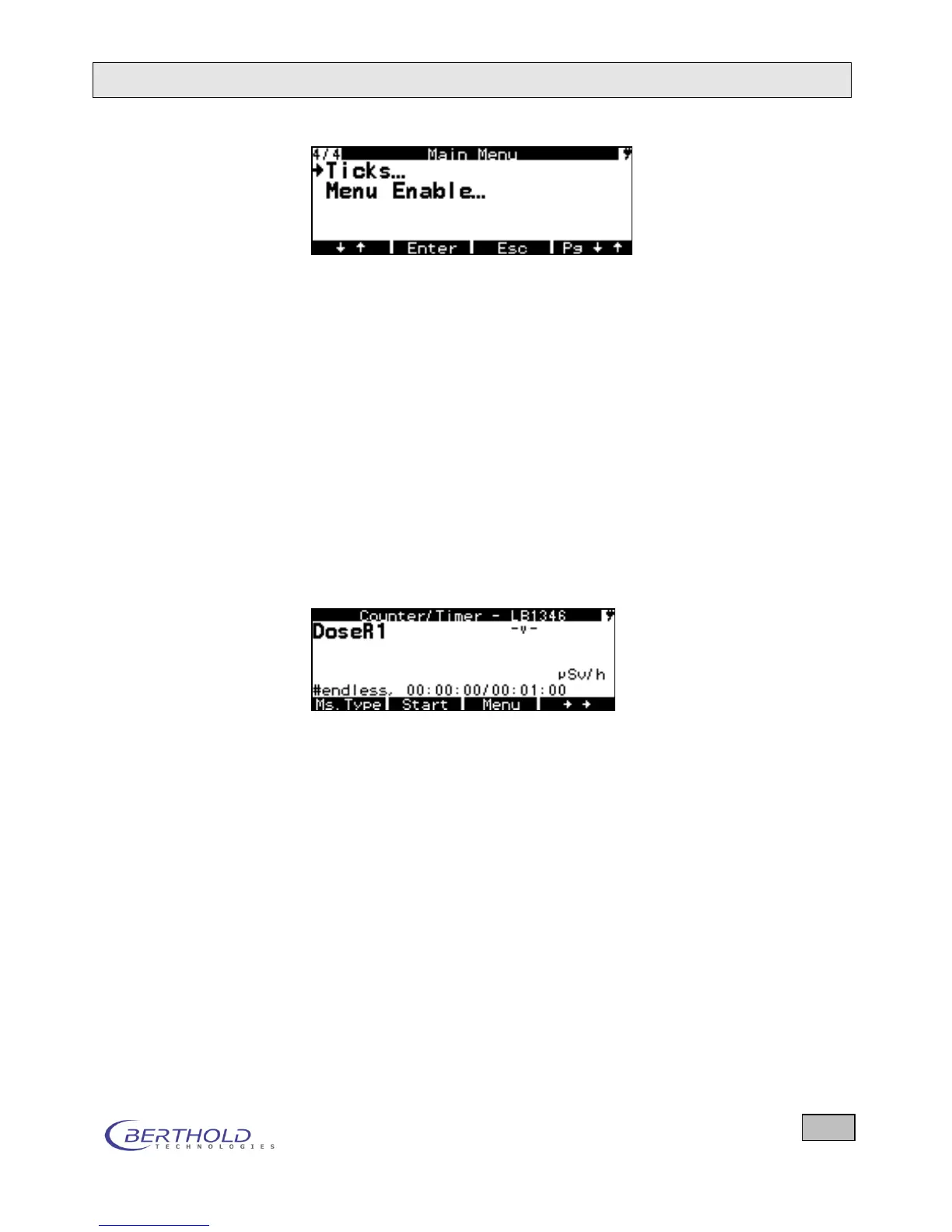
Figure 6.2: System menu for alpha-beta probe
6.3 Use Internal DR Detector
If the checkbox to the right in this menu row is ticked, this
means that the internal dose rate probe is used, even when the
external probe is connected. When the cursor (left arrow) is al-
ready in this row, the internal probe can be enabled or disabled
by pressing Enter. If it is not enabled, then the external probe is
used (the X has been cleared). When not enabled, the power
supply of the internal probe is turned off to save power. If the in-
ternal probe is disabled and no probe is connected, you will see
the following display. “na” means that the internal probe is not
turned on (not activated).
Figure 6.3: Display with internal probe turned off and
no external probe connected
6.4 Background
The background menu depends on the type of probe that is
connected. Basically, you can always enter the background;
however, with some probes one cannot determine the back-
ground using the measurement function to be started here. For
an alpha beta contamination probe there are two backgrounds
that here are either determined through a background meas-
urement and stored or, if they are already known, can be en-
tered directly.









 To Next Page