6.14 Enable Menus
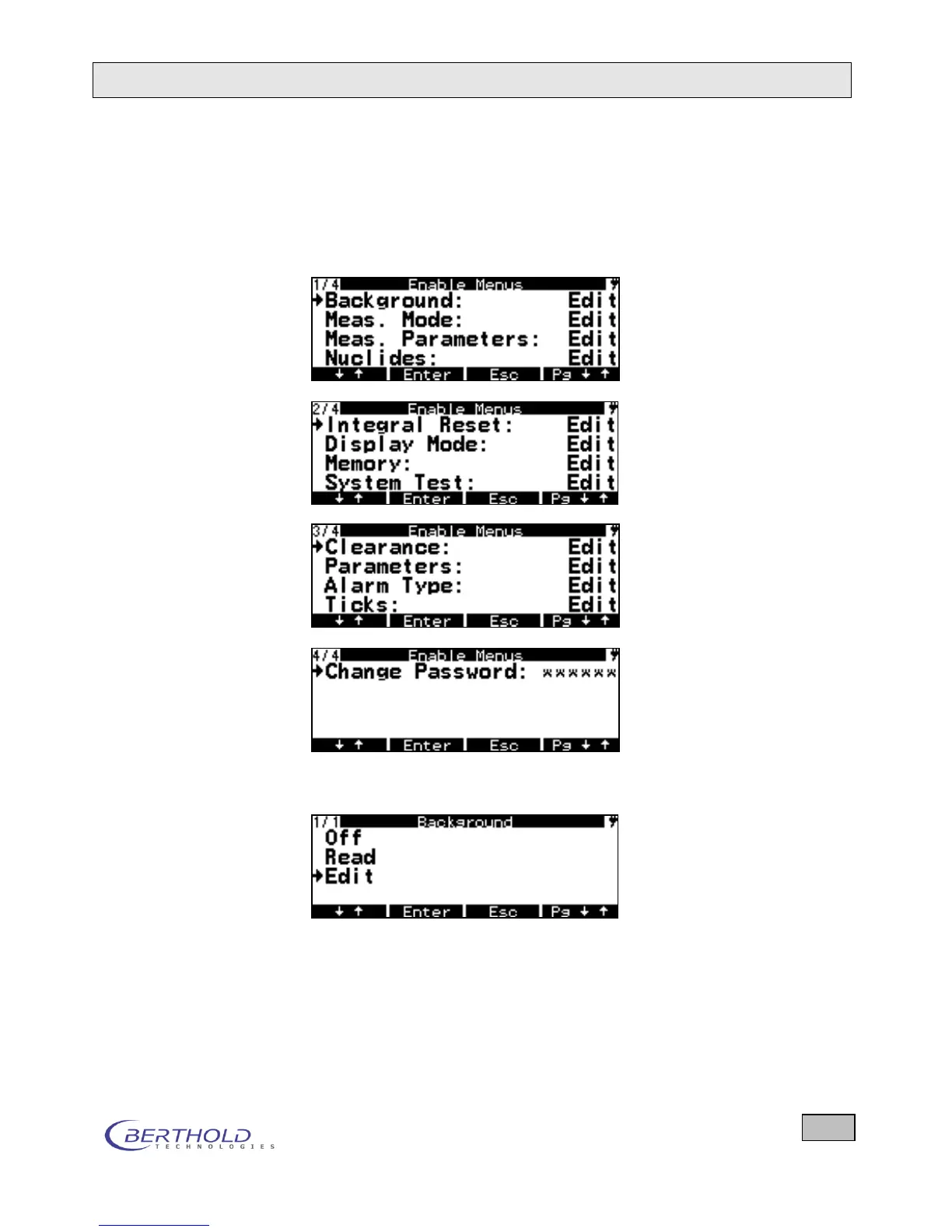
To simplify handling, the device allows you to hide single or all
menus for the measurement operation. On the other hand, the
menus can be enabled to view only the parameters or to view
and edit the parameters.
Figure 6.36: Menus to enable functions
Figure 6.37: Selection rights for the menus
The device supervisor should carefully consider which menu
mode is suitable for his area of work and which menu items
should be accessible to other members of staff. A password is
required to enable the menu. Upon delivery, the password is 0.
At this point, the password can be changed and is still valid af-
ter switching off the device.









 To Next Page