During parameter input
Quit the edit mode by pressing Enter or Esc.
Press Esc once more. This will bring you to the one next
menu in the menu tree until you get to the System Menu.
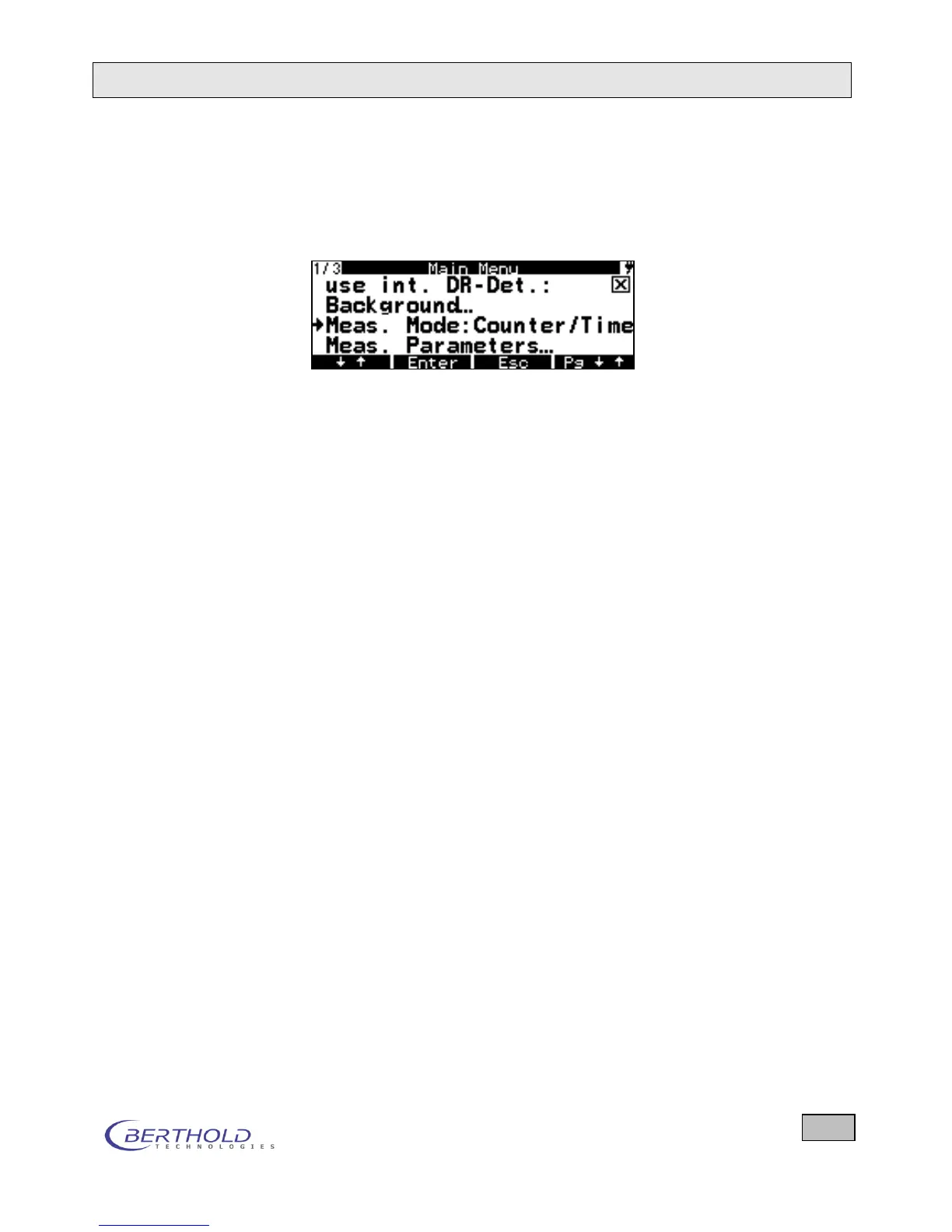
Figure 4.5: System menu with menu items
4.4.5 LED Indicators
The two LEDs on the membrane keypad indicate different
states:
Top LED: Alarm when the threshold is exceeded.
Bottom LED: When you press a button for a longer time then
this LED goes on for a very short moment to in-
dicate that you can release the button. This is
used to move the cursor backward in a menu.









 To Next Page