Explanation of the example in Figure 4.3:
Press the third button (Menu) to enter the System menu to se-
lect the individual menus.
Press the Meas. Type button repeatedly (if you are working
with contamination probes you will see Nuclides here instead)
to scroll through the small nuclide library/measurement type ta-
ble and you can select the desired nuclide/measurement type of
the displayed type of radiation for the current measurement. If
the display does not switch to another nuclide/measurement
type when you press this button, this means that no further nu-
clide/measurement type has been defined.
Press the Save button to save the measurement.
Press the button to go to the next functional level (see
above).
4.4 Operation
4.4.1 Selecting Menus and Options
On the System Menu, move the cursor () to the desired
menu or the option by pressing the ↓↑ key and then press En-
ter. The relevant menu item is enabled and the associated
page is displayed.
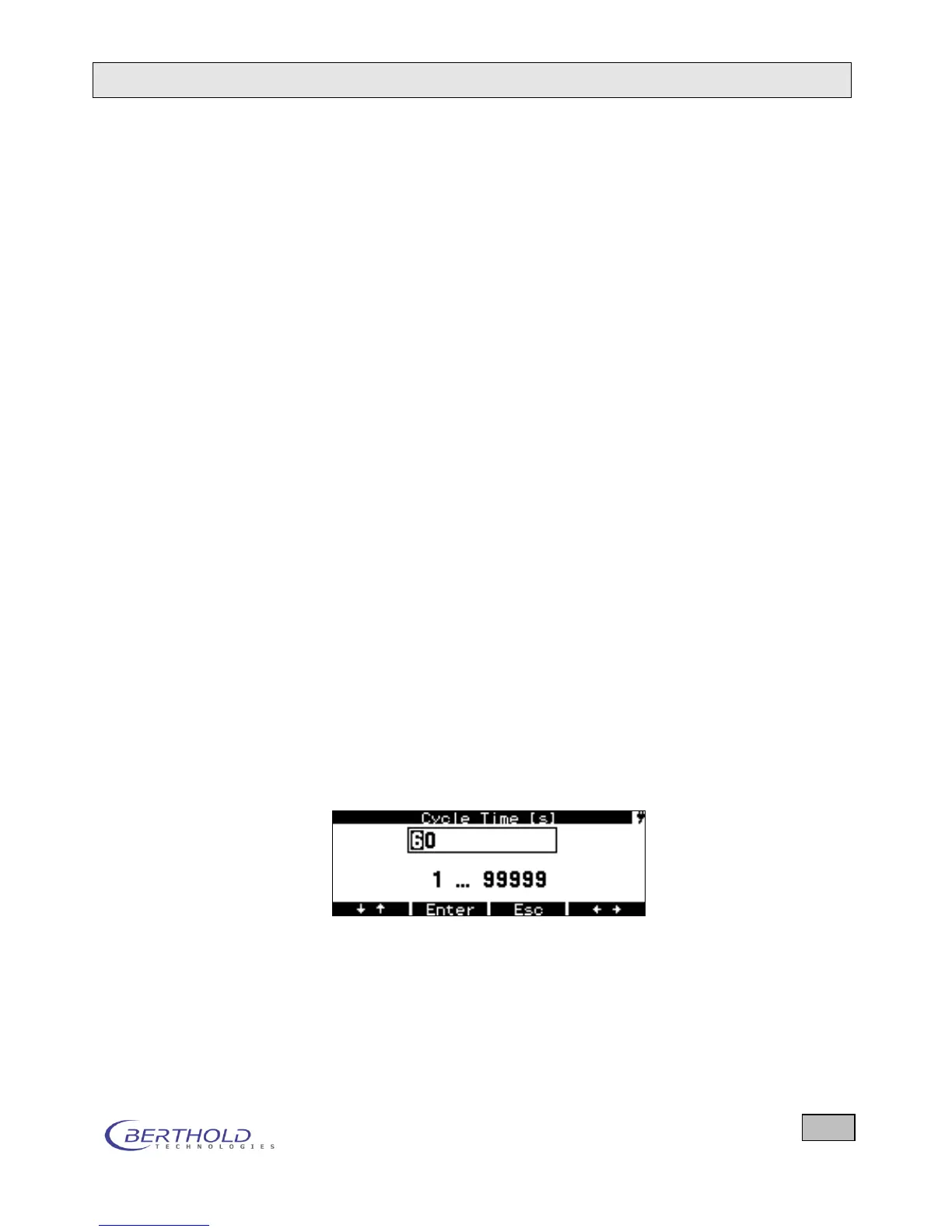
4.4.2 Editing: Entering Numbers and Letters
Move the cursor () to the desired parameter by pressing
the ↓↑ key and then press Enter. This enables the editing
mode for the respective parameter and the first digit is
marked by the cursor .
Figure 4.4: Selecting a parameter
Start typing here to make a new entry. To overwrite an exist-
ing digit, move the cursor to the desired digit.
Now select the desired number by repeatedly pressing the
↓↑ key.
To enter the second place, press the button and then
select the desired number by repeatedly pressing the ↓↑ key.









 To Next Page