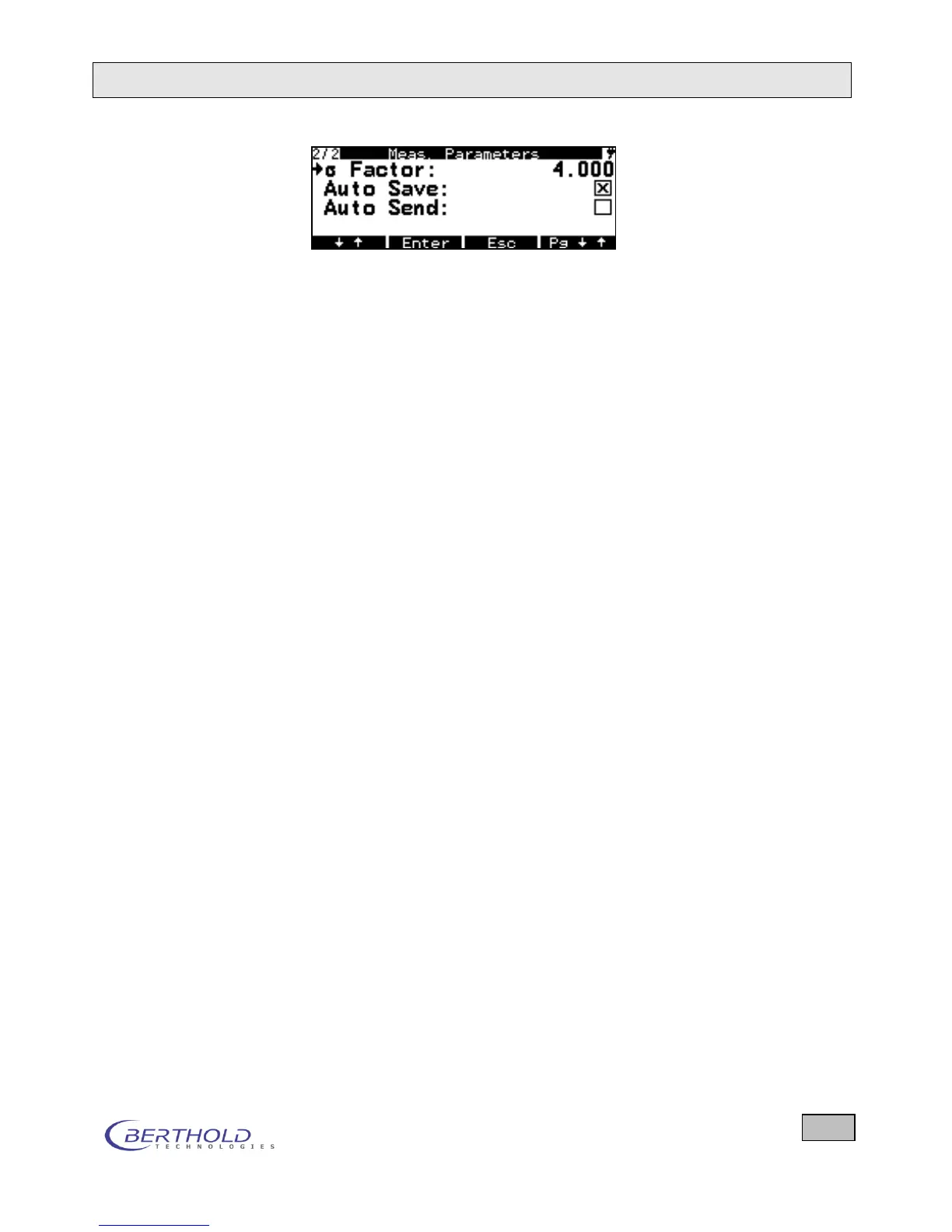
Figure 6.7: Parameters for Ratemeter measurements
Avg. Mode Set the type of averaging. You can select Time Constant or
Accuracy.
Time Const. Enter the desired time constant, i.e. the time to be used to
smooth the measured values. With smaller time constants, the
measurement is more sensitive and reacts more rapidly, but is
less accurate. Default setting is 120 seconds.
Accuracy [%] If the accuracy is defaulted, a time constant is determined from
this accuracy and the actual count rate corresponding to that
accuracy.
Sigma Factor Specifies the number of standard deviations which defines at
which deviation of the currently measured value from the mean
value the time constant will be reset to 1 second and then is in-
creased by one each second until the above time constant is
reached. (good for fast response of displayed value in case of
fast changes of activity)
Cycle Time (s) In Ratemeter mode, the cycle time defines how often storage is
performed or how many times the data are to be transferred via
USB interface. The ratemeter continues to run uninterrupted. If
you press the RESET button, the ratemeter is initialized.
Cycles The cycle parameters for all measurement modes are defined
in this menu:
One defines whether
the measurement is saved only once (setting: 1)
the measurement is stored after each cycle (setting 0, =
endless)
a predefined number of cycles is to be stored (setting N,
where N can be between 2 and 9999).
Auto Save Enable (X) or disable ( ) the automatic save function. Stored da-
ta can be viewed on the Memory menu either on the display or
copied to a memory stick and transferred to a PC. The current
saving process is displayed in the upper left corner of the dis-
play.
Auto Send Enable (X) or disable ( ) the automatic transfer function via USB
to the PC. When enabled, the results are automatically trans-
mitted every cycle time.









 To Next Page