If the nuclide or nuclide mix to be measured is not yet included
in the small nuclide table, proceed as follows
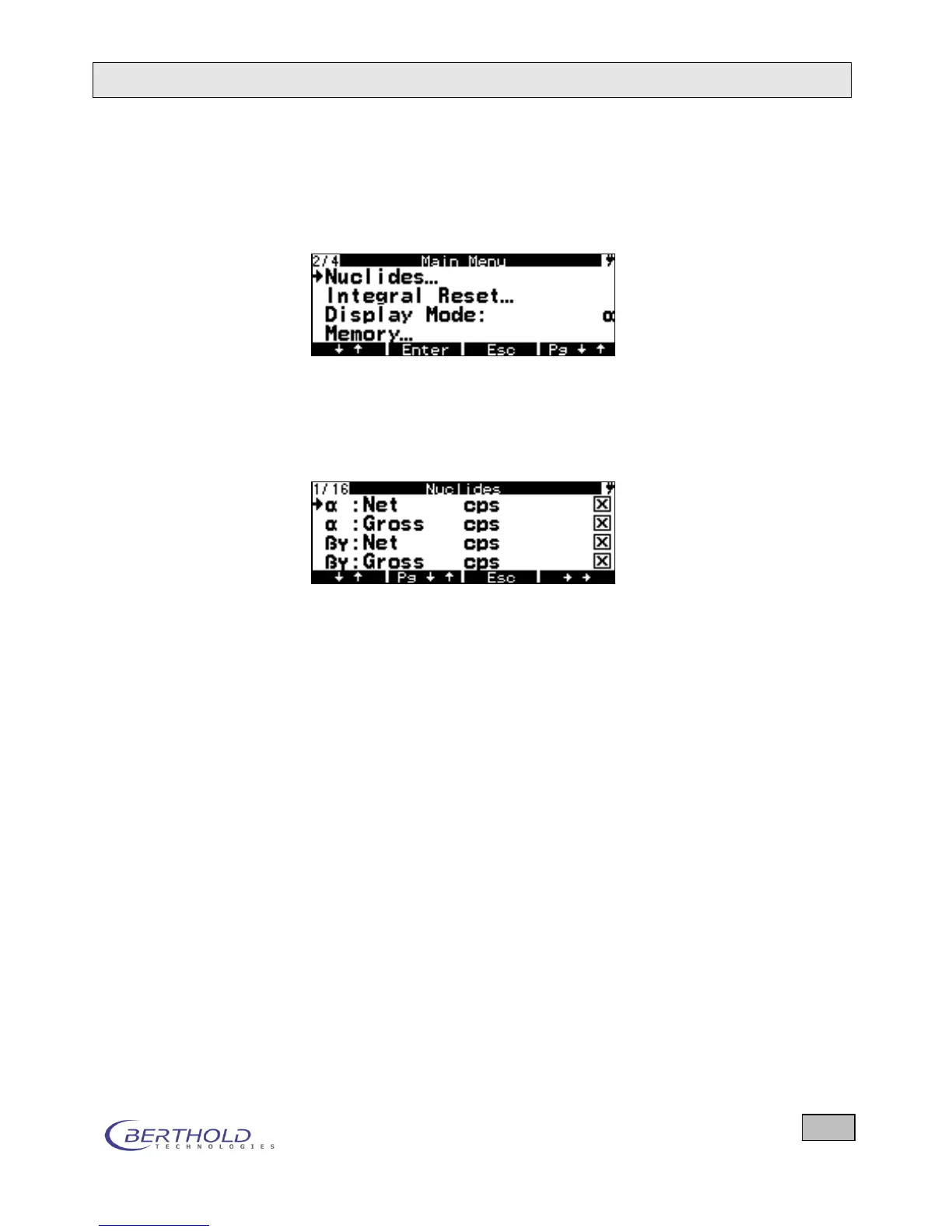
Select Nuclides on the System Menu.
Figure 4.11: System menu
Press the Enter key. The nuclide table is displayed. The nu-
clides contained in the small nuclide table are marked with
an X.
Figure 4.12: Nuclide table. Pre-selected nuclides are
marked by an X.
Move the cursor to the nuclide you wish to include in the
small nuclide table using the ↓↑ key, and then press the
key to go to the next function level. Now press the Edit but-
ton. A new menu will appear listing all nuclide parameters:
Name, Active, Radiation Type, Mass Number, Unit, Cal.
Factor A-100 (according to DIN 25415), Cal. Factor ISO
(according to DIN ISO 7503-1), Alarm Threshold, Integral
Threshold, Integral Unit and Time Base. Now move the
cursor to Active to select the nuclide with Enter.
Press ESC twice to quit the nuclide table. You get into the
System Menu.









 To Next Page