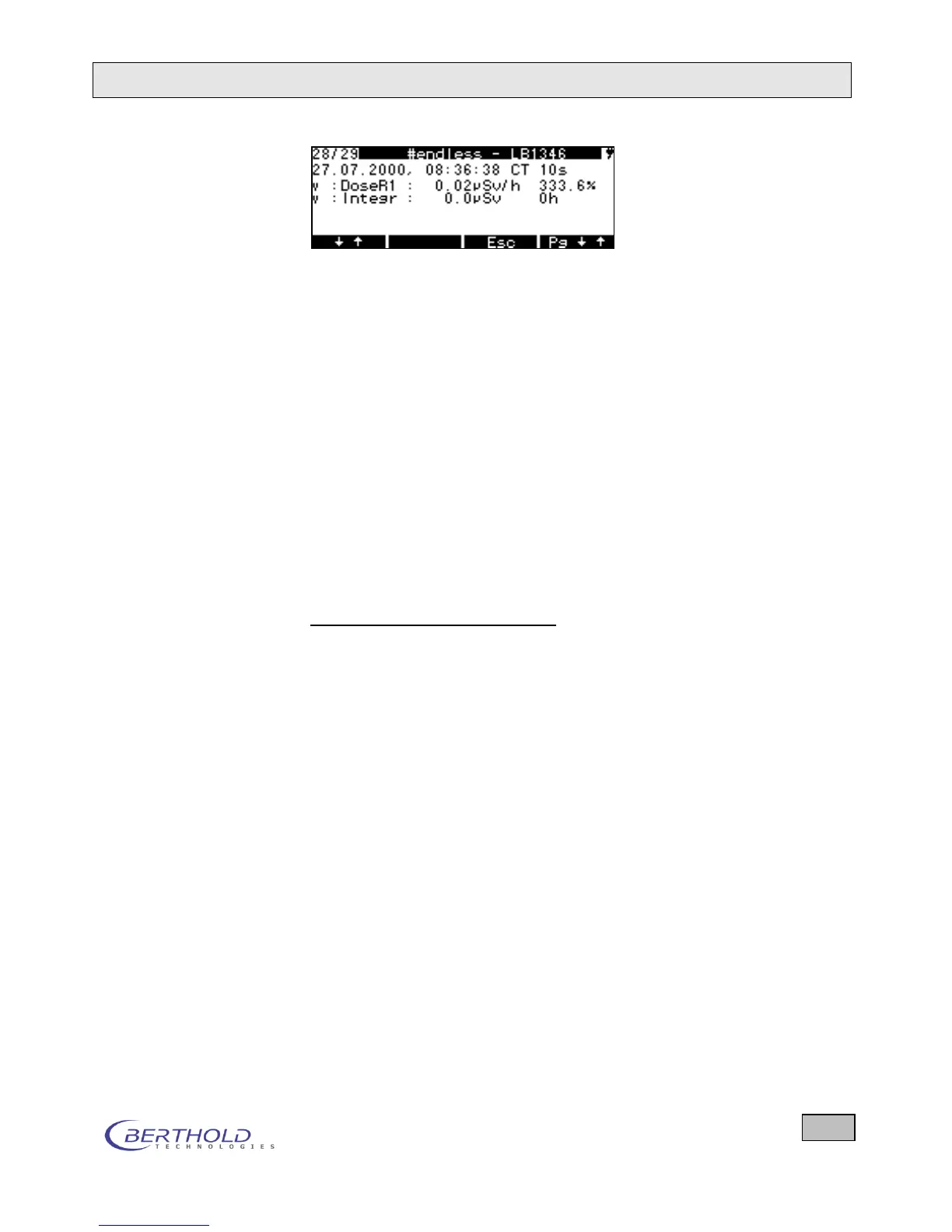
Memory contents of dose rate probe in Counter/Timer mode
Figure 6.21: Examples for Show Memory menu
To go to the desired results, you have the following options:
↓↑ key: short push: Next measurement
↓↑ key: long push: Back one measurement
Pg ↓ key: short push: Next page
Pg ↓↑ key: long push: Back one page
If you save a cyclical measurement, you will see in the first line,
for example, (# 2/3) of the current cycle / preset total cycles.
With two measuring channels, the integration time appears
twice, but is always the same size.
Delete Memory Clears the entire memory contents!
Memory USB Stick Writes the entire memory contents to the USB stick. The display
shows: Write data to USB stick successful.
Para USB Stick Writes all parameters to the USB stick. The display shows:
Write data to USB stick successful.
USB Stick Para Writes all parameters from the USB Stick to the LB134. The
display shows: Write data to Memory successful.
Display of memory contents
Example contamination
Line 1: No./Qty., Cycle N of M, LB-number
Line 2: Date, Time, RM/CT, Meas. time s
Line 3: Radiation type, Nuclide, Measured value1, Unit1, accuracy1 %
Line 4: Radiation type, Integral, I.value1, I.unit1, Integration time h
Line 5: Radiation type, Nuclide, Measured value2, Unit1, accuracy 2 %
Line 6: Radiation type, Integral, I.value2, I.unit2, Integration time h
Example dose rate
Line 1: No./Qty., Cycle N of M, LB-number
Line 2: Date, Time, RM/CT, Meas. time s
Line 3: Radiation type, Meas. type, Measured value, Unit, accuracy %
Line 4: Radiation type, Integral, I.value, I.unit, Integration time h









 To Next Page