CFX96 and CFX384 Systems Manual
67
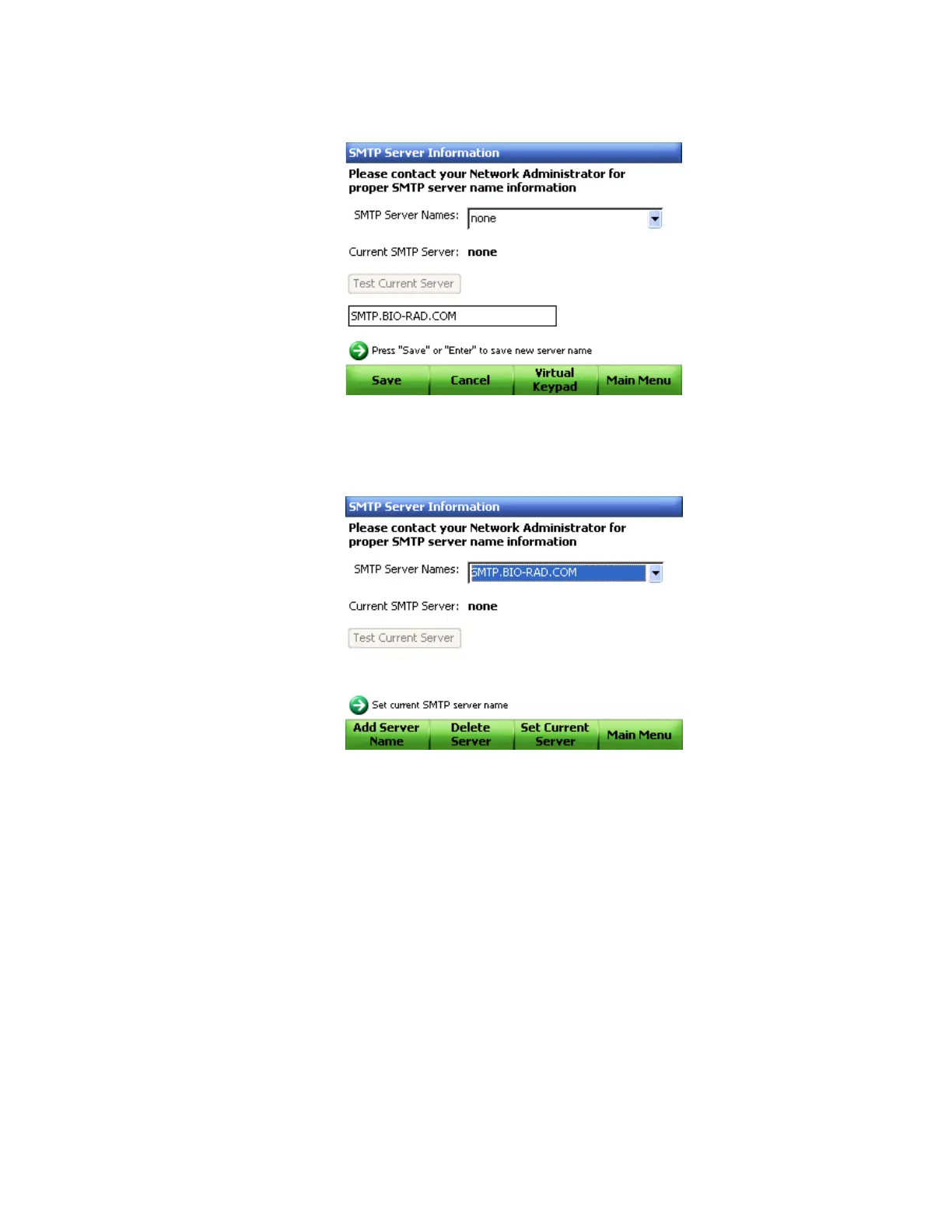
9. Click Save (F1) to save the name of the SMTP server (Figure 65).
Figure 65. Saving server name.
10.The added server name will appear in the SMTP Server Names pull-down menu, as
shown in Figure 66.
Figure 66. Added server name.
11.Select Set Current Server (F3) to set the current server to be used for email (Figure 66).



 To Next Page