26
4. P
ARALLEL SETTING
Press
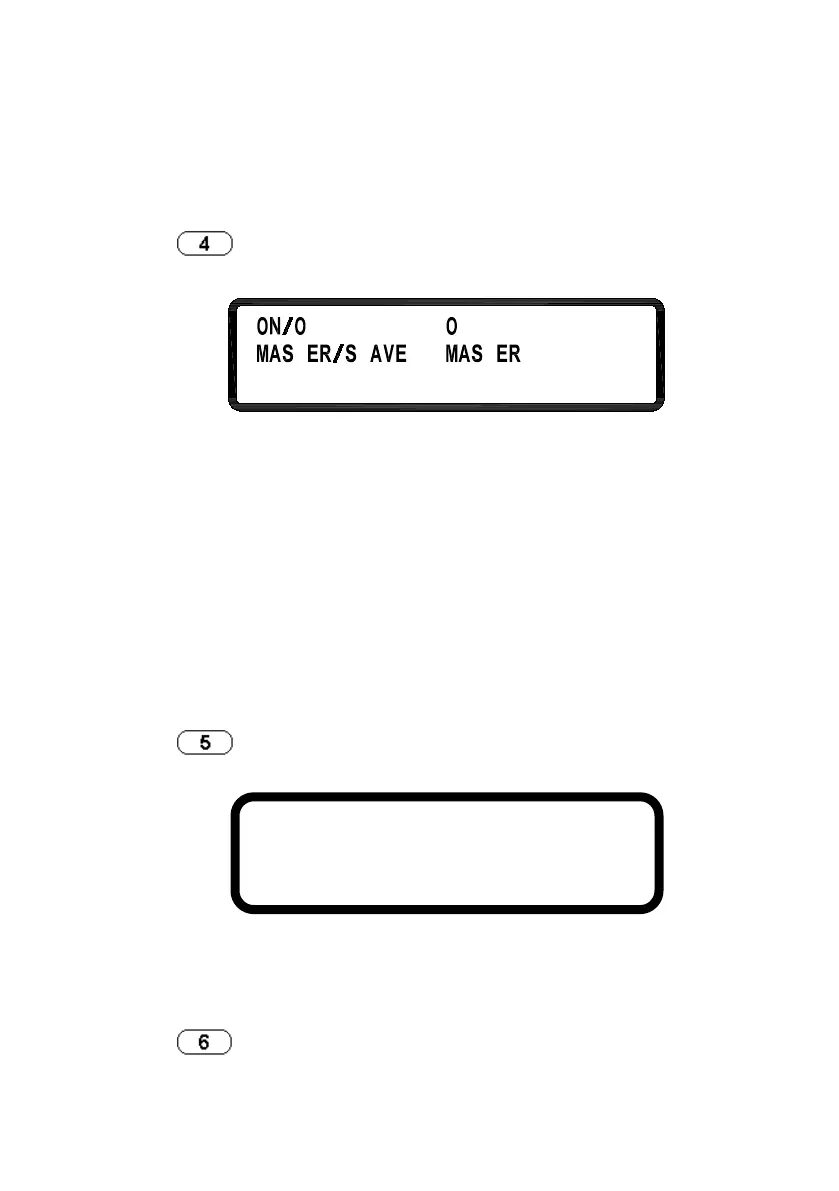
in the second screen of the menu to enter PARALLEL
menu.
ON/OFF:
Enables or disables the parallel
MASTER/SLAVE:
Refer to “Parallel Setting” section
the detailed setting procedure to use
Note: Up to four power supplies of the same models may be
connected in parallel.
5. I
NFORMATION
Press in the second screen of the menu to enter INFORMATION
screen.
6. SPECIAL TEST FUNCTION
Press
in the second screen of the menu to enter SPECIAL TEST
MODEL NAME : XLN30052
FRAME F/W VER. : 1 . 00
MODULE F/W VER. : M:1.0TD S:1.0TD












 To Next Page