27
FUNCTION menu.
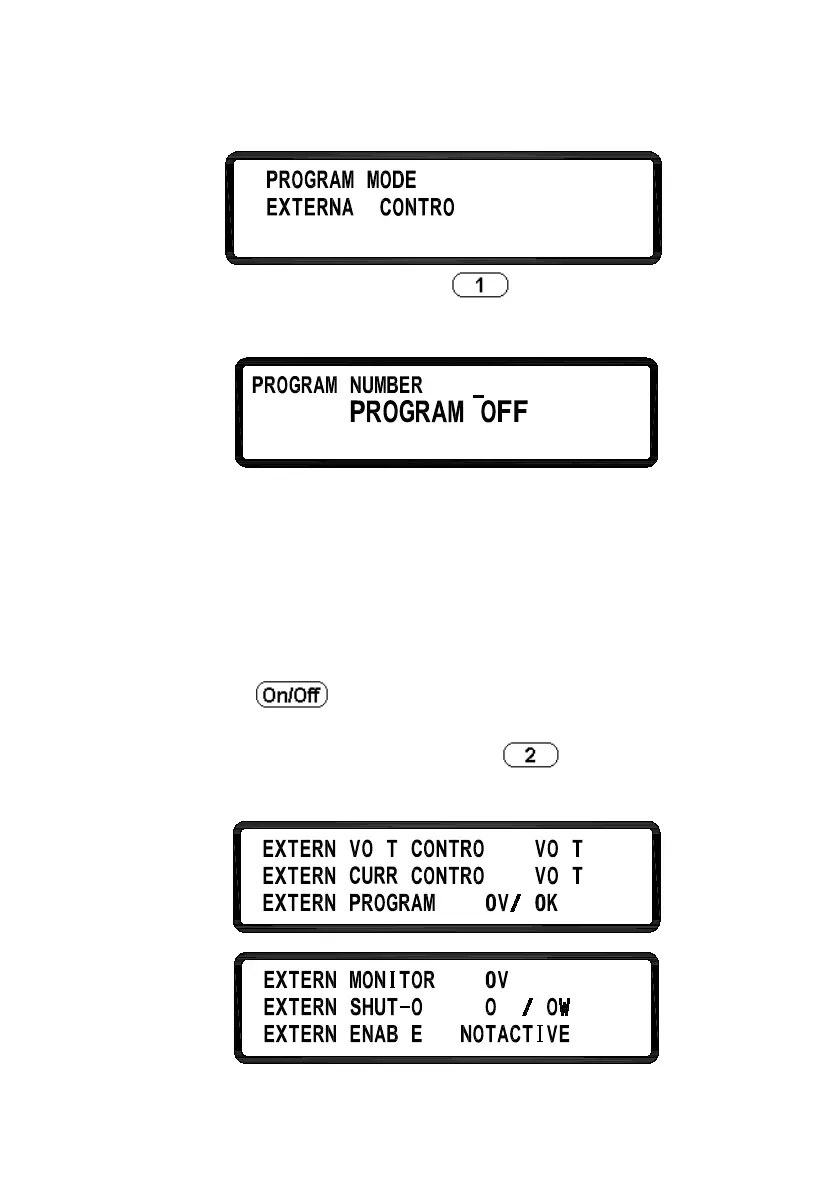
PROGRAM MODE: Press to enter the PROGRAM
MODE screen.
This mode allows the user to run list mode (sequences) that are
stored within the internal program mode memory. Prior to
using this function, the user needs to edit the list steps through
the USB or GPIB interface and load it into a program memory
location. Users can save up to 10 programs (program number 1
through 10) internally and recall them using this Program
Mode option by selecting the program number and then
pressing to execute the program.
EXTERNAL CONTROL: Press
to enter the
EXTERNAL CONTROL menu.












 To Next Page