136
BOCA PRO16 Reference Guide
COMMAND MEANING
#S Security Menu
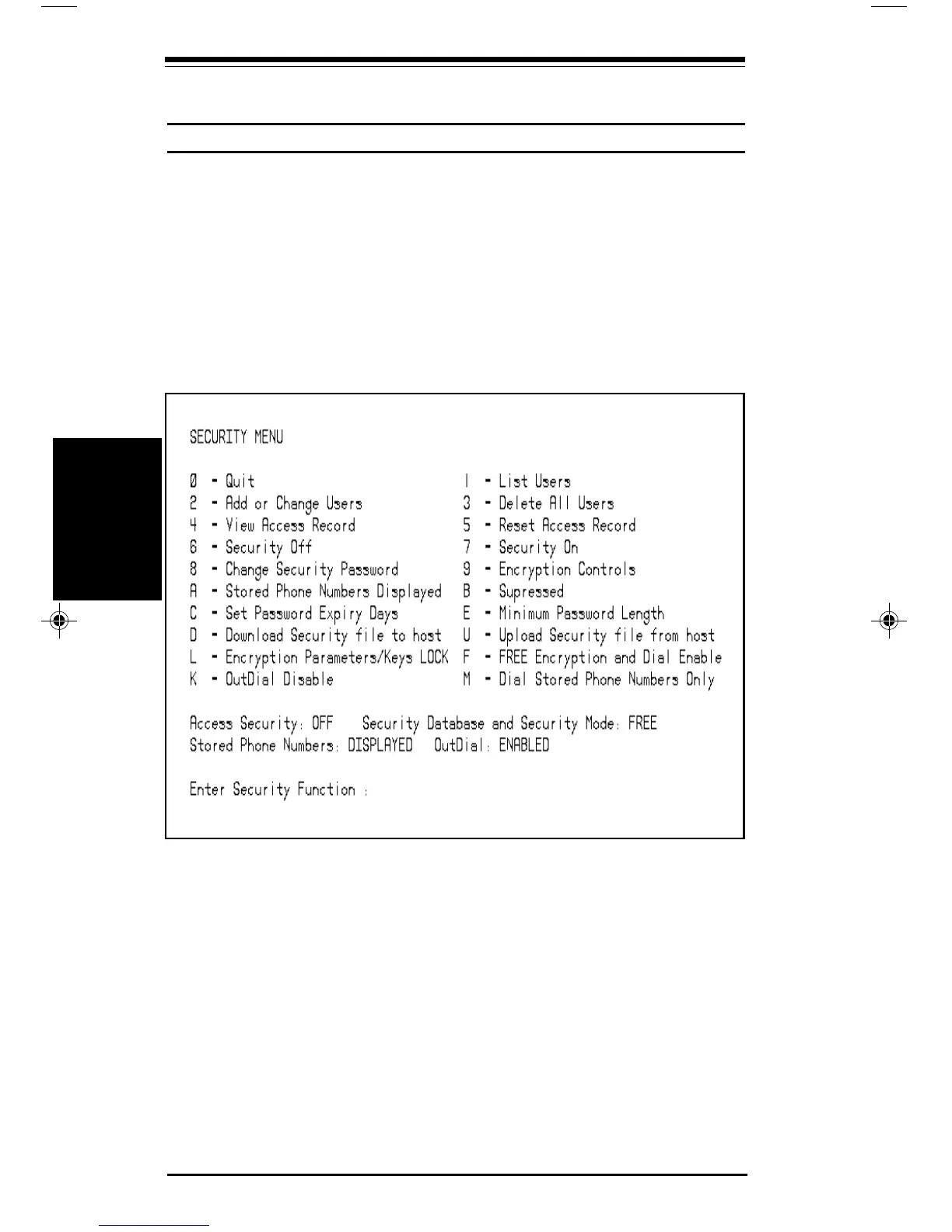
The #S command orders the modem to enter the Security Menu mode.
When the modem is in Security Menu mode, the Security Menu will be
displayed on your computer screen:
You’ll find details on the Security Menu and its use in the Security
Section of this guide.
Options
AT#S Display Security Menu
Command Descriptions
Command
Descriptions
pro16ref.pm6 6/14/96, 2:38 PM136



 To Next Page