22
BOCA PRO16 Reference Guide
FDo not start this test while you are connected to a remote modem.
The local analog loopback test will cause the modem to hang up.
To start the local analog loopback test:
• Type: AT\N0 <E>
This disables error correction.
•Type: AT&T1 <E>
• Type a few sentences
Your screen should display what you are typing. If your modem passes
the test:
• Type an escape sequence
You will be returned to local command state. Terminate the test by:
• Type: AT&T0 <E>
• Type: AT\N3 <E>
If you have set the test timer, the test will be terminate automatically. An
OK message will appear as soon as the timer expires.
FIf your modem does not pass this test — the message was corrupted
or there was no response from the modem at all — contact your dealer
for assistance.
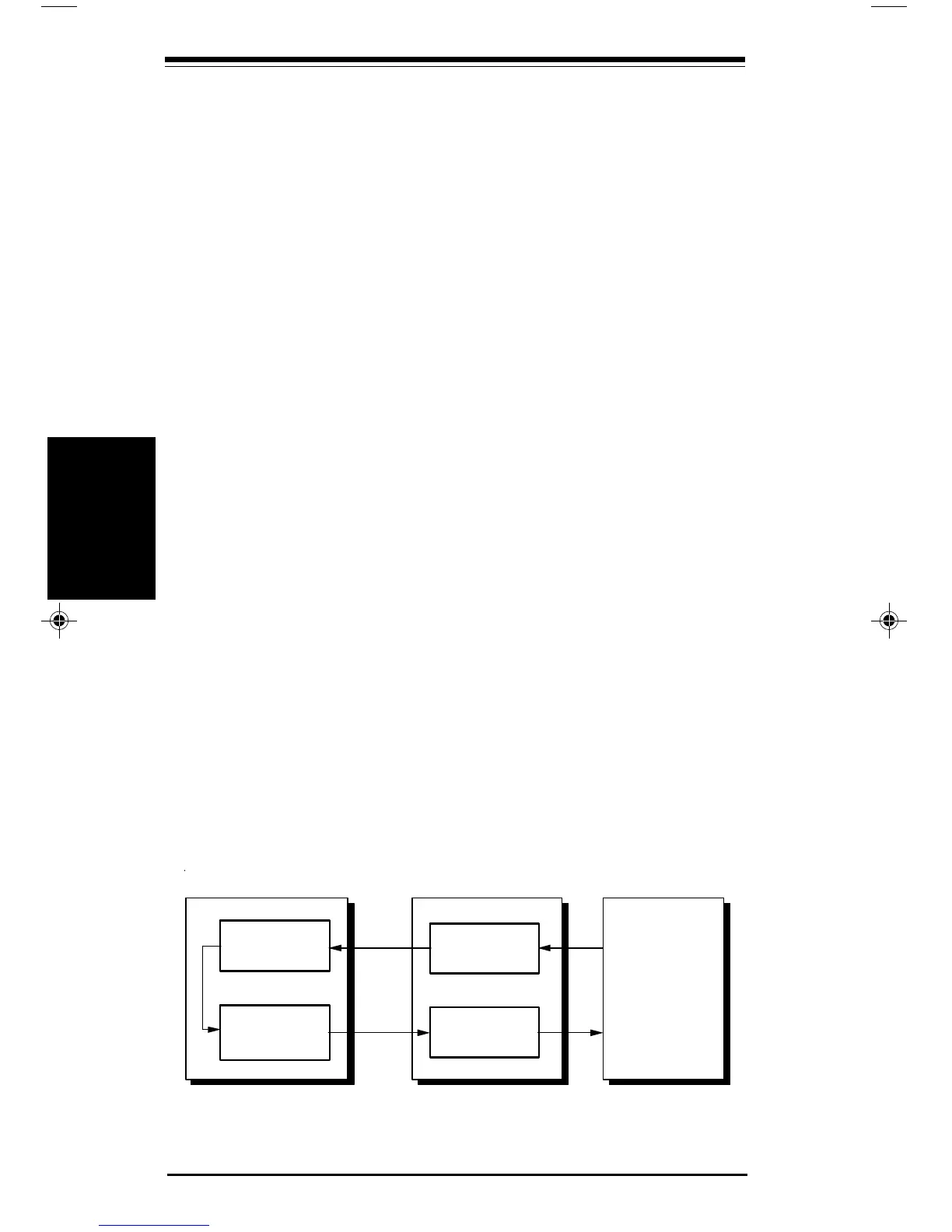
Local Digital Loopback Test: &T3
The local digital loopback test (LDL) allows a remote modem to test its
operation. This provides testing of modems which do not support the
local analog loopback or remote digital loopback tests.
FThis test is not available when V.21, V.23, V.32, Bell 103 or Bell
212A communication is selected. Error correction must be switched
off prior to starting the test.
Local Digital Loopback Test
ransmitter
eceiver
ompute
D
D
eceiver
ransmitter
Testing
Testing
pro16ref.pm6 6/14/96, 2:36 PM22



 To Next Page