36
BOCA PRO16 Reference Guide
Entering a Security Password
You may choose to have a dedicated security password, thus changing
the password assigned for the first security user. To enter a new security
password:
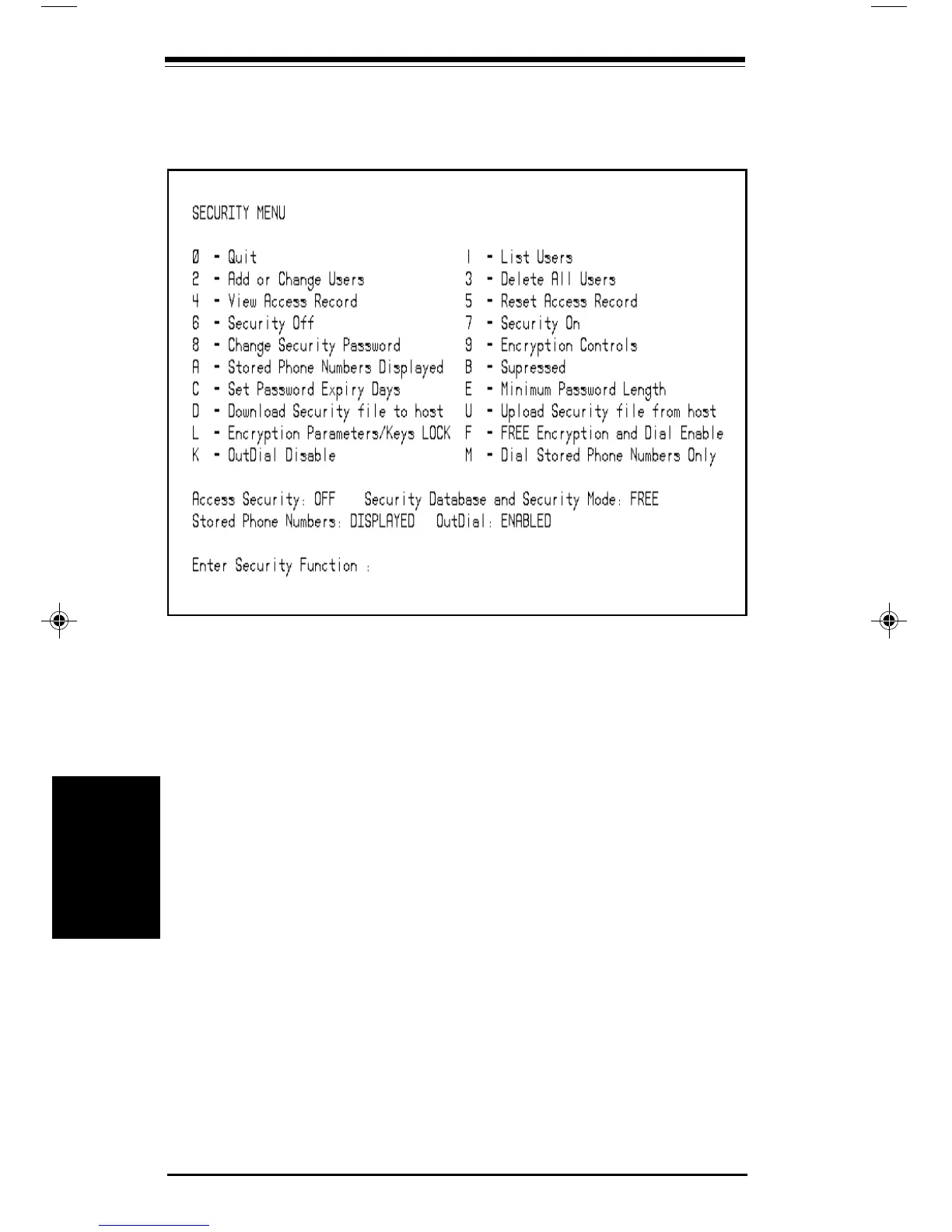
• Select Option 8 from the Security Menu <E>
You will be prompted to enter a new security password. Your modem
is case insensitive. Up to 8 characters may be used, including spaces.
When you enter your password, each character will appear on the screen
as a # character.
• Type in your new password <E>
You will be prompted to re-enter the new security password.
• Type in your new password again <E>
Your new password will be stored in your modem’s non-volatile
memory.
Security and Encryption
Security &
Encryption
pro16ref.pm6 6/14/96, 2:36 PM36



 To Next Page