33
BOCA PRO16 Reference Guide
Increasing Data Throughput with
Error Correction and Data Compression
Data throughput refers to the amount of data being transferred. Error
correction and data compression allow you to increase data throughput
in comparison to if error correction and data compression were not
selected.
To allow error correction and data compression to operate with the
highest possible throughput, the terminal speed of your modem (the
speed it communicates with your computer) must be higher than the line
speed (the speed it communicates with the remote modem).
The best way to operate with error correction and data compression is
to set your modem for a constant speed of 19,200 bps, 38,400 bps or
higher (set the terminal speed of your computer to 19,200 bps, 38,400 bps
or higher and issue the command AT\N3 to the modem) with flow
control. RTS/CTS flow control is the preferred form of flow control.
Your communications software must also be set to use the same type of
flow control.
In addition to the information in the Modem Reference Guide, the follow-
ing details are applicable specifically to the ProRack Modem.
The PRO16RK modem supports eight special CONNECT messages for
connections made with either reliable or auto-reliable modes.
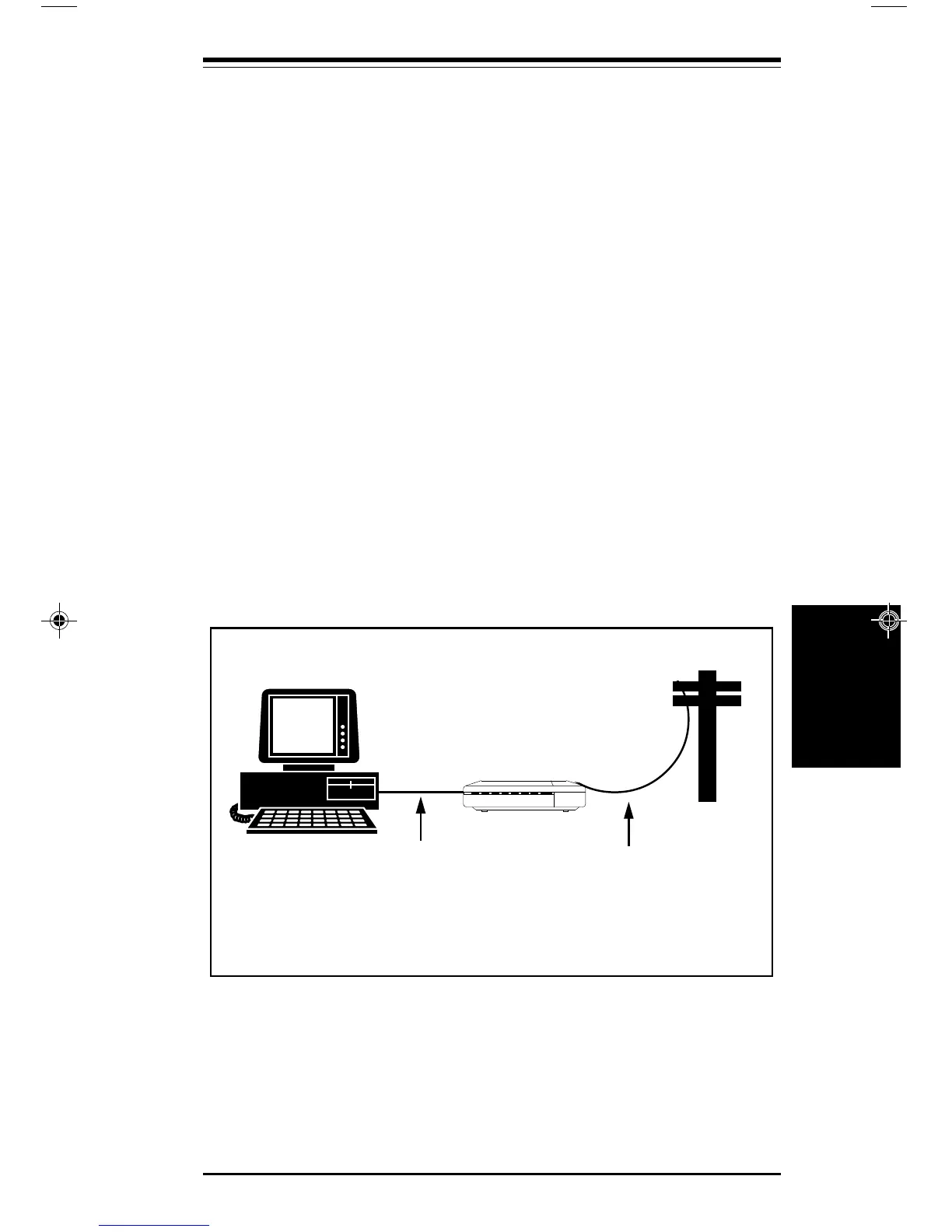
Your Computer
Modem
38400bps or 19200 bps
with flow control
9600bps
A typical setup to allow maximum throughput with a V.32 or V.32bis modem.
Command = ATB0\N3%C3 (or %C1) X4\V1&K3 (or &K4).
Error Correction
Error
Correction
pro16ref.pm6 6/14/96, 2:36 PM33



 To Next Page