58
BOCA PRO16 Reference Guide
FYou will require a special phone cable (available from your dealer) to
connect your modem to a leased-line socket. The phone cable supplied
with your modem is suitable for use with normal, dial-up, voice (PBX)
lines.
Before commencing leased-line communications, it is recommended
that a non-auto-ranging B setting be specified.
FIf error correction is required, select a Reliable mode, not an Auto-
Reliable mode. (See the \N command.)
Auto-ranging and fallback are disabled in leased-line mode. Your
modem will only attempt to connect using the communications stan-
dard specified by the B command and the terminal speed.
Once a connection has been established, if your modem detects a loss of
carrier it will continuously attempt to re-establish the connection.
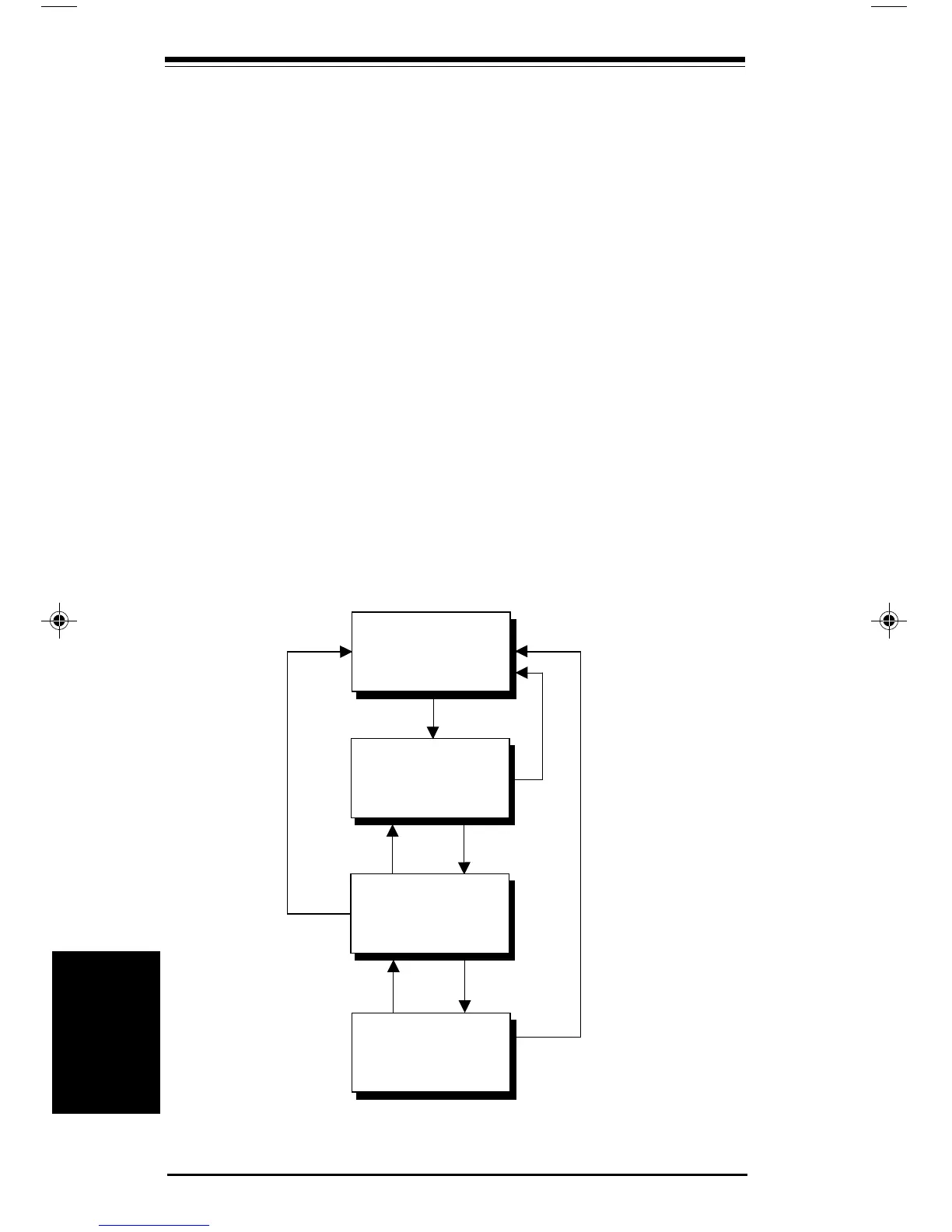
Smart Leased-Line Mode
Leased-line operation is available in both asynchronous and synchro-
nous mode 1.
Smart Leased-Line Mode (&L1)
Ansynchronous
Local Command
State
Attempt to
Establish
Connection
On-Line State
Off Hook
Asynchronous
Local Mode
ATH Issued or Carrier Lost - Async only
DTR Lowered (&D2) - Async only
DTR Lowered - Sync only
Key pressed
ATD or ATA
issued
Connection
established
Escape Sequence or
DTR lowered (&D1) -
Async mode
ATO issued -
Async only
Carrier lost
Synchronous Modes
Synchronous
Modes
pro16ref.pm6 6/14/96, 2:37 PM58



 To Next Page