207
BOCA PRO16 Reference Guide
Testing Your Modem
Your modem supports a number of tests which can be initiated using the
&T command. These tests check:
• the functioning of your modem
• the functioning of the phone line
• the functioning of the remote modem
• all the connections in between
Refer to the Testing Section of this Guide, as well as the description of the
&T command in the Command Description section of this Guide.
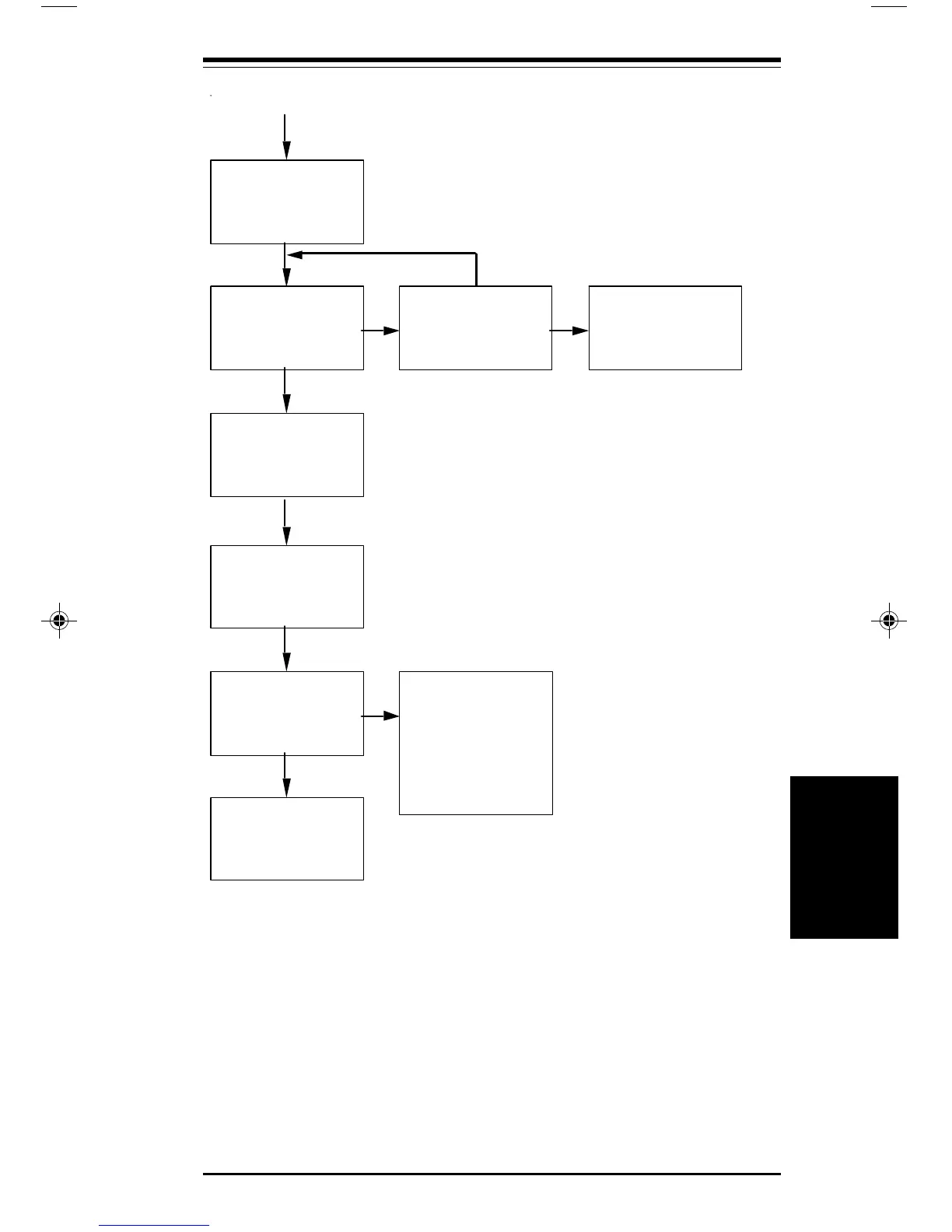
Check the terminal speed of
your communications
software and change it to the
required speed.
Type ATD and press
ENTER. The OH LED
should glow. Do you hear
a dial tone?
Check the connection of
the phone cable to your
modem and the phone
socket.
Press ENTER
Dial the phone number using
the ATD command.
Does the modem
connect?
Check service you are calling
for modem type, speed, etc.
Try another service.
Call your dealer
Continue with your
application.
NO
YES
YES
NO
YES
From Previous Page
Contact the supplier of
your phone line if you still
cannot hear
a dial tone.
Troubleshooting
Troubleshooting
pro16ref.pm6 6/14/96, 2:39 PM207



 To Next Page