206
BOCA PRO16 Reference Guide
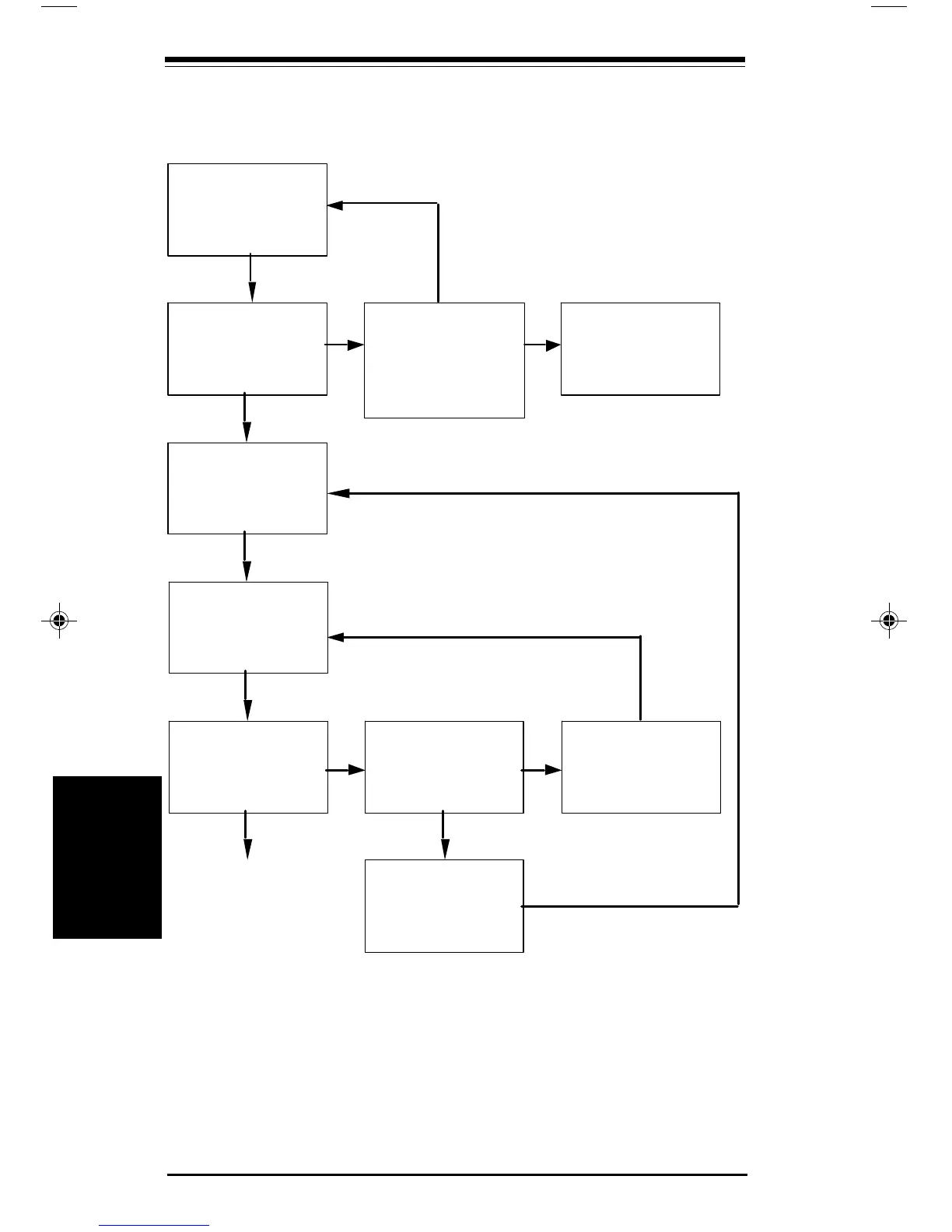
Switch the Modem On.
Are there LEDs lit on the
front panel or does the
modem make a beep-beep
sound?
Check All Connections.
Are the connections OK?
Is the power switched on?
Type ATI and
press ENTER
Does the modem
respond?
Do the TD and RD
LEDs flash when you
press a key?
Check the connection
of your modem cable
NO
YES
NO
YES
Go To Next Page
Connect the Modem to
your computer, the plug
pack and the phone line
See Installation section.
Call your Dealer.
NO
YES
Run your
Communications
Software and enter
terminal mode.
Carry out a factory
reset of your modem.
AT&F or by front
panel or power up
YES
Troubleshooting
Troubleshooting
Connect the Modem to your
computer, the power adapter,
and the phone line; see
Installation Guide.
pro16ref.pm6 6/14/96, 2:39 PM206



 To Next Page