54
BOCA PRO16 Reference Guide
Synchronous Mode 1 Originate and Answer Mode
Selecting Synchronous Mode 1
Synchronous mode 1 is selected with the &M1 command.
• Type: AT&M1 <E>
Your modem will enter synchronous mode whenever it successfully
connects to a remote modem.
You should also:
• Type: AT&D2 <E>
This allows hang up via your computer’s DTR signal.
FYour computer will not be able to hang up the modem if the DTR
Option Switch is in the DOWN position (DTR will always be asserted).
DTR must be lowered to make the modem hang up.
To return to asynchronous operation:
• Type: AT&M0 <E>
Dialing
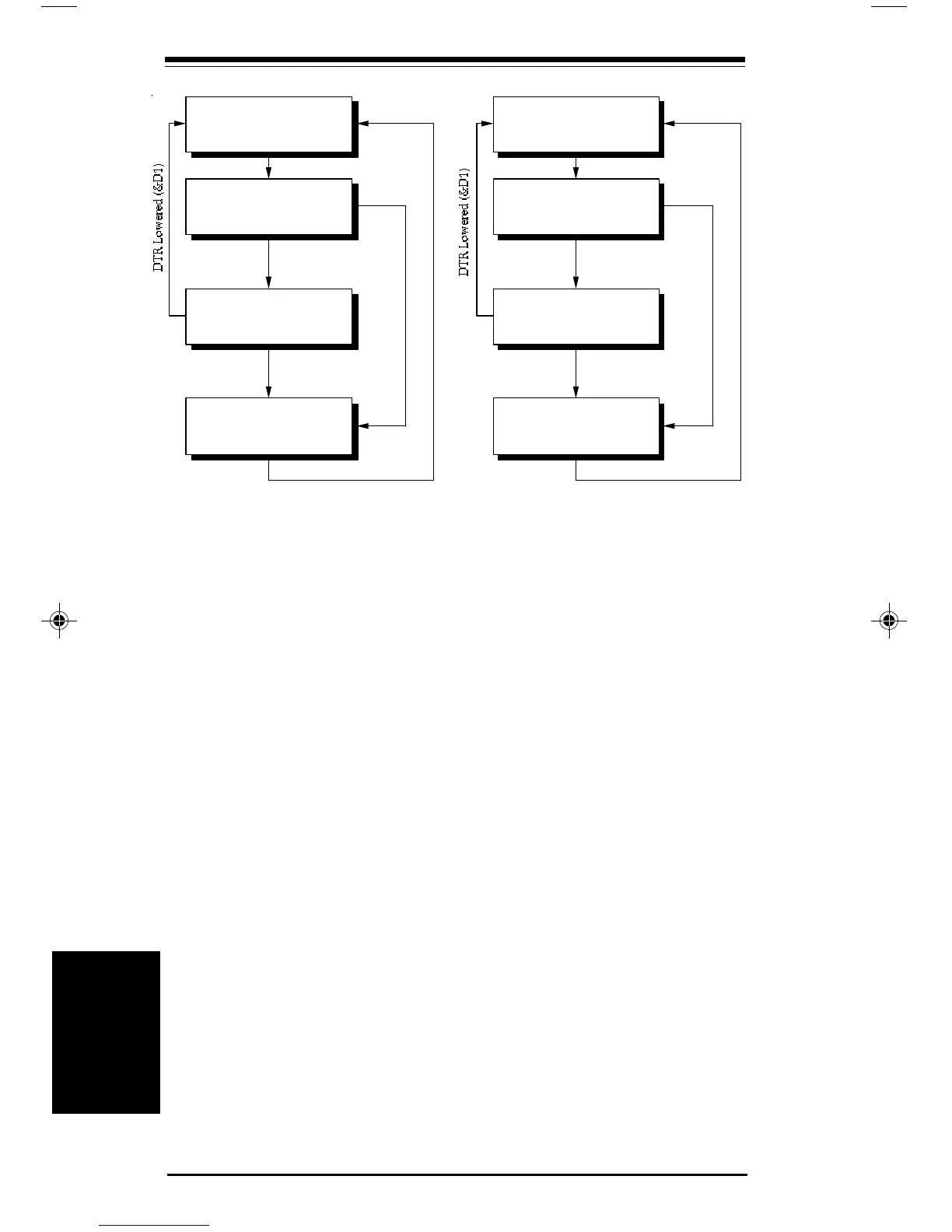
Your computer must be in asynchronous mode before dialing com-
mences. To begin dialing use the D command. Response codes sent to
the computer depend upon the settings of the X, V and Q commands. As
soon as a connection can be established, your modem will assert CTS and
enter synchronous on-line state. If connection cannot be made, your
modem will hang up and return to asynchronous local command state.
Asynchronous
ocal Command State
TD issued
TO issued
❏
❏
Synchronous
On-line State
onnection
stablished
TR Lowered (&D0,
D2) or Remote
arrier Lost
onnection
ailed
Asynchronous
ocal Command State
ncoming Call
TA issued
❏
❏
Synchronous
On-line State
onnection
stablished
onnection
ailed
TR Lowered (&D0,
D2) or Remote
arrier Lost
Synchronous Modes
Synchronous
Modes
pro16ref.pm6 6/14/96, 2:37 PM54



 To Next Page