56
BOCA PRO16 Reference Guide
The Sample Setups section of this manual details a common configura-
tion for synchronous mode 2.
Synchronous Mode 2 Originate and Answer Mode
Selecting Synchronous Mode 2
Synchronous mode 2 is selected with the &M2 command.
• Type: AT&M2 <E>
Your modem will enter synchronous mode whenever it successfully
connects to a remote modem.
You should also:
• Type: AT&D2 <E>
This allows you to dial and hang up.
To return to asynchronous mode:
• Type: AT&M0 <E>
Your modem will remain in asynchronous mode.
Dialing
Dialing will commence as soon as the DTR signal is asserted (an OFF-ON
transition occurs). Your modem will not generate response codes when
synchronous mode 2 is selected. All call progress is indicated by your
modem’s speaker (the M command controls the operation of your
modem’s speaker).
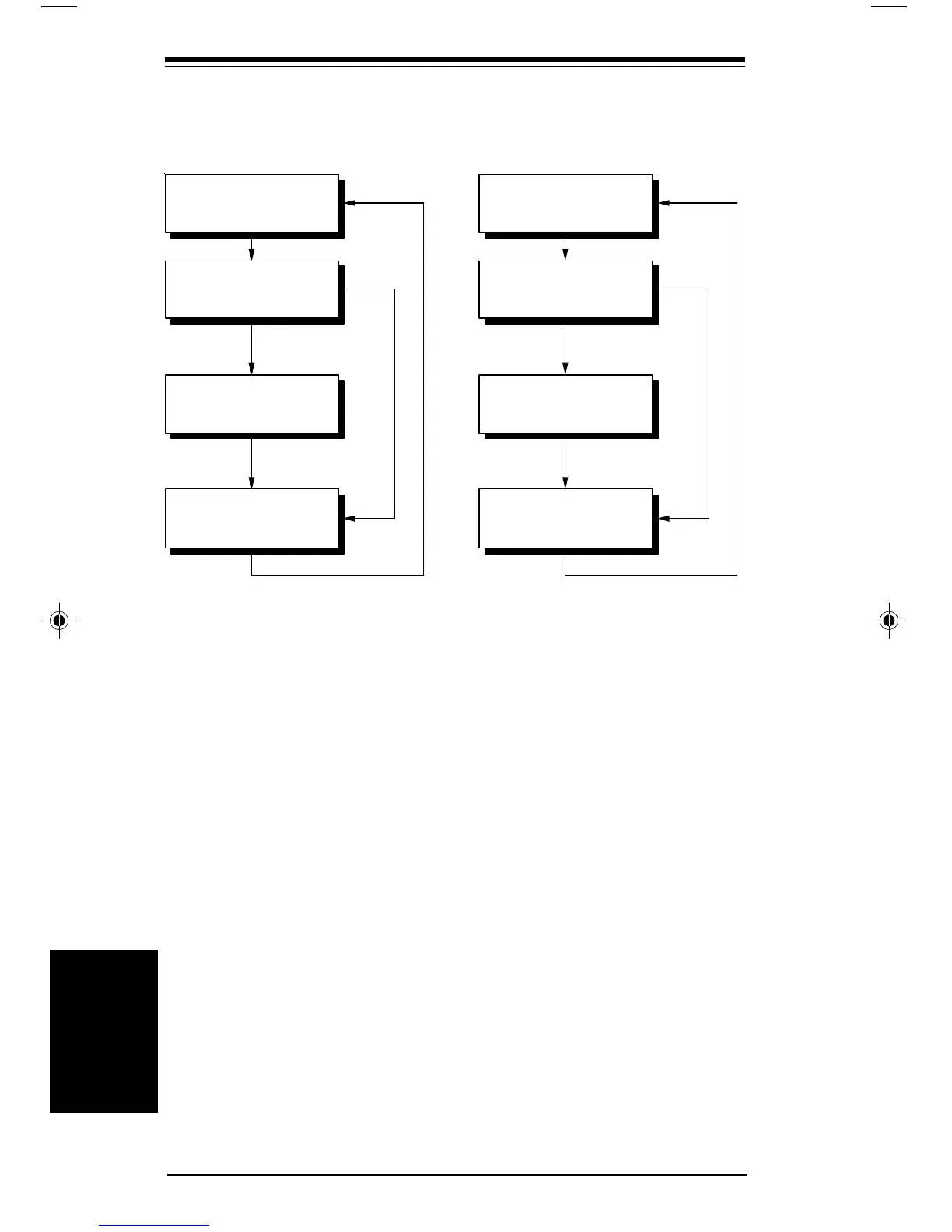
TR signal asserted
❏
Synchronous
On-line State
ang Up
onnection
stablished
TR Lowered or
emote Carrier Lost
onnection
ailed
TR
ow
Response Codes disabled)
Asynchronous Local
Command State
Synchronous
On-line State
ang Up
onnection
stablished
TR Lowered or
emote Carrier Lost
onnection
ailed
ncoming Call and
TR signal asserted
❏
TR
ow
Response Codes disabled)
Asynchronous Local
Command State
Synchronous Modes
Synchronous
Modes
pro16ref.pm6 6/14/96, 2:37 PM56



 To Next Page