25
BOCA PRO16 Reference Guide
Remote Digital Loopback With Self Test: &T7
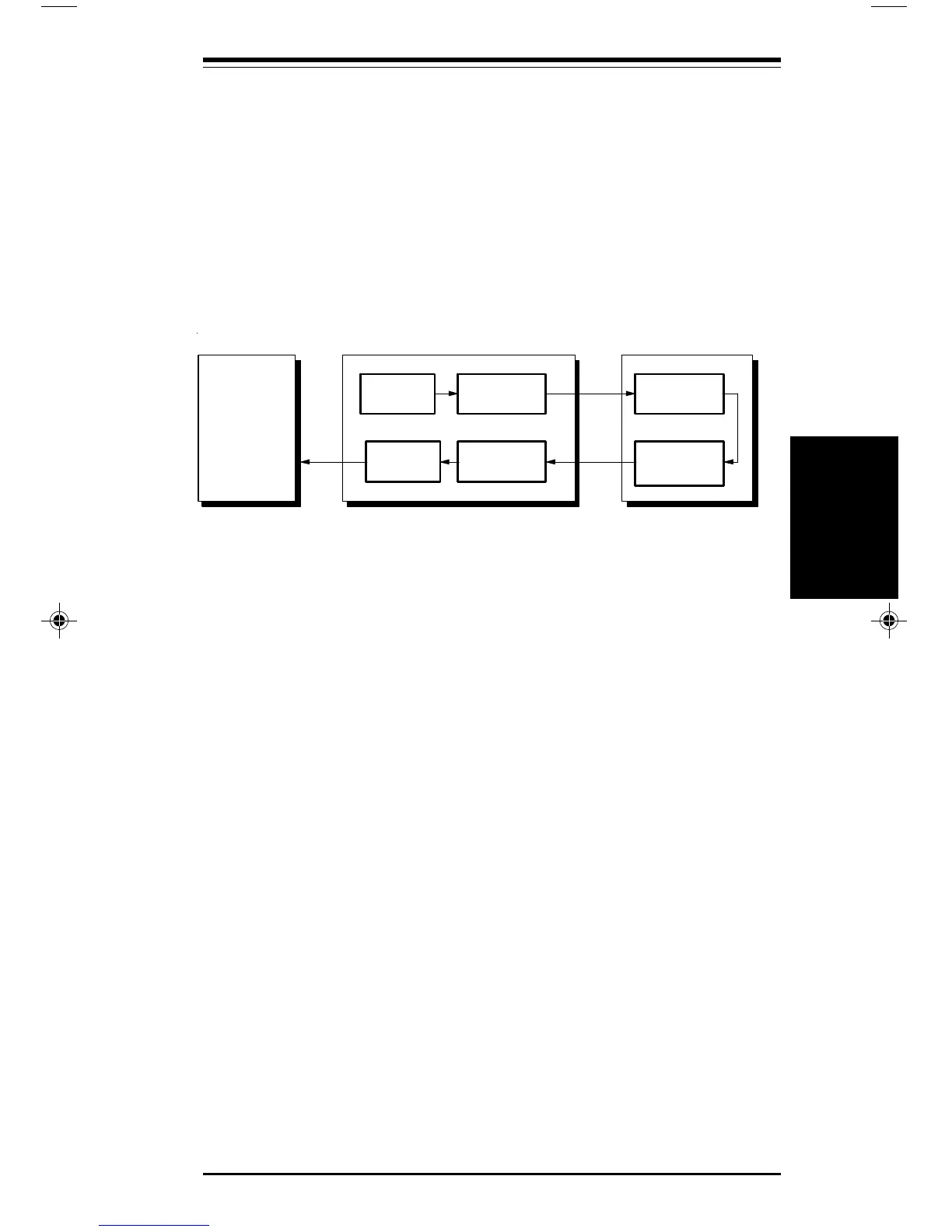
The remote digital loopback and self test is similar to a remote digital
loopback, except the modem performs all the testing for you.
FThis test is not available when V.21, V.23, V.32, Bell 103 or Bell 212A
communication is selected. Error correction must be switched off
prior to starting the test.
Remote Digital Loopback & Self Test
To begin an RDL with self test, you must be connected to a remote system
that supports RDL testing.
The modem’s test modes do not work if correction is switched on. Prior
to connecting to the remote modem, you must disable error correction:
• Type: AT\N0 <E>
Once you have connected to the remote modem:
• Type: +++
•Type: AT&T7 <E>
Your modem will begin to send a defined data pattern to the remote
system, which will loop the data back to your modem.
To terminate the rest:
• Type: +++
• Type: AT&T0 <E>
• Type: AT\N3 <E>
The number of errors detected by the modem will be displayed. An error
count of 255 indicates that 255 or more errors occurred during the test.
If you have set the test timer, the test will be automatically terminated,
and an OK message will appear when the timer expires.
ransmitter
eceiver
omputer
D
odem
Message
Injector
eceiver
ransmitter
emote Modem
Error
ounter
Testing
Testing
pro16ref.pm6 6/14/96, 2:36 PM25



 To Next Page