24
BOCA PRO16 Reference Guide
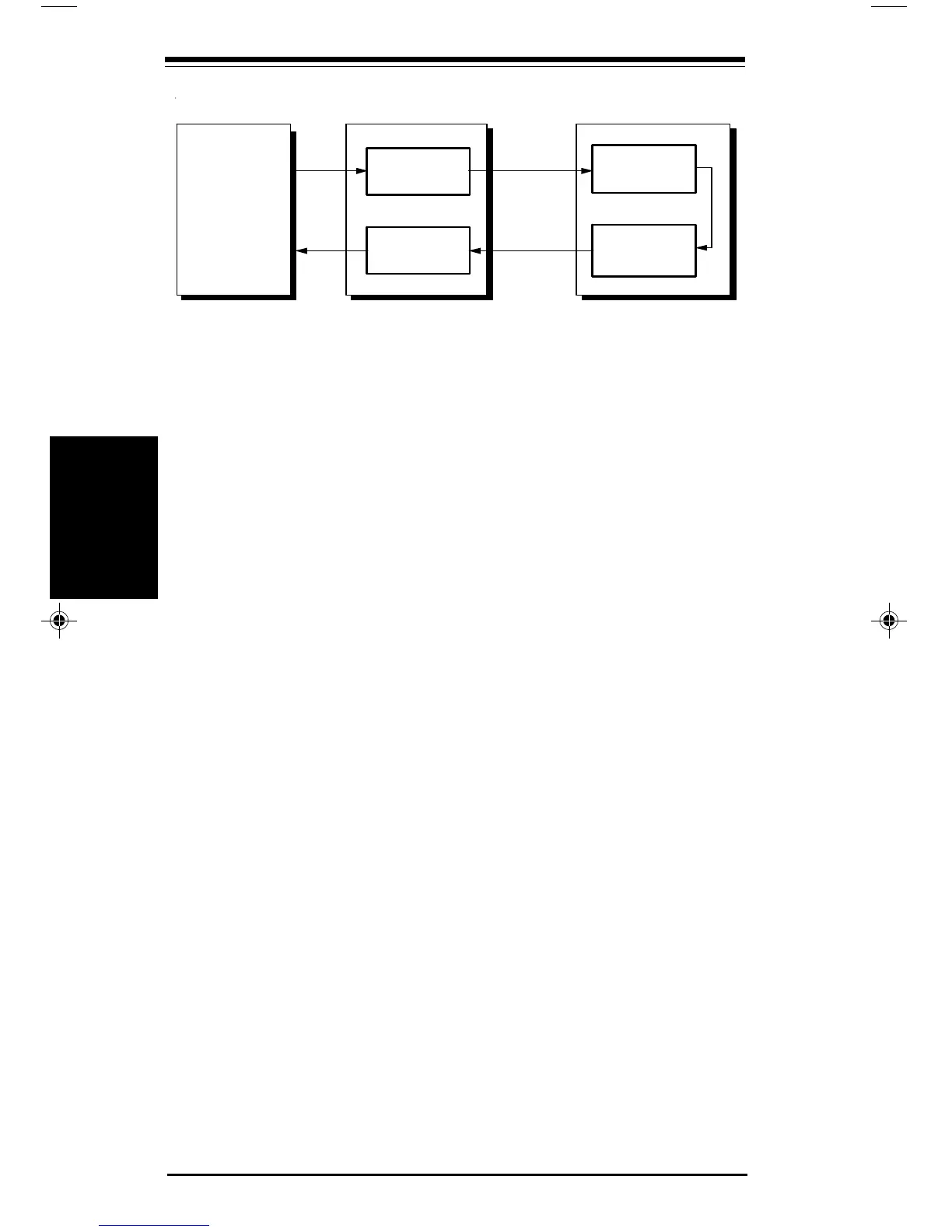
Remote Digital Loopback Test
To start an RDL you must be connected to a remote system that also
supports RDL testing.
The modem’s test modes do not work if error correction is switched on.
Prior to connecting to the remote modem, you must disable error
correction:
• Type: AT\N0 <E>
Once you have connected to the remote modem:
• Type: +++
• Type: AT&T6 <E>
• Type a few sentences to check that the remote modem is both receiving
and transmitting the characters correctly. Your screen should display
what is being typed.
To terminate the test:
• Type an escape sequence
The test will be terminated and you will be returned to local command
state.
• Type: AT&T0 <E>
An OK message will appear.
If you have set the test timer, the test will be automatically terminate, and
an OK message will appear when the timer expires.
FIf only a few characters are corrupted, you can probably blame
telephone line noise. If the majority of the test you are receiving is
corrupted, either the remote system or your modem is to blame.
Perform a local analog loopback test to check the operation of your
modem.
ransmitter
eceiver
ransmitter
eceiver
D
D
Testing
Testing
pro16ref.pm6 6/14/96, 2:36 PM24



 To Next Page