CAUTION!
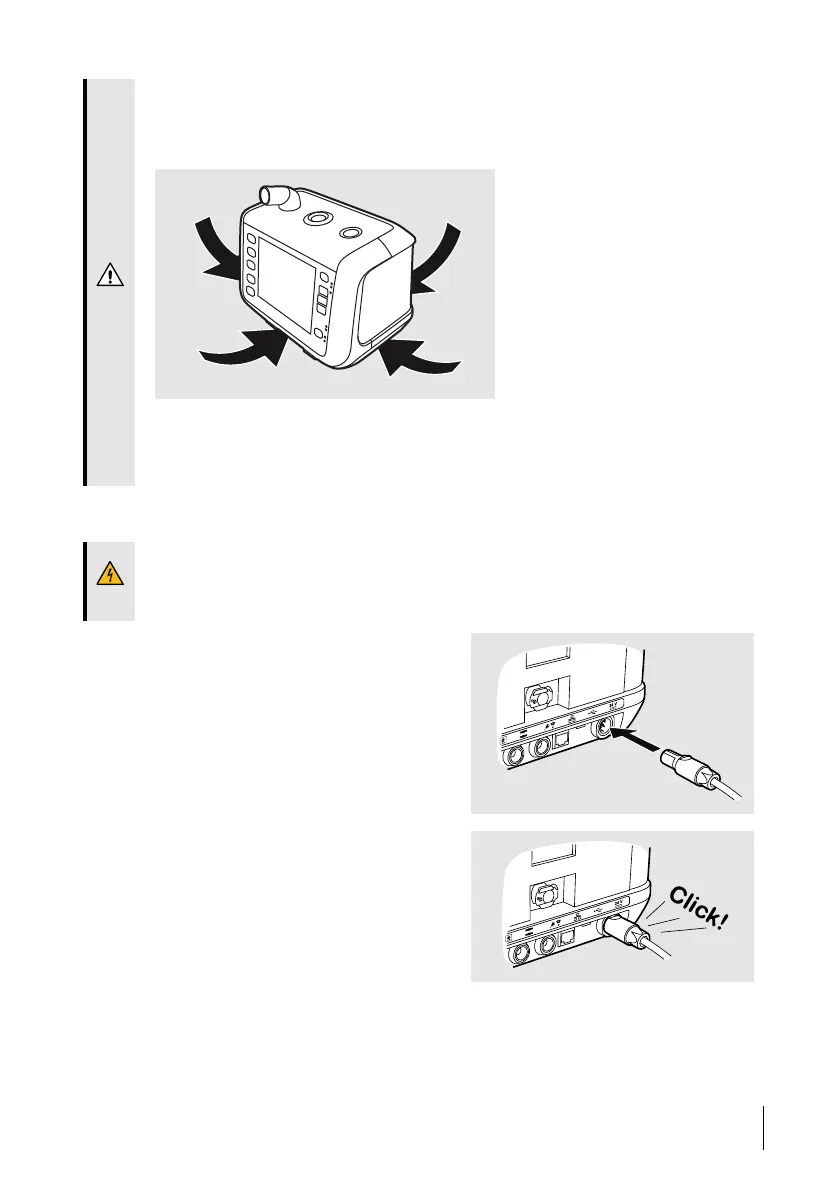
• Do not place the Nippy 4 on a soft surface that will prevent the air flow under-
neath the device.
Never cover the device.
• Always position the Nippy 4 so the power supply lays on a surface without strain
to the power cord. The power supply shall be easy to disconnect, if required to iso-
late the Nippy 4 from the mains.
4.3 Connecting the Nippy 4 to Mains
WARNING!
Read 2.2 Electrical Safety, page 16 carefully to make sure all conditions are considered and
met.
1 Plug the power supply into the power
inlet of the Nippy 4.
2 Make sure a clicking sound is heard to
ensure the power supply is completely
inserted.
Preparing the Nippy 4 for Use
37
Doc. 006553 M-6 User Manual



 To Next Page