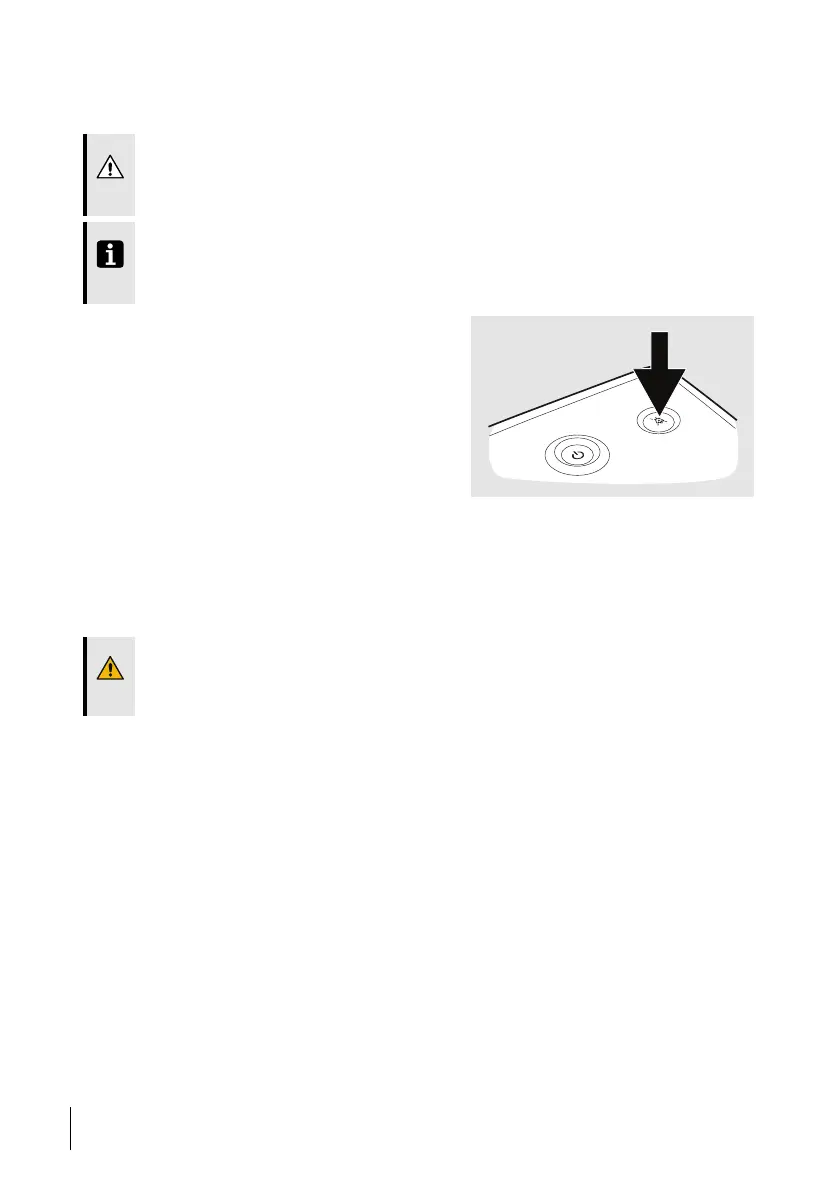
6.1.3 Audible Signal Presilence
The audible signal can be turned off for the coming 2 minutes.
CAUTION!
During the presilence period, any new alarms will only be indicated by the visual signals,
the audible signal will not be activated.
NOTE
Power Failure and Function Failure alarms are not affected by presilence and, if triggered,
will sound during the presilence period.
1 Press and hold the Audio Pause button
for about 3 seconds.
⇒A confirmation request is displayed.
2 Press OK to confirm.
6.1.4 Alarm Reset
An alarm will automatically be reset once the cause of the alarm has been corrected.
In the alarm descriptions, read the Possible cause information and perform corrective actions,
if applicable.
WARNING!
If an alarm condition cannot be corrected, discontinue use and refer the ventilator for
service.
6.2 Operator’s Position
To receive the audible part of an alarm, the operator’s position should be within audible
range from the ventilator, depending on the set audible alarm level.
To receive the visual part of an alarm and its priority, the operator’s position should be
within a distance of 4 metres (13 feet) from the ventilator, and within an angle of 30° to the
normal of the ventilator display.
6.3 Physiological Alarms
The ventilator only enables the alarms that are relevant for the used treatment. If changing
modes or treatment settings, review the alarm settings.
80
Alarms
User Manual
Doc. 006553 M-6



 To Next Page