How to test the External DC (“alternative Supply Mains”):
The switch-over to external DC can be tested by disconnecting the AC power cord while
having an external DC source connected, and confirming the behaviour described below
is observed.
• External DC power source LED will be illuminated
• Medium priority “Lost Mains Power” alarm will be triggered
• Information message “Switched to External DC” will be posted
5.11.2 Charging the Batteries
CAUTION!
Do not charge the ventilator while placed in the carry bag or other types of closed or
non-ventilated spaces.
Charging of batteries is only started when the state of charge is below 95%.
The internal and click-in batteries are automatically charged when connecting the Nippy 4 to
the mains supply. To ensure that the batteries are fully charged, a maintaining charging cycle
will be performed.
The batteries are not charged when connecting the Nippy 4 to an external DC supply. While
charging, the battery level will be animated. The batteries are only charged if the internal
temperatures are between 0 to 45°C (32 to 113°F). High power consuming settings in com-
bination with high ambient temperatures may make the battery temperature rise above 45°C
(113°F).
Behaviour of the Ventilator while Internal Battery or Click-in Battery is
Charging
The battery icon will be animated (filling from bottom to top).
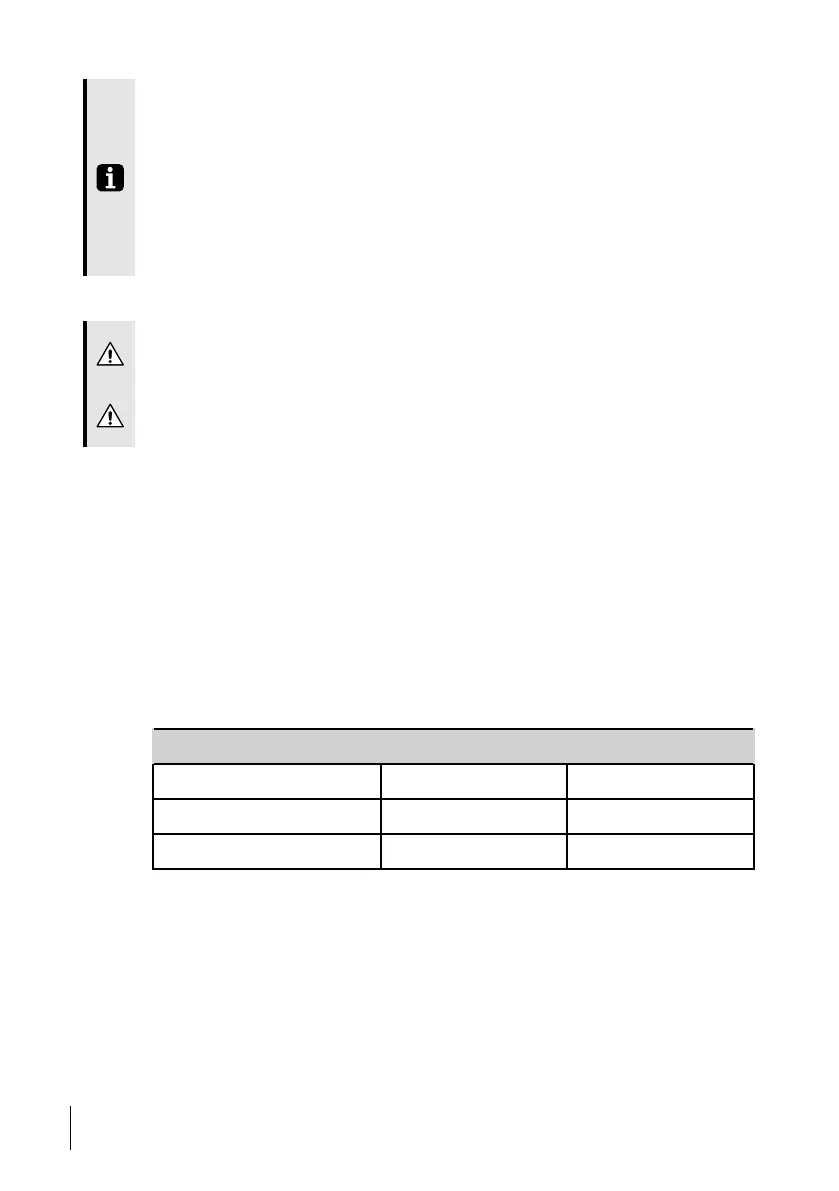
Charging Times
Battery Charger Time
Internal battery Nippy 4 2 h
Click-in battery
Nippy 4 4 h
Click-in battery Click-in battery charger 3 h
Times are based on charging empty batteries.
5.11.3 Battery Icons
When running on battery, the battery status is indicated by the following symbols:
62
How to Use the Nippy 4
User Manual
Doc. 006553 M-6



 To Next Page